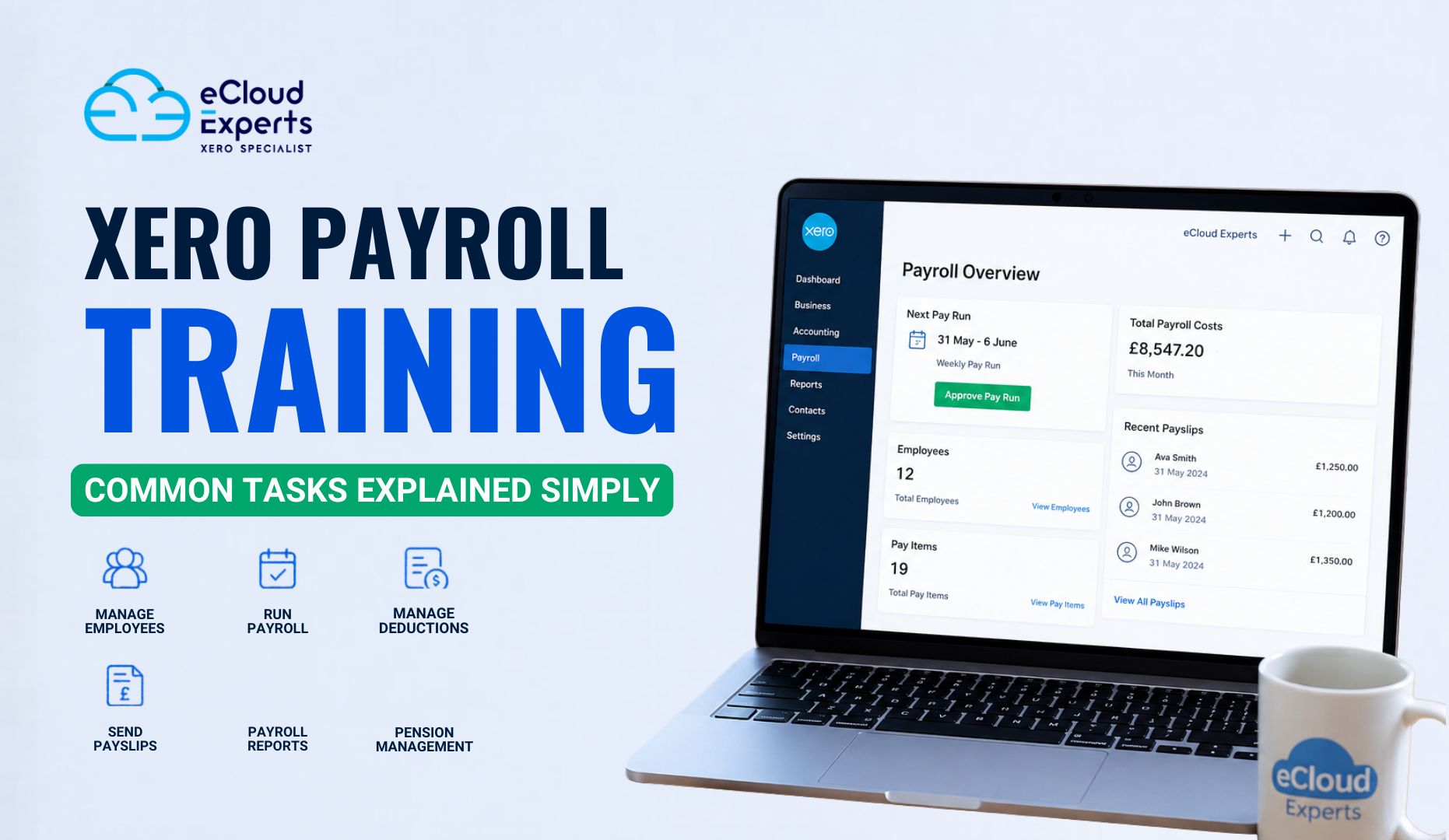
Payroll can quickly become one of the most stressful parts of running a business. One small mistake can lead to late payments, confused employees, or reporting problems. That is why more businesses are investing time in Xero payroll training before payroll issues start piling up.
The good news is that Xero payroll is not difficult once you understand the basics. Many payroll tasks follow the same process each pay cycle. Once you learn how the system works, managing payroll becomes much easier and far less time consuming.
In this guide, we will explain common payroll tasks in simple language. Whether you are a business owner, bookkeeper, or payroll beginner, this blog will help you understand how Xero payroll works and how proper Xero payroll training can make daily payroll management much smoother.
What Is Xero Payroll Training?
Many people think payroll training is only for accountants. That is not true anymore. Small business owners, admin staff, and managers now handle payroll themselves using cloud software like Xero.
Xero payroll training teaches users how to:
• Set up employees correctly
• Process payroll runs
• Manage taxes and pension deductions
• Approve timesheets and leave requests
• Generate payslips and reports
• Avoid payroll mistakes
Good Xero payroll training focuses on practical tasks instead of technical jargon. The goal is simple. Help users feel confident using the software daily.
Businesses often choose Xero payroll because it connects payroll with accounting in one system. This helps reduce duplicate work and keeps financial records updated automatically.
However, without proper training, users can still make setup errors that create problems later.
That is why learning the right process from the start matters.
Why Businesses Are Switching to Xero Payroll
Payroll used to involve spreadsheets, printed payslips, and manual calculations. That approach creates unnecessary risk.
Today, businesses want payroll software that is easier to manage remotely and updates automatically.
Xero payroll helps businesses:
• Store payroll records securely online
• Process payroll faster
• Reduce manual calculations
• Manage employee leave
• Generate reports instantly
• Keep payroll connected with bookkeeping
Another major reason businesses choose Xero payroll training is confidence. Staff feel less stressed when they understand what they are doing.
A trained payroll user can often spot errors before payroll is processed. That saves businesses time and money.
How Xero Payroll Works
Many businesses start using payroll software without fully understanding the workflow. That often creates confusion later.
Xero payroll works by bringing employee records, pay runs, deductions, and reporting into one cloud based system.
Once everything is configured properly, most payroll tasks become repetitive and easier to manage.
A standard Xero payroll process usually includes:
• Adding employees
• Setting salaries or hourly rates
• Managing leave requests
• Running payroll
• Reviewing deductions
• Sending payslips
• Creating payroll reports
Because everything is stored online, users can access payroll information from different locations. This is especially useful for remote teams and businesses with multiple managers.
Setting Up Employees in Xero Payroll
This is one of the first tasks covered in Xero payroll training. It is also one of the most important.
If employee information is incorrect at the setup stage, payroll errors will continue every pay cycle.
When adding employees into Xero payroll, you usually need:
• Full legal name
• Address details
• Tax information
• Payment method
• Salary or hourly rate
• Pension details
• Start date
Many beginners rush through this process. Later, they discover tax settings or payment details are wrong.
That creates unnecessary corrections.
A proper Xero payroll course teaches users how to check every detail carefully before activating employees.
Tips for Better Employee Setup
• Double check tax codes before saving
• Confirm pension eligibility
• Use clear employee names
• Verify bank details carefully
• Review salary frequency settings
Taking extra time during setup prevents larger payroll problems later.
Understanding Payroll Calendars and Pay Schedules
One area many beginners overlook is payroll scheduling.
Businesses may pay staff:
• Weekly
• Bi weekly
• Fortnightly
• Monthly
Each payroll schedule affects reporting dates and payment timing.
During Xero payroll training, users learn how to configure payroll calendars correctly to avoid missed pay runs or duplicate processing.
Incorrect pay schedules can create serious confusion for employees. That is why businesses should set these rules carefully before processing payroll.
Payroll calendars also help businesses stay organised throughout the year.
How to Add Pay Items and Salary Details
Once employees are added, payroll settings must match how staff are paid.
This includes:
• Basic salary
• Hourly wages
• Bonuses
• Overtime
• Commission
• Deductions
• Reimbursements
This part of Xero payroll training is important because businesses often pay employees differently.
For example:
A retail business may pay hourly wages plus overtime.
A consultancy business may pay fixed salaries monthly.
A construction company may use varying pay rates.
Xero payroll allows businesses to create custom pay items that match their payroll structure.
Without training, many users apply incorrect pay items. That can affect reporting and tax calculations.
Learning how pay items work helps payroll stay accurate and organised.
Running Payroll in Xero Step by Step
This is the task most people worry about. The good news is that running payroll becomes very straightforward once the system is configured properly.
Most Xero payroll training sessions focus heavily on payroll processing because it is the core task users perform regularly.
Here is a simple payroll process:
Step 1: Review Employee Hours
Check:
• Timesheets
• Overtime
• Leave requests
• Bonuses or adjustments
Always review information before processing payroll.
Step 2: Open the Payroll Run
In Xero payroll, select the pay period you want to process.
You can usually preview employee payments before finalising payroll.
Step 3: Review Calculations
Check:
• Gross pay
• Tax deductions
• Pension contributions
• Net pay
Even automated systems need human review.
Step 4: Approve Payroll
Once everything looks correct, approve the payroll run.
Payslips can then be generated automatically.
Step 5: Process Payments
Businesses can either:
• Export payment files
• Use bank integrations
• Make manual transfers
Good Xero payroll software training teaches users how to handle exceptions during payroll runs too.
For example:
• Sick leave
• Backdated pay
• Employee termination
• Holiday adjustments
These situations are where beginners often struggle without guidance.
Managing Leave and Holiday Pay
Leave management causes confusion for many businesses.
Employees may request:
• Annual leave
• Sick leave
• Maternity leave
• Unpaid leave
Xero payroll includes leave tracking features that help businesses manage balances automatically.
However, users still need proper training to understand:
• Leave accrual rules
• Holiday pay calculations
• Carry forward balances
• Public holiday handling
One common mistake happens when businesses forget to update leave settings after changing employee contracts.
That can create incorrect leave balances.
A strong Xero payroll training programme explains how leave works clearly using real examples.
Managing Payroll Reports With Confidence
Payroll reporting becomes much easier once users understand where to find the right information.
Many businesses only use basic payroll summaries and ignore valuable reporting tools inside Xero.
Xero payroll reports can help businesses track:
• Staff costs
• Tax liabilities
• Pension contributions
• Leave balances
• Payroll history
• Payment records
Reports also help businesses prepare for audits and year end reviews.
Good Xero payroll training teaches users how to read reports properly instead of simply generating them.
Understanding payroll data helps businesses make smarter financial decisions.
Understanding Pension and Deductions
Pension settings are another area where businesses often need help.
Many payroll users worry they will apply incorrect deductions. That fear is understandable because pension rules can feel confusing at first.
Xero payroll training helps simplify this process.
Users learn how to:
• Set pension contribution rates
• Apply employer contributions
• Handle employee opt outs
• Process deductions correctly
Other deductions may include:
• Student loans
• Salary sacrifice
• Child support
• Loan repayments
Incorrect deduction settings can affect employee trust quickly.
Nobody wants payroll disputes.
That is why businesses benefit from proper payroll education before handling live payroll.
Sending Payslips and Payroll Reports
Employees expect payslips to arrive accurately and on time.
Xero payroll allows businesses to generate digital payslips automatically.
This saves a huge amount of manual work.
Businesses can also create reports for:
• Payroll summaries
• Pension contributions
• Employee earnings
• Tax reporting
• Leave balances
One benefit of learning Xero payroll properly is understanding which reports matter most.
Many beginners feel overwhelmed because there are multiple reporting options.
Good Xero payroll help focuses on practical reporting instead of unnecessary complexity.
Common Xero Payroll Mistakes Beginners Make
Even good software cannot prevent every mistake.
Here are some common payroll errors beginners make before completing Xero payroll training.
Incorrect Employee Setup
Wrong tax codes or payment settings create payroll issues every month.
Skipping Payroll Reviews
Some users trust automation too much and approve payroll without checking calculations.
Poor Leave Management
Incorrect leave balances create confusion for employees later.
Missing Payroll Deadlines
Late payroll processing affects employee confidence and business reputation.
Incorrect Pension Settings
This is one of the biggest risks for inexperienced payroll users.
Forgetting Software Updates
Payroll rules can change. Businesses should stay updated regularly.
The good news is that most of these mistakes are preventable with proper training.
How Xero Payroll Training Saves Businesses Time
Many businesses delay payroll training because they think they are saving money.
In reality, poor payroll knowledge often costs more.
Businesses lose time when they:
• Correct payroll mistakes
• Reprocess employee payments
• Fix reporting errors
• Handle staff complaints
• Contact support repeatedly
A trained payroll user works more confidently and efficiently.
Instead of struggling every pay cycle, they follow a clear process.
That saves time for business owners and reduces stress for staff.
Why Payroll Accuracy Matters More Than Ever
Employees expect payroll to be accurate every single time.
Late payments or incorrect deductions can damage trust quickly.
Payroll mistakes may also create compliance risks for businesses.
That is why proper Xero payroll training is not just about learning software features. It is about building reliable payroll processes.
Accurate payroll helps businesses:
• Maintain employee trust
• Improve staff satisfaction
• Reduce administrative problems
• Keep financial records organised
• Avoid unnecessary corrections
Even small payroll improvements can create a better experience for employees and management.
Why Businesses Choose eCloud Experts for Xero Payroll Training
Learning payroll is easier when training is practical and easy to understand.
At eCloud Experts, we focus on helping businesses understand real payroll tasks without confusing technical language.
Our Xero payroll training is designed for:
• Small businesses
• Startups
• Bookkeepers
• Admin staff
• Business owners
• Payroll beginners
We help businesses:
• Set up Xero payroll correctly
• Train teams step by step
• Solve payroll problems
• Improve payroll accuracy
• Understand reporting and compliance
Instead of overwhelming users with theory, we focus on practical payroll tasks businesses handle daily.
That means users leave training feeling more confident using Xero payroll in real situations.
Final Thoughts
Payroll does not need to feel complicated.
Most payroll problems happen because users never received proper guidance at the beginning. Once businesses understand how Xero payroll works, everyday payroll tasks become much easier to manage.
That is why Xero payroll training is valuable for businesses of every size.
Whether you are processing payroll for two employees or two hundred, understanding the basics properly helps reduce mistakes, save time, and improve confidence.
If your business wants help learning Xero payroll the right way, eCloud Experts can help you build a simple and reliable payroll process that works for your team.