A finance platform should do more than produce a year-end number. For a founder managing VAT, supplier payments, payroll and a growing team, the Xero versus QuickBooks decision affects how quickly you can see cashflow, trust your figures and act on them. Both are established cloud accounting systems, but they support different ways of running finance.
For many UK businesses, the better choice is not simply the software with the longest feature list. It is the platform that fits your processes today, connects with the tools you rely on, and will not create unnecessary manual work as the business grows.
Xero versus QuickBooks for UK businesses
Xero and QuickBooks Online both cover the essentials: invoicing, bank feeds, expense capture, VAT records, reconciliations and financial reports. Each can support Making Tax Digital for VAT when it is correctly set up and used. Both also offer mobile access, user permissions and integrations.
The meaningful differences tend to emerge after the initial setup. They are found in how easily your team can collaborate, how well the system connects to operational apps, how much detail you need in reporting, and whether the finance process remains manageable when transaction volumes rise.
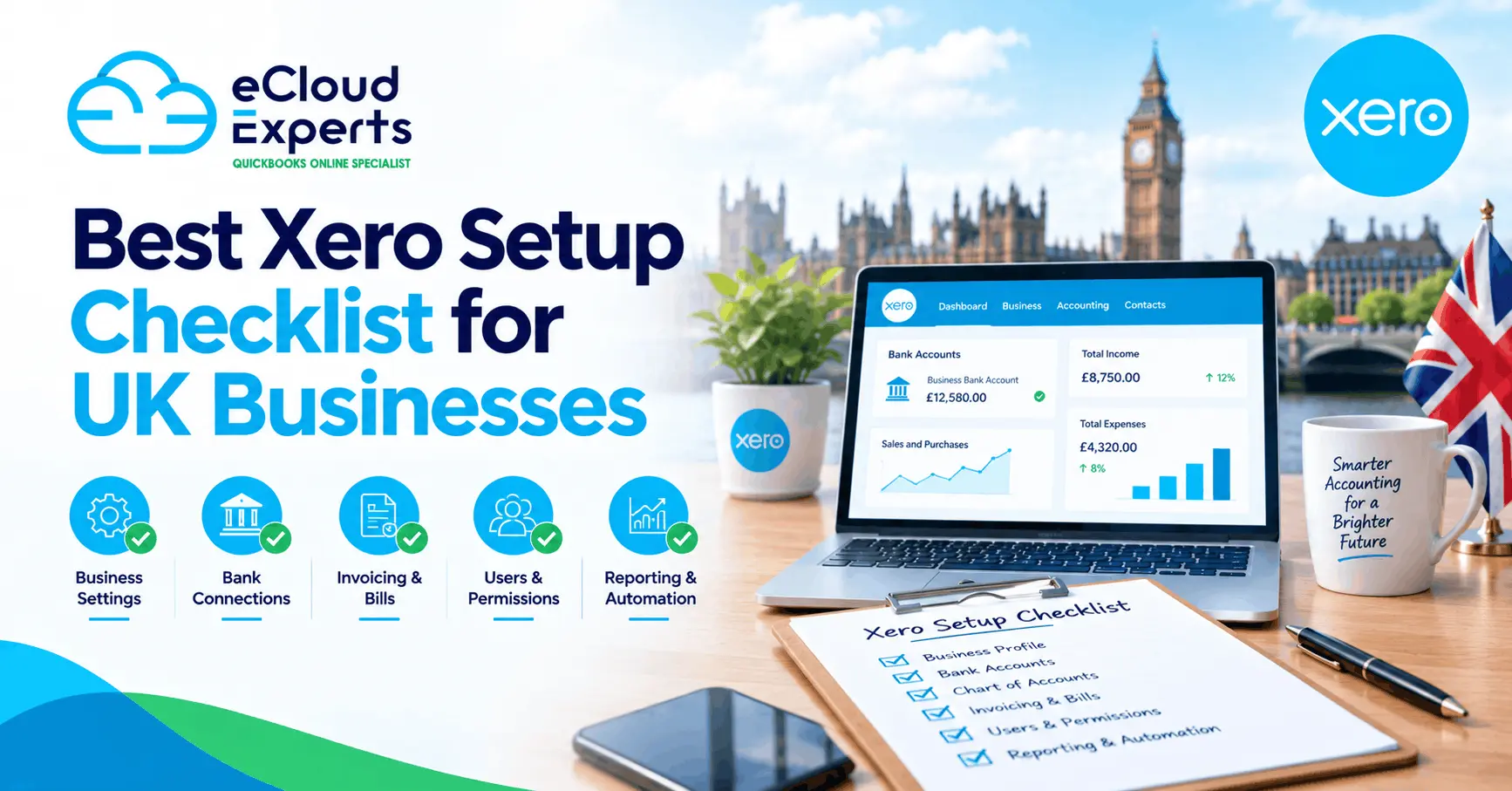
Xero is often a strong fit for businesses that want a connected finance ecosystem. Its app marketplace is particularly useful where sales, stock, payments, expenses, payroll, forecasting or project activity sit across several systems. This is common for ecommerce businesses, agencies, SaaS companies, construction firms and operators with more than one revenue stream.
QuickBooks can be a practical choice for smaller businesses that prefer a familiar, self-contained accounting environment. Its interface can feel approachable, and it offers a good range of core accounting functionality. Businesses already using related Intuit products may also find that continuity useful.
Neither system fixes untidy processes on its own. If invoices are raised late, bank rules are unchecked or sales data does not map correctly into the accounts, the dashboard will only present an inaccurate version of reality. The platform matters, but the design of the process matters more.
Everyday bookkeeping and bank reconciliation
Bank reconciliation is where cloud accounting delivers its most immediate value. Both Xero and QuickBooks bring bank transactions into the accounting system and help users match them to invoices, bills and expenses. Done consistently, this gives business owners a clearer view of available cash and reduces the month-end backlog.
Xero is well regarded for its reconciliation screen and clear workflow. Transactions can be matched, coded, split and supported by bank rules, while the audit trail makes it easier to understand how a figure has been treated. For a business with regular supplier payments, subscription income or repeat expenses, thoughtful rules can remove a significant amount of repetitive work.
QuickBooks also provides bank feeds, categorisation rules and reconciliation tools. It can work very well for straightforward transaction patterns. The key question is whether the workflow gives your finance team enough visibility and control as exceptions increase. A business handling deposits, refunds, foreign currency, director transactions or marketplace settlements will need a process that deals with those items properly rather than forcing them into a convenient category.
Receipt capture deserves the same attention. It is not simply about photographing a receipt. The evidence needs to be attached to the right transaction, coded correctly and retained in a way that supports VAT claims and year-end accounts. Xero’s document capture options and connected expense tools can be especially useful for teams that want to reduce paper handling and chase fewer missing receipts.
VAT, payroll and UK compliance
UK compliance should be central to the decision. A system that appears cheaper can cost more if it creates manual spreadsheets, missed VAT treatment or time-consuming corrections before each filing deadline.
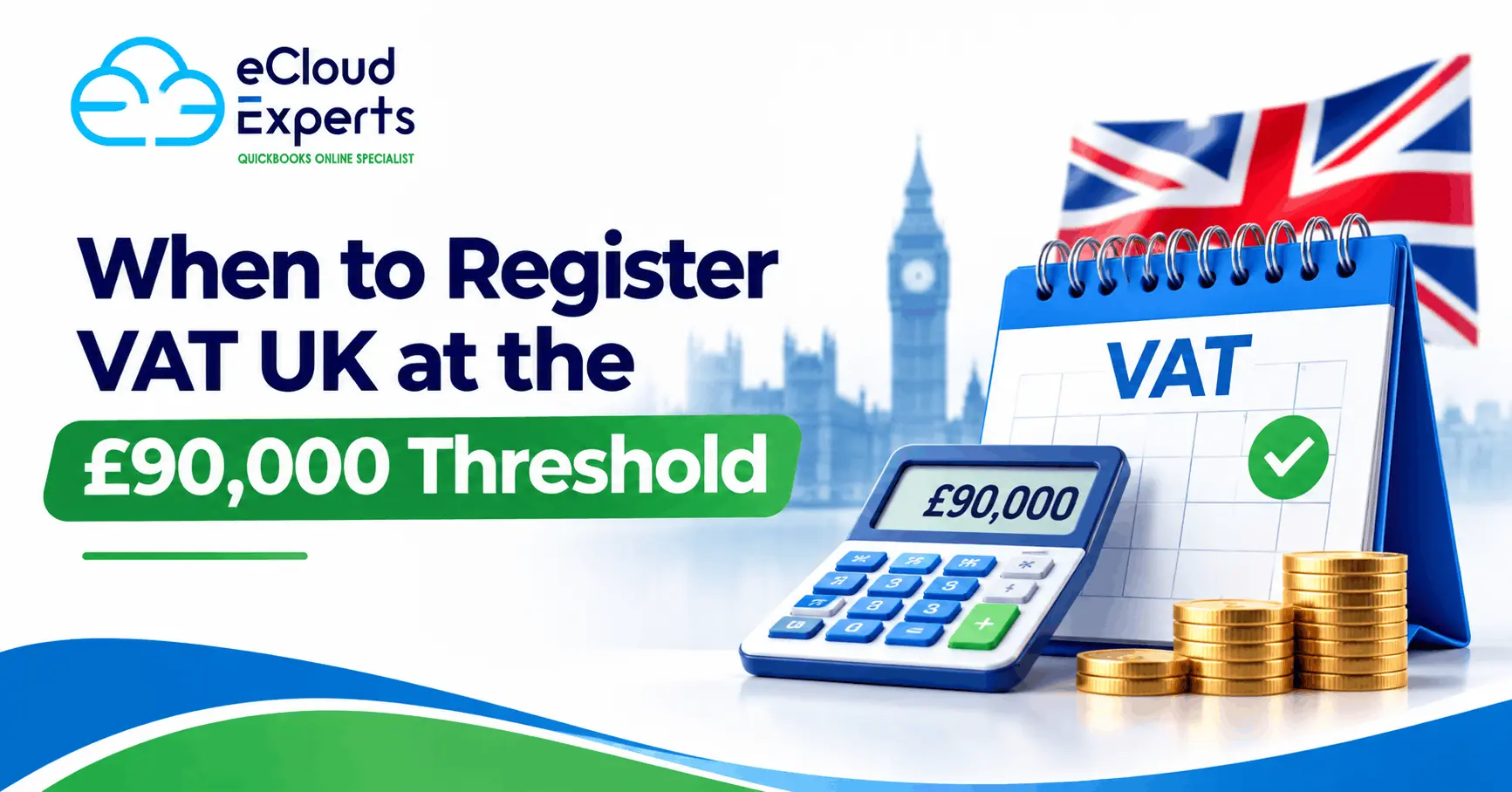
Both platforms can support VAT reporting, but the quality of the underlying bookkeeping determines whether the return is reliable. The right setup should reflect your VAT scheme, registration dates, tax rates and treatment of imports, reverse-charge services, exempt income or partial exemption where relevant. Ecommerce sellers and construction businesses often need particular care because payment flows do not always mirror the actual tax position.
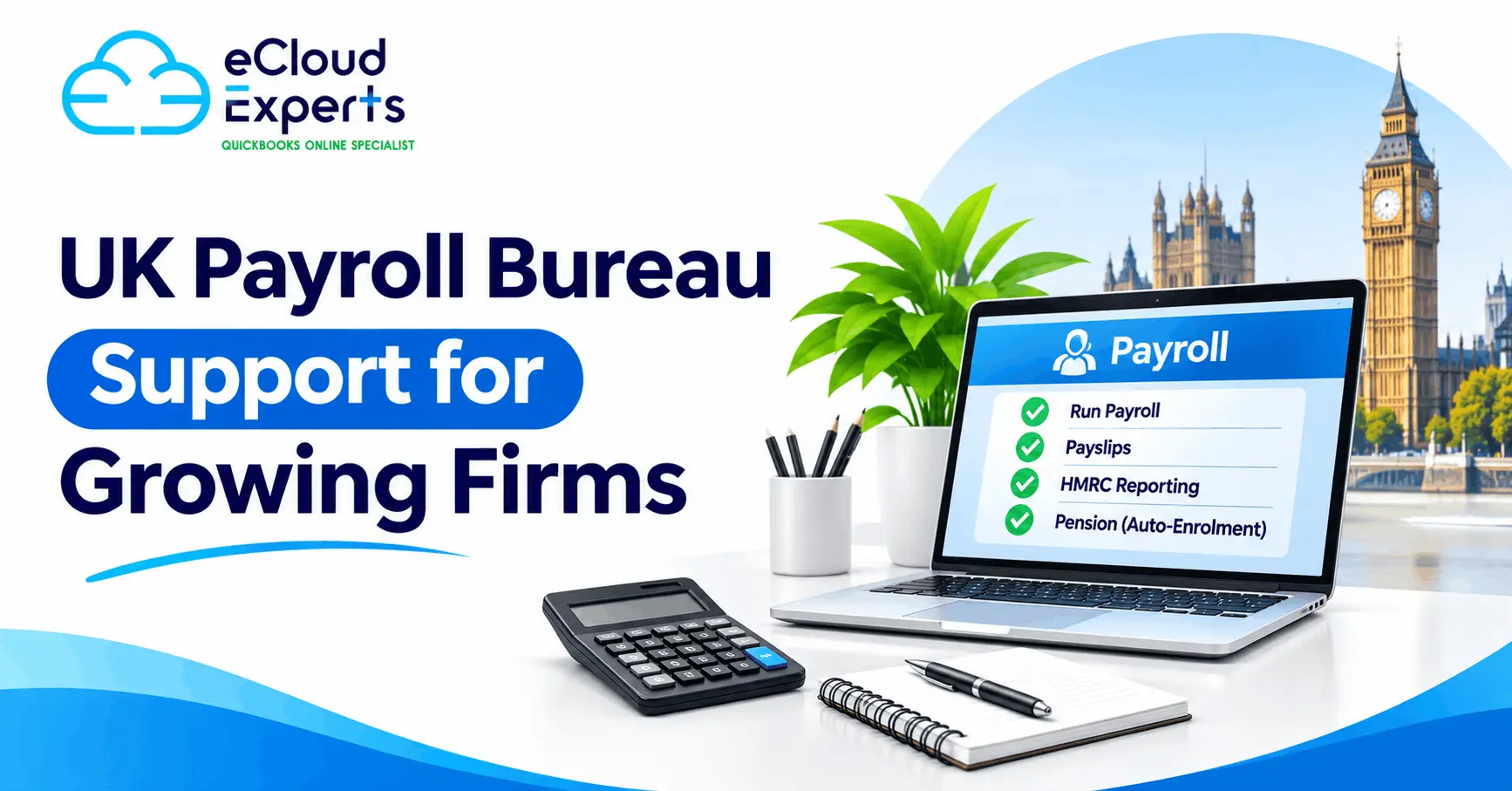
Payroll is also not a one-size-fits-all comparison. Depending on the package and configuration, payroll may be handled through an add-on, a connected payroll provider or a separate specialist system. Before choosing, check how your preferred approach handles PAYE, pension auto-enrolment, statutory payments, employee expenses and reporting. Do not assume that payroll data will flow cleanly into the accounts without testing the process.
For CIS contractors and subcontractors, the accounting platform is only one part of the solution. You need reliable verification, deduction calculations, monthly returns and reconciled records. The priority is a workflow that keeps project costs, supplier information and tax obligations accurate throughout the month.
Automation and integrations: where Xero often stands out
Automation should create control, not remove it. The best finance workflow automatically handles predictable work while flagging the transactions that need human judgement.
Xero’s ecosystem is a major reason many growing businesses choose it. It can connect with a broad range of payment, ecommerce, expense management, inventory, forecasting, CRM and reporting applications. That matters when data needs to move from Shopify, Stripe, a point-of-sale system or a project platform into the accounts without repeated exporting and rekeying.
A well-designed Xero setup can turn the finance function into a growth engine. Sales data arrives promptly, invoices are chased consistently, bills are approved before payment, and management reports are based on reconciled information. This gives directors real business insight rather than a retrospective view produced weeks after month-end.
QuickBooks also supports integrations and automation, so it should not be ruled out purely on that basis. However, compare the exact apps you need, the quality of their UK configuration, their ongoing cost and the way they post data into the general ledger. An integration that produces thousands of uncategorised entries is not automation worth having.
Reporting, cashflow and decision-making
The right reports depend on the questions you ask. A sole trader may need a straightforward profit view and VAT position. A growing limited company may need monthly management accounts, department-level profitability, aged debtors, cashflow forecasting and a clear comparison against budget.
Xero provides useful standard reports and tracking options, with further depth available through connected reporting and forecasting tools. This flexibility is valuable when directors want to understand performance by client, department, site, product line or project. It also supports a more collaborative relationship with an outsourced finance team, as everyone can work from the same live data.
QuickBooks has capable reporting features too, particularly for businesses that need established profit-and-loss, balance-sheet and customer or supplier reporting. The deciding factor is not whether a report exists, but whether it reflects the structure of your business. If reporting requires constant spreadsheet reconstruction, your finance system is not yet doing its job.
Cashflow visibility requires similar discipline. Neither Xero nor QuickBooks can predict the future if debtor dates, supplier bills and expected sales are missing or unreliable. With accurate data and a clear process, however, cloud accounting can help you spot pressure early, plan tax payments and make more confident spending decisions.
Migration, cost and the practical choice
Cost comparisons should go beyond the monthly subscription. Consider implementation time, app costs, payroll requirements, staff training, migration work and the ongoing cost of manual processing. A lower licence fee can be false economy if it leaves your team reconciling payment platforms by hand or rebuilding reports every month.
Migration is another point where businesses can underestimate the work involved. Moving opening balances is rarely enough. You may need clean customer and supplier records, outstanding invoices and bills, fixed asset data, VAT history, payroll information, tracking categories and reconciled bank balances. Poor migration can leave months of correction work and undermine confidence in the new system.
Choose Xero if you want a scalable, connected platform that can support automation, app-led processes and an outsourced finance function without the overhead of a large in-house team. It is particularly well suited to businesses that expect more complexity, need frequent management insight or want their finance systems to grow with them.
Choose QuickBooks if it matches your existing tools, your reporting needs are relatively contained and your team prefers its workflow. It can be an effective platform when configured well and maintained consistently.
The most useful next step is to map one real month of finance activity: how a sale is made, how money is received, how costs are approved, how payroll is posted, how VAT is checked and how directors receive reports. The platform that makes that journey clearer, faster and easier to control will give you less time managing finances and more time building your business.