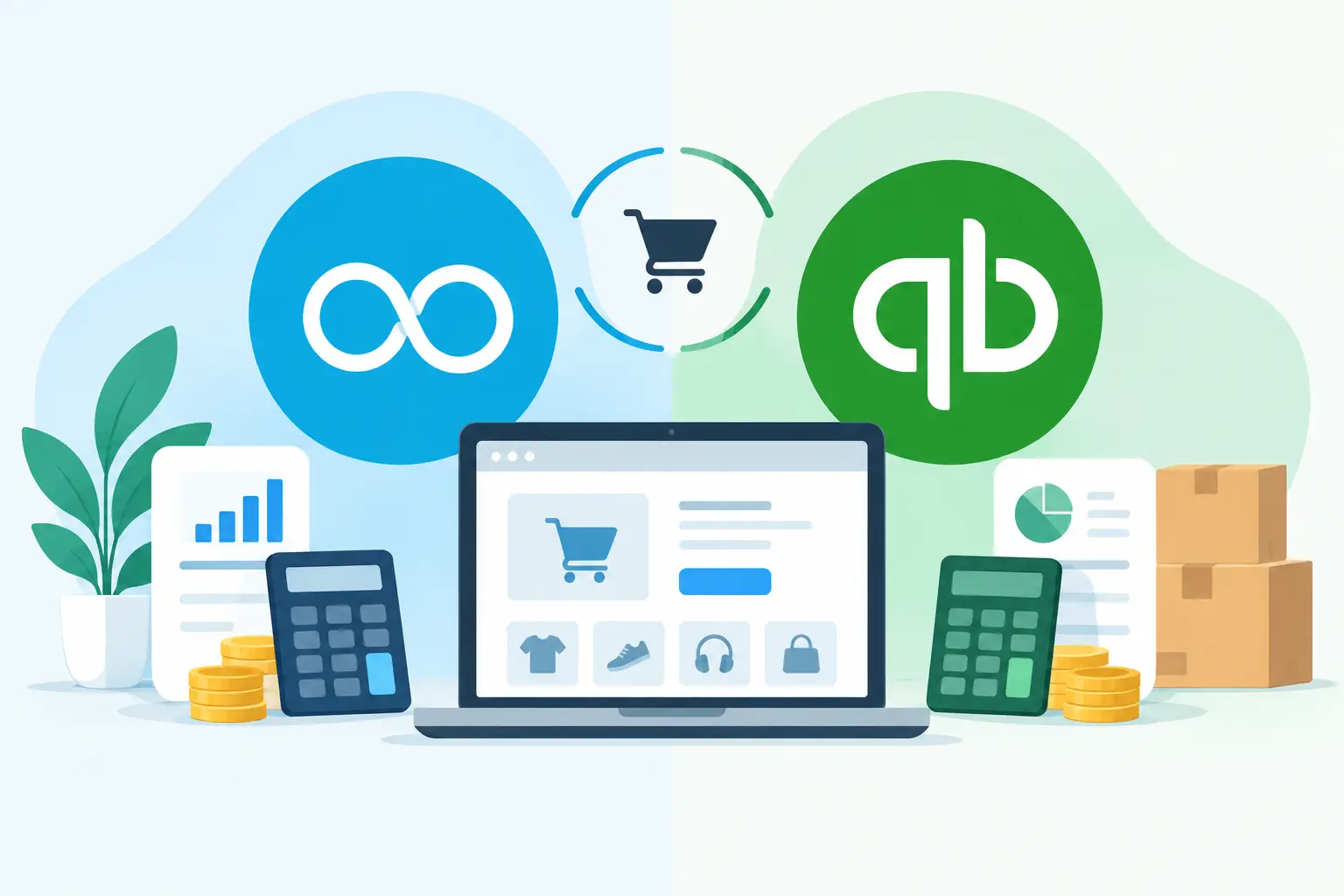
A growing online store can look busy and still be difficult to manage financially. Orders arrive through multiple sales channels, payment providers settle days later, returns alter revenue, and VAT must be calculated correctly. The right accounting platform should turn that activity into clear numbers, not leave your team matching payouts to orders in a spreadsheet. In the Xero vs QuickBooks for ecommerce decision, the best option depends on your sales volume, technology stack and the level of insight you need to run the business confidently.
Xero vs QuickBooks for ecommerce: the practical difference
Both Xero and QuickBooks Online are capable cloud accounting systems for UK businesses. They handle day-to-day bookkeeping, bank feeds, invoicing, expense capture, reporting and VAT returns. Either can be a significant improvement on manual records or desktop accounting software.
The difference is often less about the core ledger and more about how each platform fits into your wider ecommerce operation. Ecommerce accounting relies on connected data: sales platforms, payment gateways, inventory tools, shipping costs, returns and VAT treatment must all be reflected accurately. A platform is only as useful as the process built around it.
Xero is particularly strong for businesses that want a flexible, app-led finance function. Its marketplace allows retailers to connect specialist tools for ecommerce data capture, stock management, forecasting, reporting and workflow automation. That flexibility can support a finance setup that grows with the business rather than requiring a replacement at the next stage.
QuickBooks Online also offers integrations and a familiar accounting experience. It may suit smaller businesses that prefer its interface or already work with advisers and applications built around the QuickBooks ecosystem. However, a comparison based on subscription price alone can be misleading. The cost of duplicate data, manual reconciliations and unreliable reporting soon outweighs a small monthly saving.
Sales data and payment reconciliation
This is where many ecommerce businesses feel the pressure first. A sale on Shopify, Amazon, Etsy or WooCommerce is not the same as the cash that reaches your bank account. Payment processors deduct fees, settlements combine many transactions, refunds are processed separately and reserve balances may be held back.
Xero works well when paired with a suitable ecommerce connector. Rather than posting every individual order into the accounts, a connector can create summarised daily entries by sales channel, identify fees and refunds, and match settlement amounts to the bank feed. This keeps the ledger useful without filling it with unnecessary detail.
QuickBooks can follow a similar approach, provided the right connector is selected and configured properly. The key question is not whether a direct integration exists. It is whether it records gross sales, discounts, shipping income, VAT, payment fees, refunds and settlement timing in a way that can be reconciled and explained.
For either system, avoid relying on a bank feed as your only source of truth. Bank feeds show the money received, but they do not automatically explain what happened before it arrived. A properly designed ecommerce workflow preserves the audit trail from order data through to payout and bank reconciliation.
VAT and UK compliance
For UK ecommerce operators, VAT is more complex than applying one rate to every sale. Product type, customer location, marketplace arrangements, VAT registration status and international trade can all affect the treatment. Businesses selling through online marketplaces may also need to account for deemed supplier rules or overseas VAT obligations.
Both Xero and QuickBooks Online support Making Tax Digital for VAT, but compliant submission is only the final step. The quality of the VAT return depends on the transactions underneath it. If sales are posted net of fees, refunds are missed or VAT codes are applied inconsistently, the return may be wrong even if it is submitted through approved software.
Xero’s tracking categories can be useful for separating sales channels, product lines or regions. That makes it easier to review where VAT liabilities and profitability are arising. For businesses with more complex cross-border activity, specialist ecommerce and tax advice remains essential. Accounting software can automate routine work, but it cannot make a poor VAT decision correct.
Inventory, margins and cashflow
Accounting software is not always the right place to manage detailed inventory. If you hold substantial stock, sell bundled products or trade across warehouses and channels, a dedicated inventory system may be more appropriate. The finance platform then receives accurate postings for sales, cost of goods sold, stock movements and adjustments.
This is an area where Xero’s connected-app approach is valuable. It can sit at the centre of a broader finance stack, with specialist inventory software managing operational detail and Xero providing the reconciled financial picture. For a growing retailer, that can mean better visibility without forcing the whole business into a heavy ERP system too early.
QuickBooks also integrates with inventory tools, so this is not an automatic win for one platform. Instead, assess the information you need each month. Can you see gross margin by sales channel? Are landed costs, duties, advertising spend and fulfilment charges included when judging profitability? Can you distinguish a cash shortfall caused by stock purchases from one caused by falling margins?
If the answer is no, neither platform has been set up to provide real business insight. Ecommerce founders need more than turnover figures. They need timely reporting that shows which products and channels are genuinely contributing to profit.
Reporting and finance visibility
Xero’s standard reports give owners a clear view of profit and loss, balance sheet, aged debt and cash position. With well-structured chart of accounts, tracking categories and app connections, reporting can be tailored around the decisions management actually needs to make.
For example, an ecommerce business may want a monthly view of revenue by channel, gross margin, marketing spend as a percentage of sales, fulfilment costs, stock commitments and cash runway. These are not simply accounting measures. They guide decisions on pricing, purchasing, advertising and recruitment.
QuickBooks provides useful reporting too, particularly for core financial oversight. But businesses with several channels or more demanding reporting requirements should test each system with their own data and management-reporting needs. A polished dashboard is of limited value if the underlying sales and cost data is incomplete.
Ease of use, support and migration
Both systems are designed for non-accountants, but ease of use comes from clean processes rather than a particular screen layout. A simple chart of accounts, sensible approval rules, regular reconciliations and documented procedures will make either platform easier to operate.
Migration needs careful planning, especially when moving from QuickBooks to Xero or correcting an earlier setup. Opening balances, unpaid invoices, supplier bills, VAT position, bank transactions and historical reporting all need to be considered. Bringing across poor-quality data without fixing the process behind it only recreates the same problems in a new system.
This is where specialist support can protect valuable management time. A Xero-focused finance partner can design the chart of accounts, select appropriate connectors, establish reconciliation routines and train your team. The result is less time managing finances and more time building your business.
Which platform should an ecommerce business choose?
Choose QuickBooks Online if it already fits your existing workflows, your reporting needs are straightforward and the integrations you rely on deliver accurate, reconcilable data. Changing systems simply because another platform is popular is rarely a good commercial decision.
Choose Xero if you want an app-connected finance foundation that can support more automation, clearer reporting and a scalable outsourced finance function. It is a particularly strong choice for growth-stage ecommerce businesses that need to connect sales, payments, stock and cashflow data without the overhead of an in-house finance team.
The most useful next step is to map one month of transactions from checkout to bank account, including fees, refunds, VAT and stock costs. The gaps in that journey will show whether the issue is your accounting software, your integrations or the process around them. Once those foundations are right, your finance system can become a growth engine rather than a monthly admin task.