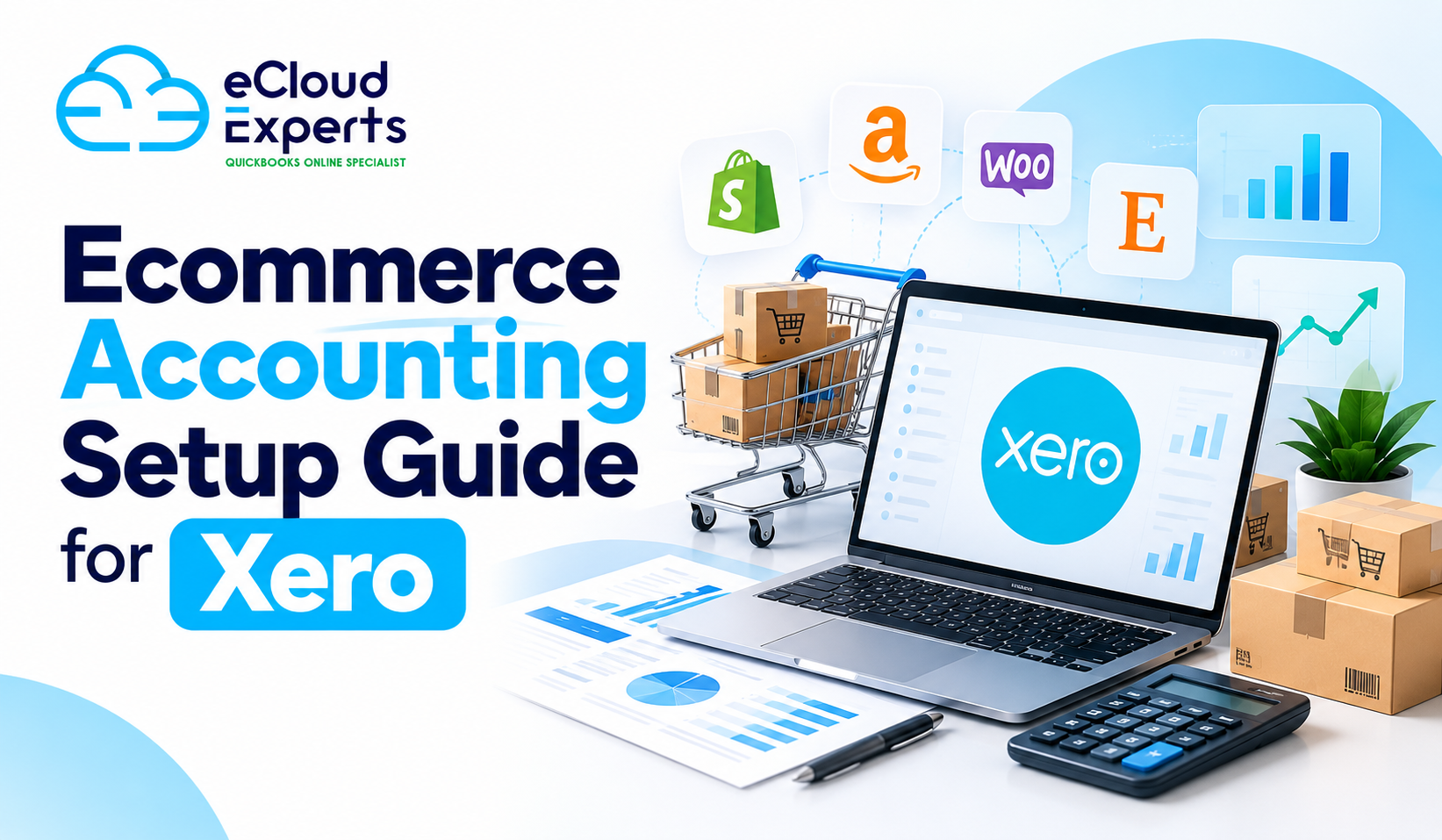
Running an ecommerce business means dealing with constant movement of money across multiple systems at the same time. Orders come in every day from your online store. Payments are processed by platforms such as Shopify, Stripe, PayPal, or marketplaces. Fees are deducted quietly before you ever see the money. Payouts arrive later as grouped deposits rather than individual sales. Refunds, chargebacks, and disputes can happen days or weeks after the original sale.
This is exactly why Xero for ecommerce must be set up properly before you start selling at scale. Ecommerce accounting is not just about recording income and expenses. It is about understanding timing differences, separating fees correctly, and making sure sales activity matches what eventually reaches your bank account. Without the right structure, the numbers may look fine on the surface while hiding real issues underneath.
Many business owners open Xero, connect their store, and assume the software will handle everything automatically. At first, it appears to work. Sales show up. Bank balances update. Reports look reasonable. Over time, however, small issues begin to add up. Profit feels lower than expected even though sales are strong. VAT totals do not match platform reports. Cash flow looks healthy one week and unexpectedly tight the next. Confidence in the numbers starts to fade.
These problems are rarely caused by Xero itself. They almost always come from rushed or incomplete setup at the beginning. Settings copied from another business, skipped testing, or misunderstood integrations slowly undermine accuracy. Getting the foundations right early protects your data, keeps reports reliable, and saves time, money, and stress as your ecommerce business grows.
Why Proper Setup Matters for Xero for Ecommerce
Ecommerce accounting is very different from traditional invoicing businesses. Customers pay instantly at checkout, but the money does not go straight into your bank account. Payment processors hold funds for a period, remove their fees, and then release payouts in batches. As a result, the date of the sale rarely matches the date the money appears in your bank, even though the sale has already taken place.
If Xero for ecommerce is not configured to handle this timing difference, reconciliation quickly becomes confusing. Sales totals recorded in Xero do not line up with bank deposits. One payout may represent dozens or hundreds of individual orders. Clearing transactions takes longer than it should, and the process feels repetitive and frustrating. Over time, unreconciled items start to build up, and trust in the reports begins to drop.
Fixing these issues months later is far more difficult than preventing them in the first place. Transactions start to blur together, especially during busy periods. Supporting documents such as payout reports and fee breakdowns become harder to locate. Decisions are delayed because the numbers no longer feel reliable enough to act on. A proper setup from the beginning keeps sales, fees, and payouts aligned, making reconciliation easier and growth far easier to manage.
Chart of Accounts Setup for Ecommerce Businesses
The chart of accounts controls how every transaction is recorded and how reports are built in Xero for ecommerce. It determines where sales, fees, costs, and adjustments appear. When this structure is poorly planned, reports lose their meaning even if every transaction is technically entered into the system. The numbers may look complete, but they do not explain what is actually happening in the business.
Ecommerce businesses need far more detail than a single sales account can provide. Product sales, shipping income, discounts, refunds, and platform adjustments all behave differently and should be tracked separately. Without this separation, it becomes almost impossible to see which products are profitable, how much shipping really costs, or whether discounts are eating into margins. Profit and loss reports may show a bottom line, but they fail to explain why it looks the way it does.
Payment processor fees also need careful handling. These fees reduce the amount that reaches your bank account, but they are still operating expenses, not lost revenue. When fees are recorded incorrectly, revenue appears lower than it truly is and costs are hidden from view. This distorts gross profit and makes performance harder to judge. Generic default accounts may feel quick to use at the start, but they limit visibility and almost always lead to reporting issues that require correction later.
Tax and VAT Configuration You Must Get Right
Tax setup is one of the most sensitive areas in Xero for ecommerce, and it is also one of the easiest places to make costly mistakes. Small configuration errors often go unnoticed at first, but they compound over time and usually surface when returns are due or reports are reviewed in detail. By that stage, correcting them is far more difficult.
Different products and sales routes can attract different tax treatment. Some sales may be standard rated, others zero rated, and some may fall outside the scope of VAT altogether depending on customer location and applicable rules. Applying a single tax rate across all transactions might feel simpler, but it almost always leads to errors that only become visible during reporting or filing.
VAT mistakes also commonly occur when platform fees are handled incorrectly or when cross border sales are assumed to follow local rules. Payment processors and marketplaces often apply their own tax logic, which does not always match how VAT should be recorded in Xero. Xero records exactly what it is told. If the setup is wrong, reports will be wrong with complete confidence. Proper tax configuration ensures that figures align with reality, reduces the risk of adjustments later, and makes ongoing compliance work far less stressful.
Bank and Payment Gateway Connections
Payment gateways sit between your customers and your bank account. They collect payments at checkout, remove processing fees, hold funds for a short period, and then release payouts in grouped amounts. A single payout may represent dozens or even hundreds of individual orders, spread across different dates and payment methods.
Xero for ecommerce must be set up to reflect this exact flow of money. Stripe, PayPal, Shopify Payments, and similar platforms need to be connected with clear logic so each payout can be traced back to the sales activity that created it. This includes handling fees, refunds, and timing differences correctly rather than forcing payouts to match individual orders.
When this setup is done poorly, reconciliation quickly becomes a daily frustration. Sales appear in Xero without matching bank deposits. Deposits arrive with no clear explanation. Business owners spend time searching through reports trying to make numbers line up. In most cases, the underlying data is accurate, but the structure is wrong. Once the setup mirrors how money actually moves thr
Inventory Tracking Basics in Xero
Inventory has a direct impact on profit, yet it is one of the most commonly overlooked areas during ecommerce setup. Every product sold affects cost of goods, stock levels, and margins. When inventory is not tracked correctly, profit reports become unreliable even if sales figures look accurate.
Xero for ecommerce can handle basic inventory needs for simple product ranges. It tracks quantities on hand and calculates average cost, which may be enough for early stage businesses with a small number of products and straightforward purchasing. When used correctly, this provides a reasonable view of stock and gross profit.
As order volume grows, inventory quickly becomes more complex. Bundled products, multiple suppliers, frequent restocking, and high sales volumes put pressure on basic inventory tools. Incorrect stock values quietly distort profit reports and balance sheets without obvious warning signs. Many businesses only discover these issues during year end reviews or when margins suddenly stop making sense. Planning inventory tracking properly from the start helps avoid painful clean up work and protects accuracy as the business scales.
Ecommerce Platform Integrations
Integrations can save a great deal of time, but only when they are set up with control and purpose. Connecting an ecommerce platform to Xero does not mean that every piece of data generated by the platform needs to flow into the accounting system. Without careful configuration, integrations can create more problems than they solve.
Shopify, WooCommerce, and Amazon each generate large volumes of data every day. Orders, line items, taxes, discounts, refunds, and fees all move constantly. Syncing every order line by line into Xero often clutters reports, slows down reconciliation, and makes it harder to see the bigger picture. The accounting system becomes overloaded with detail that adds little value.
Xero for ecommerce works best when integrations are configured to send only accounting relevant information. Sales summaries, properly grouped tax data, and consistent fee treatment usually produce cleaner and more reliable results. The objective is not maximum data transfer. It is accuracy, clarity, and reports that help you understand how the business is performing without unnecessary noise.
Financial Reports Ecommerce Owners Must Check
Reports are the main reason ecommerce businesses use Xero. If those reports are wrong or confusing, the system fails its purpose no matter how well sales are performing. Business decisions rely on these numbers, so accuracy matters more than appearance.
Profit reports must reflect the full reality of ecommerce trading. Platform fees, refunds, inventory costs, and tax all affect the true margin on each sale. Strong revenue figures mean very little if costs are understated or hidden. When profit reports are built on poor setup, businesses can appear successful while margins quietly erode.
Cash flow reports are just as important. Ecommerce businesses can appear cash rich while a large portion of funds is still being held by payment processors. Payout delays, refunds, and chargebacks all affect when money is actually available. Dashboards rely entirely on clean and accurate data. When the underlying setup is wrong, dashboards become misleading rather than helpful. Reliable reports come from correct structure and setup, not from repeatedly checking and second guessing the figures.
Common Setup Mistakes We See at eCloud Experts
Many ecommerce businesses rush the setup process so they can start selling as quickly as possible. Integrations are connected without proper review, and default settings are accepted without understanding how they affect reporting. In some cases, settings are copied from another business that sells different products or operates under different tax rules, creating problems that are not immediately visible.
Test transactions are often skipped or done superficially. As a result, issues remain hidden while real sales continue to flow through the system. By the time problems are noticed, months of data may already be affected. Correcting errors at that stage requires reviewing large volumes of transactions, which takes far longer than setting things up correctly would have taken in the first place.
These mistakes are very common, especially among fast growing ecommerce businesses. The good news is that they are completely avoidable with a structured approach, careful testing, and a clear understanding of how money moves through the business.
How eCloud Experts Sets Up Xero for Ecommerce Properly
At eCloud Experts, we treat Xero setup as a foundation, not a formality. We understand that ecommerce businesses rely on accurate numbers to make fast decisions, and poor setup undermines that confidence from the start. Our focus is on building a structure that supports growth rather than one that needs constant fixing.
Before configuring Xero for ecommerce, we take time to understand how your business actually operates. This includes reviewing your ecommerce platforms, payment gateways, tax obligations, inventory handling, and reporting needs. Every setting is chosen based on how money moves through your business, not on generic templates or default options.
All configurations are tested using real world scenarios before live trading begins. Sample transactions are processed, payouts are reconciled, and reports are reviewed to ensure they reflect reality. Support continues after setup so questions are answered early and small issues are resolved before they turn into larger, more costly problems.
Conclusion
Xero for ecommerce is a strong accounting system when it is set up with care and intention. The software itself is capable, but its value depends entirely on how well it reflects the way your ecommerce business actually operates. Without the right foundations, even good tools produce unreliable results.
Correct setup gives you confidence in your numbers. Reconciliation takes less time. Reports make sense. Decisions are based on facts rather than guesswork. As your business grows, this clarity becomes even more important because small errors scale quickly and become harder to unwind.
Skipping these steps creates uncertainty that costs far more to fix later. Clean up work, delayed decisions, and lost trust in reports all slow growth. If you want Xero for ecommerce set up properly from the start, eCloud Experts can help you build a system you can rely on as your ecommerce business scales.