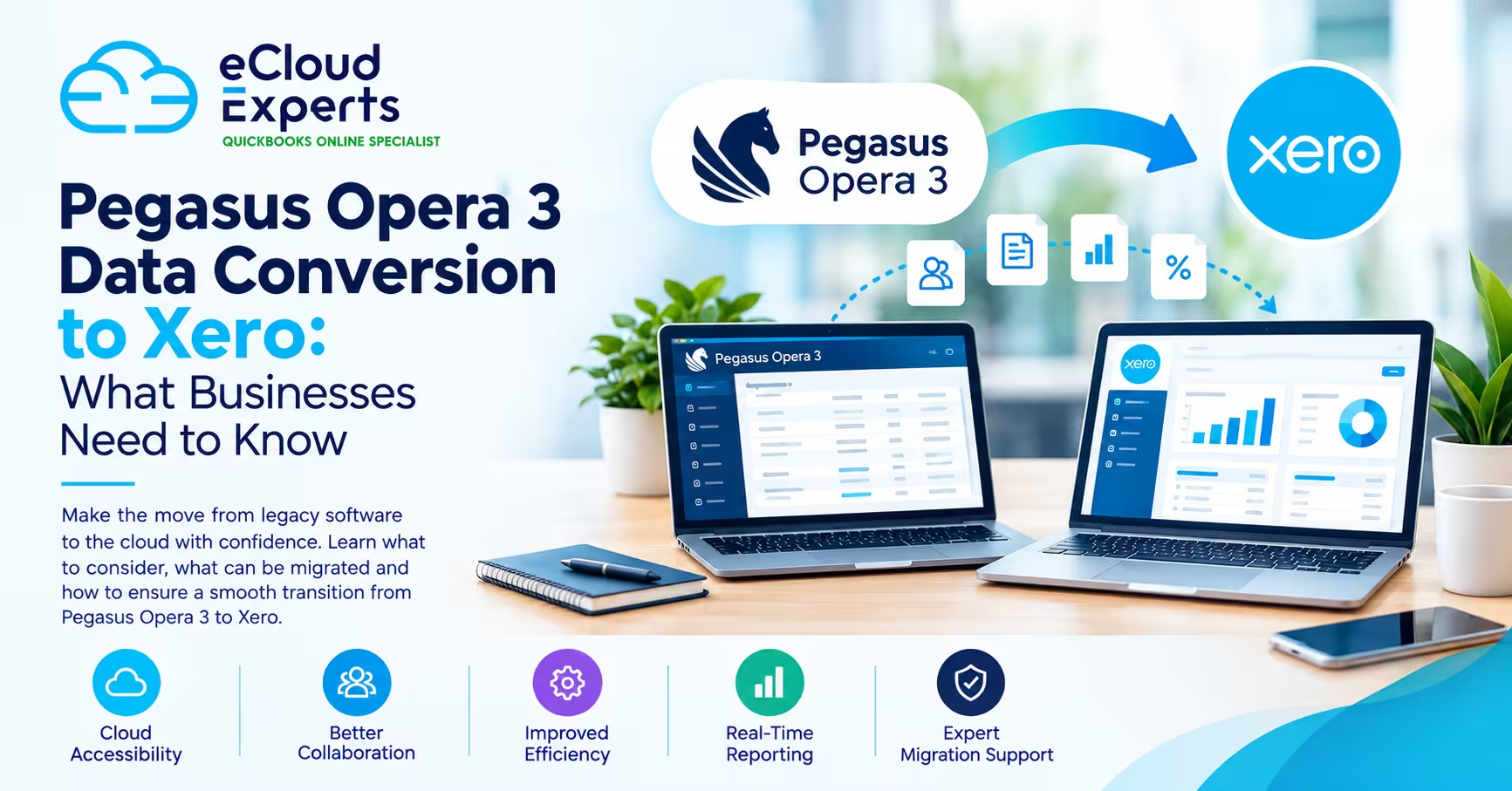
Switching accounting software can feel like moving house while still living in it. You want the new place ready, nothing lost, and no surprise mess when you open the boxes. That is exactly what Xero migration services are for.
This guide explains what Xero migration services include, what moves over, what usually does not, what can go wrong, and how to plan the move so you trust your numbers on day one.
What Xero migration services really mean
Xero migration services are a structured way to move your finance setup from another system into Xero, with checks to make sure the new Xero file is accurate and usable.
In plain terms, it is not just copying data. It is also about setting up Xero properly so your day to day work becomes easier after the move, not harder.
A good migration service usually covers five areas.
- Planning and choosing a conversion date
- Preparing your data so it imports cleanly
- Importing what you need into Xero using the right methods
- Rebuilding key links, like tracking categories, taxes, and bank feeds
- Verifying results with clear checks and fixes until everything ties out
Xero itself supports importing common items such as contacts, bank statements, invoices and bills, and other items, but each import type has specific rules and file formats.l
Who needs Xero migration services
Some businesses can move to Xero on their own. Many cannot, or they try, then lose days fixing mistakes later.
You are a strong candidate for Xero migration services if any of these are true.
You have years of history and need reliable reporting
You have high invoice volume or many bills and supplier transactions
You use inventory, projects, jobs, or multiple departments
You sell online and need clean integration links
You have multiple bank accounts and payment processors
You need accurate VAT or sales tax tracking and reporting
You have messy data, duplicate contacts, or unclear account codes
You want the move done once, correctly, without weeks of disruption
If your accounts are already behind, migration is also the perfect time to catch up, clean up, and start fresh with confidence.
The biggest mistake business owners make
The biggest mistake is thinking migration is only about moving everything over.
A smart migration is about moving the right things over.
That usually means deciding what you truly need in Xero to run the business well, meet compliance needs, and keep reporting reliable.
Most businesses do not need every old transaction inside Xero to operate well. Many do need correct opening balances, correct outstanding invoices and bills, clean contacts, and a chart of accounts that matches how the business really works today.
What data can be moved into Xero
Xero supports importing key data types, and your migration service chooses the best method for each one.
Here are the common items migrated.
Contacts
Customers and suppliers, including names, emails, addresses, tax settings, and tracking details if needed. Xero supports importing contacts through templates.
Chart of accounts
Your income, cost, asset, and liability accounts. This is important because it controls reporting and how transactions are posted.
Outstanding sales invoices and supplier bills
These are usually imported so you can continue collecting and paying without losing visibility. Xero supports importing invoices and bills, and also customer invoices via CSV import.
Bank transactions and bank statements
Many migrations import bank statement lines to help with reconciliation or to rebuild recent activity. Xero supports importing bank statements.
Opening balances in Xero
In Xero these are called conversion balances, and they form the starting point for reporting going forward.
Fixed assets
If you track fixed assets, these can often be migrated, depending on your old system and how you want depreciation handled in Xero.
Other items depending on setup
Tracking categories, tax rates, products and services, and some historical transactions can be brought in, but how far you go depends on what you need.
What usually does not migrate cleanly
This part matters, because it is where bad migrations happen.
Some things may not carry over in a perfect one to one way because each platform stores data differently. That is why planning and expectations are essential.
Common examples include.
- Old attachments and documents linked to transactions
- Some custom fields from your old system
- Very old reconciled bank links that only exist in the old platform’s internal logic
- Detailed audit trail formats that do not match Xero’s structure
- Some payroll data, depending on region and payroll provider
- Deep history of fully paid invoices and bills if you choose a clean cutover approach
A professional approach is to decide what stays archived in the old system and what must be active inside Xero.
The conversion date and why it matters
Your conversion date is the date your opening balances are set in Xero.
Xero explains that the conversion date is usually the date you start using Xero, and that the only transactions you should enter in Xero dated before this date are invoices and bills that were unpaid when you converted. Xero also states the conversion date is always the first of a month.
This matters because it drives what you import and how you test accuracy.
For example, if you pick January 1, then your opening balances are as at December 31 in the old system, and you bring across any unpaid invoices and bills that were still open on that date.
Conversion balances in simple language
Conversion balances are your opening balances in Xero on the day you start. Xero describes them as the closing balances in your previous system as at the last day you used that system, and they become the starting point for your reports going forward.
This is the backbone of a correct migration. If conversion balances are wrong, everything that follows is wrong, even if your imports look fine.
The two main migration approaches
Most Xero migrations fit into one of two models.
Option one Start fresh with clean opening balances
You migrate.
- Contacts
- Chart of accounts
- Outstanding invoices and bills
- Bank accounts and feeds
- Conversion balances
You keep the old system as your archive for deep history and old reporting.
This is the most common approach for small and mid size businesses because it is fast, clean, and easier to verify.
Option two Bring more history into Xero
You migrate the above plus more transaction history, sometimes a full financial year or more.
This can be useful if you need in system history for detailed trend reporting, project margin tracking, or audit convenience. It takes more time and requires more validation.
A good migration service helps you choose the right approach based on how you run the business, not based on what sounds impressive.
The best cover points for a strong Xero migration
Below are the core points that separate a smooth migration from a painful one.
1. Scope the move before touching data
Before any import, you want clear answers to these questions.
What is your go live month in Xero
How many bank accounts and payment channels you use
Which apps connect today and which will connect to Xero
Whether you need multi currency
Whether you track inventory, jobs, or departments
What reports you need monthly
Who will use Xero and what training they need
If you cannot answer these clearly, you risk importing the wrong things and then rebuilding later.
2. Clean up your old system
Garbage in, garbage out is brutal in accounting.
Typical cleanup tasks include.
- Merge duplicate contacts
- Close or write off old unpaid invoices that are not real
- Confirm supplier balances
- Fix uncategorized transactions
- Review suspense and clearing accounts
- Ensure tax codes are correct
- Lock down the last reconciled period in the old system
This step reduces errors during import and speeds up verification.
3. Design the chart of accounts for how you actually manage the business
Many businesses carry a chart of accounts that has grown like a wild garden.
Migration is a chance to tidy it up.
A practical chart of accounts should.
Match your products and services
Separate key costs so you can see profit drivers
Avoid too many tiny accounts that nobody uses
Support your tax and reporting requirements
Work with tracking categories if you need them
If you rebuild this thoughtfully, Xero reports become far more useful.
4. Choose the right import methods
Xero supports different import templates depending on what you are importing.
If you are working with a Xero partner, there is also the Conversion Toolbox, which Xero describes as a tool for Xero partners that helps convert and format data from certain systems so you do not have to adjust it manually to match import requirements. l
That matters because formatting and mapping mistakes are a top cause of failed migrations.
5. Handle outstanding invoices and bills correctly
Outstanding invoices and bills are usually the most sensitive part of the move because they affect cash collection and supplier payments.
Xero supports importing customer invoices via CSV, and imported invoices come in as drafts so you can review and approve.
A careful process includes.
- Import open invoices and bills only
- Check tax rates and account codes
- Confirm due dates
- Confirm contact matches
- Confirm totals match the aged receivables and payables reports from the old system
6. Get conversion balances right and understand how Xero posts them
Conversion balances are not just typed numbers. Xero posts a conversion journal behind the scenes, and if you have transactions dated before the conversion date, Xero takes these into account when posting the conversion journal. xero.my.site.com
That is why a good migration avoids random transactions dated before the conversion date, except for the unpaid invoices and bills that Xero expects.
7. Reconcile bank accounts early
Bank reconciliation is the quickest way to prove the file is healthy.
A strong migration service will.
Connect bank feeds where available
Import bank statement lines if needed
Reconcile the first month carefully
Set sensible bank rules only after you understand the patterns
This is also where many DIY migrations break, because the opening balance or uncleared items were not handled properly.
8. Reconnect apps and integrations the right way
Xero is often the hub.
If you use Shopify, WooCommerce, Stripe, PayPal, POS tools, expense apps, or inventory platforms, you need an integration plan.
Key best practices.
- Do not connect apps until core setup is stable
- Map tax and accounts deliberately
- Run the integration in a test window
- Check posting logic for refunds, fees, and payouts
- Confirm how inventory and cost of goods sold will be handled
A migration service should also document these settings so you are not stuck later.
9. Train your team on the exact workflows they will use
Training should be practical, not a tour of menus.
Focus on the workflows your people will actually do.
Sales invoicing and getting paid
Bills and approvals
Bank reconciliation
Reporting and management review
Month end close routine
Even short focused training prevents expensive mistakes.
10. Verification and sign off with a clear checklist
A professional migration ends with proof, not hope.
Here is a strong verification checklist you can use.
- Trial balance matches old system as at the day before conversion date
- Conversion balances entered and posted correctly in Xero
- Aged receivables matches, total and by customer
- Aged payables matches, total and by supplier
- Bank opening balances match, and first month reconciles cleanly
- VAT or sales tax setup confirmed, test transactions reviewed
- Reports reviewed, profit and loss and balance sheet make sense
- Users and permissions set correctly
- Key apps connected and tested
- Lock dates and controls set so history does not change by accident
If any of these do not pass, the job is not done.
How long does a Xero migration take
Time depends on scope and data quality.
As a general guide.
Small business with clean books and a simple setup
Often a few days to a couple of weeks
Growing business with integrations, multiple banks, and messy data
Often a few weeks
Complex setup with inventory, multi currency, and deep history needs
Often several weeks to a few months
The real driver is not company size. It is data complexity and how fast decisions are made.
What Xero migration services cost and what affects price
Pricing varies widely, but the same factors always drive cost.
- Number of years and amount of data
- Number of bank accounts and payment channels
- Number of open invoices and bills
- Number of integrations and how complex they are
- Inventory and project requirements
- Data cleanup needed before migration
- Training and ongoing support expectations
A cheap migration that leaves you with wrong balances is not cheap. It is a delayed disaster with interest.
Risks to watch for and how to avoid them
Here are the most common failure points and the practical fixes.
Risk 1 Wrong conversion date
Fix Choose a month start date and align it to the day after you finalized the old system, as Xero advises.
Risk 2 Importing transactions before the conversion date
Fix Only bring in unpaid invoices and bills dated before conversion date, matching Xero guidance.
Risk 3 Conversion balances do not match the old system
Fix Use a trial balance from the old system and confirm totals, then verify how Xero posts the conversion journal.
Risk 4 Apps connected too early
Fix Stabilize core setup, then connect apps with careful mapping and testing.
Risk 5 Team confusion after go live
Fix Provide workflow based training and simple written procedures.
How to choose the right provider for Xero migration services
You are not just buying data entry. You are buying accountability.
Use this short selection guide.
- Ask what their migration process looks like from start to finish
- Ask what checks they run to prove balances are correct
- Ask how they handle conversion balances and conversion date rules
- Ask how they handle apps and integrations
- Ask what they need from you and what you must deliver by certain dates
- Ask what support looks like after go live
- Ask for a small example of a past migration outcome, focusing on problems solved and results achieved
If a provider speaks only about speed, be cautious. Speed is great, but accuracy is the whole point.
A practical migration checklist you can follow
Here is a simple checklist you can use even if you hire help.
Before migration
- Choose conversion month and confirm conversion date rules
- Reconcile banks and lock old system period
- Clean contacts and remove duplicates
- Finalize chart of accounts
- Confirm tax setup
- Export reports needed for checks, trial balance, aged receivables, aged payables
- List all apps that touch accounting data
- Confirm who needs access and what permissions they need
During migration
- Create Xero organization and configure settings
- Import contacts and chart of accounts
- Import unpaid invoices and bills
- Enter or import conversion balances
- Add bank accounts and connect feeds
- Reconcile first month
After migration
- Confirm trial balance matches old system
- Confirm aged receivables and payables match
- Test a full sales cycle and purchase cycle
- Connect apps and test mappings
- Train users on daily workflows
- Set lock dates and month end routine
Call to action What to do next
If you want Xero migration services done properly, the smartest next step is a short discovery call where we map your current system, your goals, and the cleanest conversion plan.
If you want to move fast without guessing, book a consultation with eCloud Experts and get a clear migration plan, a realistic timeline, and a verification checklist so you know your numbers will be right in Xero.