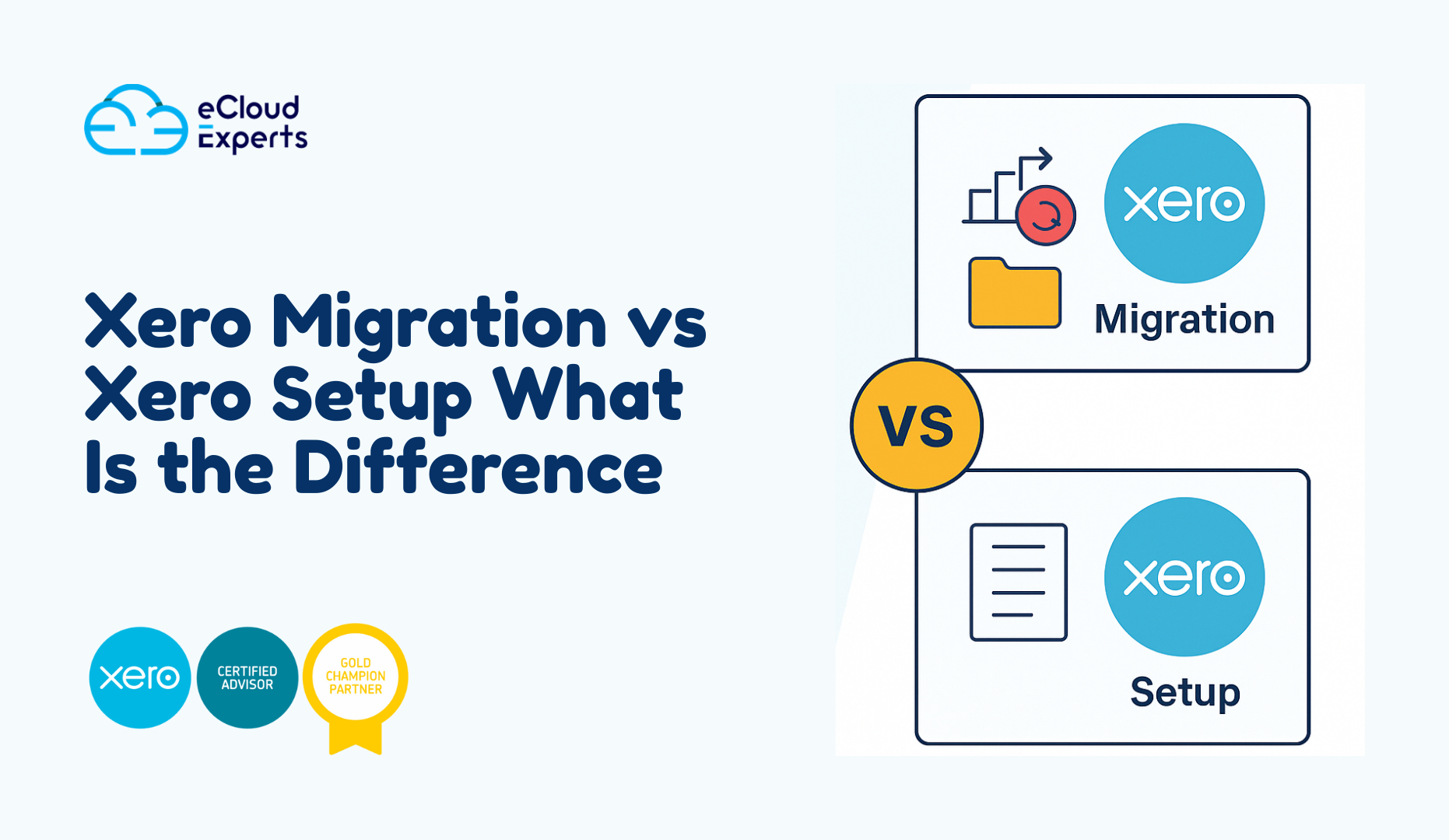
Many business owners hear the terms Xero migration and Xero setup and assume they mean the same thing. In truth they refer to two very different journeys. One moves your existing financial history into Xero. The other creates a new Xero account from a clean starting point. When you understand the difference you make better decisions and save yourself time money and confusion.
In this guide you will see how Xero migration vs Xero setup compare in real life situations. You will also learn when each option is the right choice and how to prepare for a smooth start with Xero.
Why People Get Confused About Xero Migration vs Xero Setup
When someone decides to use Xero their first thought is usually I want Xero ready as fast as possible. That is natural. But this often leads to one important question. Should I move my old accounting data into Xero or should I start fresh with a new set of books
Both paths take you to Xero but the journey feels very different. Think of it like moving into a new home. You can bring all your furniture or you can shop for new furniture and start fresh. The same idea applies to your accounting system.
What Xero Setup Really Means
Xero setup is the process of creating a new Xero account from scratch. There is no past data coming in from another accounting system. You begin with an empty file and you build it step by step.
What is included in a standard Xero setup
A proper Xero setup normally includes
• Chart of accounts creation
• Bank account connections
• Bank feeds
• Financial settings
• Invoice layout and branding
• User access control
• Tax settings
• Basic tracking categories
• Opening balances if the business is brand new
A good setup gives you a strong foundation. Without it your numbers quickly become messy even if you enter everything correctly.
When is a Xero setup the right choice
You should choose Xero setup when
• You are a new business with no previous accounting system
• You want to start fresh after years of inconsistent bookkeeping
• You only have a small amount of old data and do not need to move it
• Your previous system is too messy to rescue
Many new companies start with Xero setup because they want clean books from day one. It is simple, light and fast.
What Xero Migration Really Means
Xero migration moves your existing accounting data from your old system into Xero. Instead of starting with a blank file you bring your history so your finance story continues without a break.
Common systems migrated to Xero include
• QuickBooks
• Sage
• Zoho Books
• MYOB
• Excel based records
What is included in a full Xero migration
A complete migration may include
• Chart of accounts transfer
• Contacts customers suppliers
• Invoices and bills
• Payments and credit notes
• Bank transactions
• Inventory items
• Fixed assets
• Historical reports
• Multi currency data if supported
This work must be accurate. One small error in a migration can create problems that follow you for years. This is why many firms ask trained specialists to handle the process.
When is a Xero migration the right choice
Choose Xero migration when
• Your business already has active books in another system
• You want past data for reporting and tax
• You plan to show financial history to banks or investors
• You want to keep customer invoice history
• You need a complete and smooth switch
For most growing companies migration is the smarter path because you keep the full picture of your business.
Xero Migration vs Xero Setup Which One Protects Financial Accuracy
Accuracy matters. If your data is wrong your decisions are wrong. If your decisions are wrong your business suffers.
Accuracy strength of Xero setup
A new setup gives you a clean starting point. There is no old error coming in. You create everything fresh and simple. This is perfect for new companies but not ideal if you already have a running business.
Accuracy strength of Xero migration
Migration protects your long term accuracy. You keep all your old transactions balances and records. This means your reports remain reliable and complete. If an investor asks for last years sales your numbers are already there inside Xero.
How Much Time Does Each Process Take
Time matters especially when your business is busy. Here is what most companies experience.
Time for Xero setup
Xero setup is usually quick. Most standard setups take a few hours to a few days depending on the level of customisation.
Time for Xero migration
Migration takes longer because old data needs to be reviewed, cleaned and transferred. The process may take several days or weeks depending on your volume of transactions and the quality of your old records.
If your previous bookkeeping is messy expect extra time for cleaning up.
Which One Costs More Xero Migration or Xero Setup
Cost is always part of the decision. Here is an honest comparison.
Cost range for Xero setup
Setup is normally more affordable because it is short, simple and direct. You pay for the initial structure and basic training if needed.
Cost range for Xero migration
Migration costs more because it involves
• Large data volume
• File cleanup
• Testing and verification
• Multiple stages of transfer
Still migration often saves money later because you avoid errors caused by missing or incorrect data.
Real Life Example New Business Choosing Xero Setup
Imagine a new e-commerce brand just registered this year. They have no past accounting file. They only need a chart of accounts, bank feeds and invoice branding. For them a full migration makes no sense. The correct move is Xero setup.
They enjoy a fresh beginning, simple numbers and no old mistakes carried over.
Real Life Example Growing Firm Choosing Xero Migration
Now think of a firm with five years of trading history. They have customer invoices, supplier bills, payroll records and multi currency transactions. If they start fresh they lose everything that helps them understand past performance.
For them migration is essential. They need their full story in Xero. Without it their financial reports become incomplete.
Xero Migration vs Xero Setup How They Work Step by Step
Steps for a Xero setup
- Discovery
Your advisor reviews your business model and accounting needs. - File creation
A new Xero account is created with correct settings. - Structure build
Chart of accounts bank feeds invoice design and tax settings are added. - Review
You check everything and training begins.
Steps for a Xero migration
- Assessment
Your old accounting data is reviewed to see what can be moved. - Extraction
All supported data is exported carefully. - Import
The data is transferred into Xero and matched to the correct structure. - Verification
Every figure is checked to make sure the new Xero file is accurate.
Risks of Choosing the Wrong Option
Choosing the wrong path can cost you time and money. Here is what the wrong choice looks like.
Risk of choosing setup instead of migration
• Missing invoice history
• Missing supplier records
• No previous reports
• Confusing tax adjustments
• Loss of financial continuity
Risk of choosing migration instead of setup
• Moving problems from your old system
• Higher cost for unnecessary data
• Longer project time
A quick consultation normally removes any confusion.
How to Decide Xero Migration vs Xero Setup
Here is a simple way to decide.
Choose setup if
• You are new
• You want a clean slate
• You want speed
• You only need basic history
Choose migration if
• You already have detailed books
• You need full historical reporting
• You want investor ready reports
• You handle complex transactions
Still unsure Ecloud Experts can review your current system and guide you.
What Happens After Your Setup or Migration Is Complete
Once your Xero setup or migration is done your next step is adoption. You start using Xero in your daily operations. You send invoices, record bills, check bank feeds and run reports.
Many businesses ask for post project support during the first few weeks. This helps build confidence and avoids early mistakes.
Why Work With Ecloud Experts for Xero Services
You want a team that knows both journeys and can guide you without confusion. Here is what you get when you work with us.
• Clear advice
• Accurate handling of your data
• Friendly communication
• Ongoing support
• Honest timelines and pricing
• Specialist knowledge in multiple systems
Our team helps business owners choose the right path and avoid costly mistakes.
Final Thoughts Xero Migration vs Xero Setup
Both Xero migration and Xero setup help you reach the same destination. The difference is in the journey you take. One is clean and simple. The other is powerful and complete. Your choice depends on your business stage, your data and your future plans.
If you want help choosing the right option, reach out. A short conversation can save you a lot of trouble later.
Call to Action
Ready to move to Xero with confidence. Contact Ecloud Experts today for a friendly review of your needs and personalised guidance on the best path for your business.