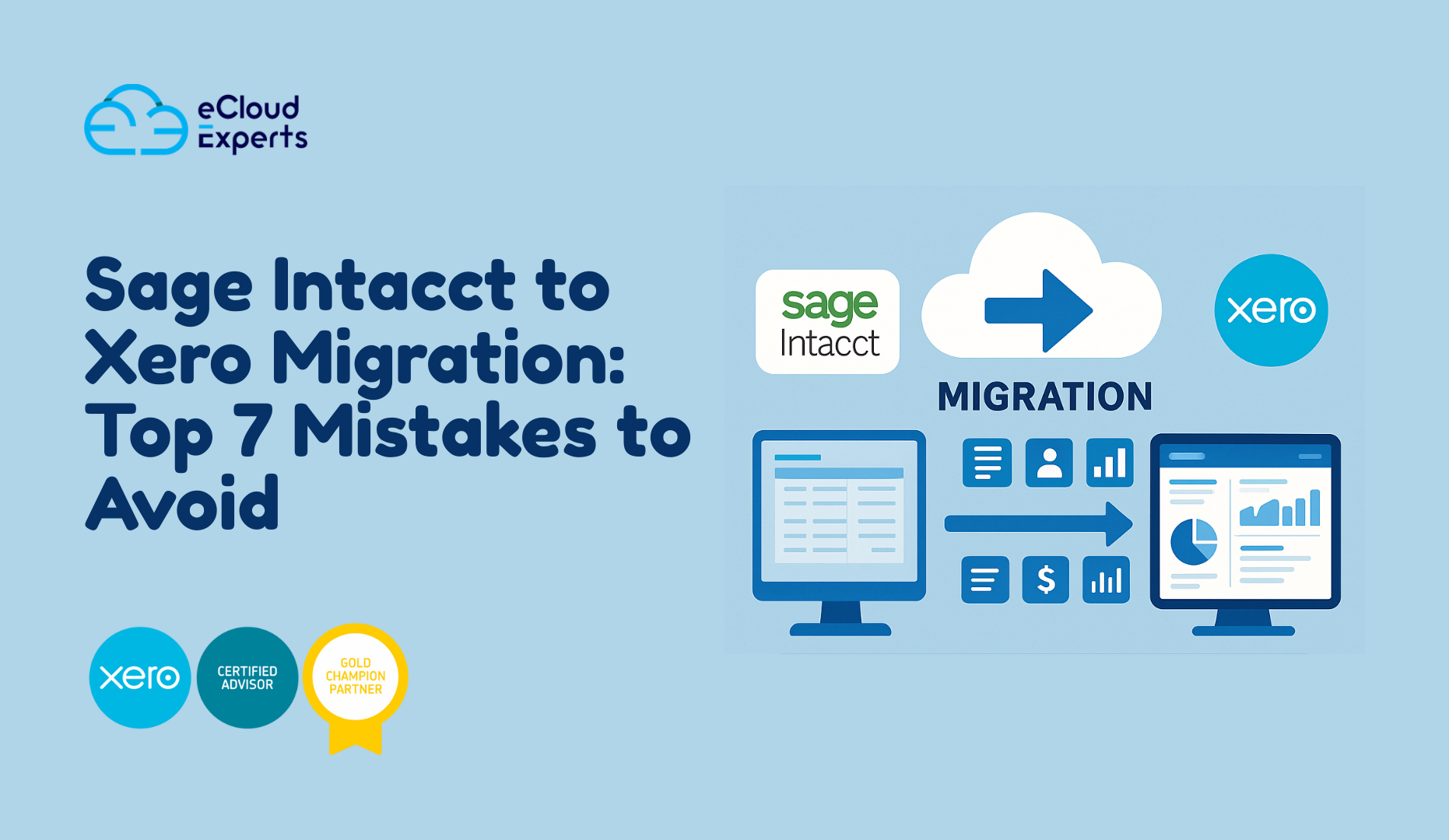
When a business plans a Sage Intacct to Xero migration, the goal is usually simple. They want a modern cloud system, easier reporting, better controls, and a setup that suits their current size. Yet the journey can feel messy if you do not understand the common mistakes that slow teams down.
Many companies begin this move with confidence but end up spending weeks fixing avoidable problems. Data does not match. Reports look strange. Banking rules do not work. Team members feel lost because no one showed them how Xero actually behaves. A bit of planning would have avoided all of this.
In this guide, you will learn the seven major mistakes companies make during a Sage Intacct to Xero migration and what you can do to stay clear of them. If you want a smooth shift with fewer surprises, these points will help you prepare the right way.
Mistake 1: Migrating Everything Without Checking the Quality First
Many teams think that a Sage Intacct to Xero migration means moving every single entry they ever created. They load years of data into the new system without reviewing anything. This is a fast way to move old errors into Xero.
A better approach is to start with a review. Look at open transactions. and at incomplete entries. Look at accounts that no longer serve your business. Spot the areas where Sage Intacct data needs cleanup before the move.
When data enters Xero in a clean state, you can trust your future reports. You save time. and avoid confusion. You reduce the risk of a messy first month in Xero. Think of it as packing for a new home. You do not carry everything from the old place. You keep what is useful and leave the rest.
How to avoid this mistake
• Review customer and vendor records
• Check inactive accounts
• Confirm opening balances
• Remove duplicates
• Resolve long standing errors inside Sage Intacct before export
Mistake 2: Ignoring the Differences Between Both Systems
A Sage Intacct to Xero migration is not a one to one copy. These systems think in very different ways. Sage Intacct has a rigid structure. Xero is more flexible. Sage Intacct splits some elements that Xero groups. Xero has features like tracking categories that do not exist in the same form in Sage Intacct.
Teams who expect a perfect mirror layout feel confused when they see their data inside Xero.
A smart migration begins with learning how Xero works. Understand chart of accounts rules. Understand how Xero handles items, tracking, and contacts. This shapes your setup choices and reduces future adjustments.
How to avoid this mistake
• Map every Sage Intacct field to the matching Xero field
• Avoid copying old structures that no longer fit your business
• Create a fresh chart of accounts that reflects your current needs
• Train your team on the main Xero features before going live
Mistake 3: Poor Data Mapping During Export and Import
Incorrect mapping is the most common cause of migration frustration. For example, income accounts may map to expense accounts. Vendor contacts may appear as customers. Tax codes may not match. Even small mapping errors create reporting chaos inside Xero.
A Sage Intacct to Xero migration depends heavily on careful mapping. If you do not plan this step, you will spend extra hours fixing records after the move.
How to avoid this mistake
• Review every mapping line
• Confirm tax code alignment
• Test a small data sample before the full import
• Document the mapping rules and share them with everyone involved
Mistake 4: Moving Data Without Validating It Inside Xero
Many companies finish the import into Xero and assume the project is done. Then they discover that balances do not match. Bank accounts show the wrong numbers. Aged payables look strange. Receivable summaries make no sense.
Migration is not complete until validation is complete.
A Sage Intacct to Xero migration requires a careful review of the opening balances, aged summaries, bank statement figures, and profit reports. This ensures that nothing fell out of place during the import.
How to avoid this mistake
• Compare bank balances inside Sage Intacct and Xero
• Check aged receivables and aged payables
• Compare your trial balance from both systems
• Validate inventory figures if your business uses items
• Confirm that tax codes appear correctly
Mistake 5: Not Training the Team Before Going Live
You can have the perfect migration, but if your team does not know how to use Xero, stress will rise very fast. Xero uses a different layout and flow from Sage Intacct. A few minutes of training goes a long way.
Skipping training is one of the top mistakes during a Sage Intacct to Xero migration. Staff members guess their way through the system and make errors that could have been avoided.
How to avoid this mistake
• Give your team time to learn key Xero screens
• Introduce simple daily tasks
• Show how bank reconciliation works in Xero
• Provide cheat sheets for common tasks
• Offer post migration support to answer questions
Mistake 6: Forgetting to Rebuild Workflows and Add ons
If your business uses automated processes inside Sage Intacct, remember that these do not carry over to Xero. These workflows must be rebuilt. The same applies to connected apps. The Sage Intacct to Xero migration does not transfer automation rules or external integrations.
Failing to check the app ecosystem early creates downtime. Staff members lose access to tools they need. Reports break. Data stops syncing.
How to avoid this mistake
• List every connected app
• Decide which ones will continue
• Reconnect them to Xero in the right order
• Rebuild automation rules inside Xero
• Test each workflow one by one
Mistake 7: Going Live Without Expert Guidance
A Sage Intacct to Xero migration can be managed in house, but serious risk appears when the team has never completed this type of move. Xero has its own structure that takes time to understand. An experienced consultant can save you from many common mistakes.
DIY migrations often cost more in the long run because businesses spend weeks fixing things they did not plan for.
How to avoid this mistake
• Work with migration specialists who understand both platforms
• Ask for a clear plan
• Confirm how they handle errors
• Check their experience with similar businesses
• Request post migration support
Conclusion: A Sage Intacct to Xero migration Works Best With the Right Plan
A Sage Intacct to Xero migration is a valuable step toward a faster and more modern accounting system. Once you avoid the mistakes described in this guide, you create a setup that is much easier to manage. You protect your data and reduce stress. You give your team a strong start inside Xero.
If you want a guided approach from actual experts, Ecloud Experts can help you complete the entire project with clear steps and verified accuracy.
Need expert help with your Sage Intacct to Xero migration Book your free consultation today. Avoid data loss, reporting mistakes, and long delays. Our team handles the full move with careful planning and clear communication.