Bank accounts, balances and transaction history can be reviewed as part of the migration and cutover plan.
Xero Accountant | Xero Migration | Xero Support | Xero Training | Crypto Accounting
+44 0203 488 6202
info@ecloud-experts.com

Sage Intacct to Xero migration specialists
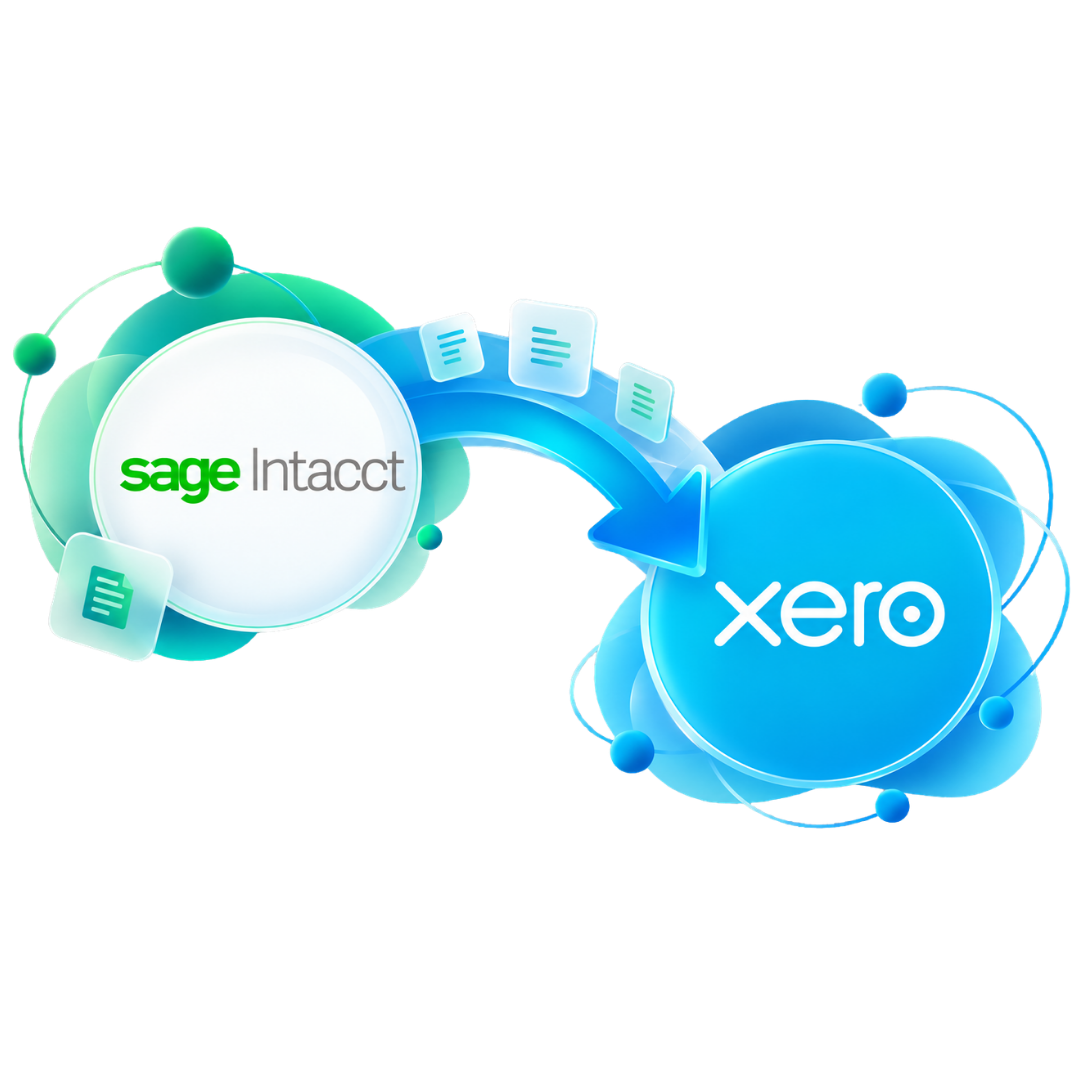
Move from Sage Intacct to Xero with a clearer route.
A Sage Intacct to Xero migration is more than a data export. We review what you use today, map the information Xero needs, migrate the agreed history, reconcile key figures and help your team start with a practical Xero setup.

Xero Gold Champion Partner

Xero Migration Specialists

AAT Licensed Accountant
Clear migration scope
Know what is included before work begins.
Mapped financial data
Structure the source data for Xero.
Checked key balances
Reconcile agreed figures before sign-off.
Practical handover
Support the team after the data move.
Trusted by Businesses Worldwide








What can be migrated
Build the migration around the data that matters.
The exact Sage Intacct to Xero data migration scope depends on the records available, the level of history required and how the existing Intacct file is structured.
Core accounting structure
Chart of accounts, customers and suppliers
We can review account codes, account types, contact records and balances so the new Xero structure is practical for day-to-day use and future reporting.
- Chart of accounts
- Supplier records
- Account mapping
- Customer records
- Opening balances
- Contact cleanup review
Transactional history
Invoices, bills, payments and journals
Historical transaction migration can be scoped around the periods your team needs for operational use, reporting and comparison.
- Sales invoices
- Payments
- Supplier bills
- Journals
Banking
Bank-related records
Currencies
Multicurrency data
Currency settings and historical balances need careful review before they are mapped into Xero.
Reporting structure
Tracking and cost centres
Departments, categories and reporting dimensions can be assessed and mapped to an appropriate Xero approach.
Migration data overview
How Sage Intacct data can be reviewed for Xero.
This table gives a practical view of the main data areas considered during a Sage Intacct to Xero migration. The final treatment is confirmed after reviewing your source data and reporting needs.
|
Data area
|
What we review in Sage Intacct
|
Xero migration approach
|
Typical treatment
|
|---|---|---|---|
|
Chart of accounts
|
Account codes, names, types, balances and reporting structure.
|
Map the agreed accounts into a practical Xero chart of accounts.
|
Map & review
|
|
Customers & suppliers
|
Contact records, names, balances and relevant account details.
|
Prepare agreed contact data for the target Xero organisation.
|
Migrate
|
|
Invoices & bills
|
Open items, historical transactions, dates, values and payment status.
|
Move the agreed transaction history and validate key outstanding items.
|
Scope dependent
|
|
Journals & balances
|
Journal activity, opening positions, control accounts and reporting balances.
|
Use the agreed historical or opening-balance approach and reconcile key figures.
|
Reconcile
|
|
Multicurrency data
|
Currencies, bank accounts, outstanding items and historical balances.
|
Review how currency data should be represented in Xero before migration.
|
Special review
|
|
Tracking & cost centres
|
Departments, locations, projects, dimensions and reporting requirements.
|
Map suitable reporting needs to Xero tracking, projects or an agreed alternative.
|
Redesign
|
|
Banking data
|
Bank accounts, balances, transaction history and cutover requirements.
|
Prepare agreed bank data and support the move to live feeds after validation.
|
Cutover
|
|
Integrations
|
Connected apps, approval flows and operational dependencies.
|
Confirm which systems should reconnect to Xero and which workflows need changing.
|
Plan separately
|
Important: migration treatment varies by file. Data quality, historical depth, currencies, entities and Xero feature limits can change the final scope.
Complex data review
Not every Sage Intacct feature has a one-to-one Xero equivalent.
This is where migration planning matters most. We identify gaps early and agree how information should be simplified, restructured or handled outside the core migration.
Multi-entity structures
If Sage Intacct contains several entities, we review how those entities should be represented in Xero. The answer may involve separate Xero organisations, a revised reporting approach or another agreed structure.
Reporting dimensions
Departments, locations, projects or other dimensions may need to be mapped to Xero tracking, projects or a simplified reporting structure rather than copied field for field.
Multicurrency treatment
We review source currencies, bank accounts, outstanding items and historical balances so the migration plan reflects how Xero will hold and report those values.
Integrations and workflows
Connected apps, approval flows and operational processes should be assessed separately. A successful migration also needs a workable plan for what connects to Xero after cutover.
Choose the right history depth
Three practical ways to migrate from Sage Intacct to Xero.
The right option depends on how much historical detail your team needs inside Xero after go-live.
Leanest option
Opening balances
Start Xero from an agreed conversion date with the key opening financial position.
- Useful for a clean start
- Lower historical complexity
- Old system retained for older detail
For comparisons
Comparative history
Bring selected previous periods into Xero so management can compare current and prior results.
- Supports period comparison
- Balances scope and usability
- History agreed before migration
Most detailed
Fuller historical migration
Move a broader set of historical transactions where the source data and reporting requirement justify it.
- More history inside Xero
- More mapping and validation
- Scope depends on source quality
Complex migrations
Sage 200 Data Migration for More Than a Simple Ledger
A Sage 200 environment can contain far more than basic bookkeeping. Before conversion, we look at the features your business actually relies on so the new Xero setup is designed around real operational needs.
This is especially important for businesses using multiple companies, currencies, departments, cost centres, integrations, payroll or detailed reporting.
Areas we review during scoping
- Company and group structure
- Departments and cost centres
- Sales and purchase history
- Payroll requirements
- Third-party integrations
- Nominal ledger design
- Foreign currency transactions
- Bank accounts and payment flows
- Reporting expectations
- Attachments and supporting records
Migration process
A five-stage Sage Intacct to Xero conversion process.
Each stage answers a different question: what should move, how should it map, whether the numbers agree and whether the new Xero file is ready for use.
Stage 1
Discovery & scope
Review the current Intacct setup, migration period, entities, currencies, reporting needs and target go-live.
Stage 2
Data extraction
Prepare the source records and identify the reports needed for migration and reconciliation.
Stage 3
Mapping & migration
Map the agreed data into the target Xero structure and complete the migration in controlled stages.
Stage 4
Reconciliation
Compare agreed balances and reports between Sage Intacct and Xero and investigate differences.
Stage 5
Setup & handover
Finish the agreed Xero settings, support the cutover and provide training or post-migration help where included.
Built for more than simple files
Complexity should be reviewed before the first import.
A Sage Intacct to Xero conversion service needs extra planning when the source file contains multiple currencies, reporting dimensions, large historical datasets or several connected systems.

Multicurrency review
Assess currency configuration, bank accounts, outstanding balances and the target Xero multicurrency setup.

Tracking design
Map departments, cost centres and reporting needs to a Xero structure that remains manageable after migration.

Integration planning
Review which connected systems still need to work with Xero and which workflows should change at go-live.

Historical data depth
Agree how much transaction history is useful before moving unnecessary volume into the new accounting file.
Bespoke Xero setup
The data move is only one part of the new Xero environment.
Where included in the project, we can configure the agreed Xero settings around the migrated data so the finance team has a more usable starting point.

Banking setup
Prepare the agreed bank accounts and support the cutover to live bank feeds after balances are confirmed.

Tracking setup
Configure agreed tracking categories or reporting structures for departments, projects or cost centres.

Xero integrations
Plan suitable connected apps and integration steps where these form part of the new accounting workflow.

User access
Set up agreed users and permissions so the right people can work in the new organisation after handover.
Training available
Help the finance team adapt to Xero.
A successful migration should leave the team able to use the new system. Xero training can be included for the workflows that matter most after go-live.
Navigation
Banking
Invoices
Bills
Reporting
Tracking
Post-migration support
Support after the cutover.
Questions often appear only when the team starts working in the migrated Xero file. Post-migration support can be included to help resolve agreed migration-related issues and smooth the handover.
Evidence
Sage Intacct & Sage to Xero Migration Case Studies
These client stories show our experience with Sage Intacct migrations and complex Sage to Xero projects involving historical data, multicurrency accounting, reporting structures and multiple entities.
Multicurrency | Sage Intacct → Xero
Dynamic Planner
2 companies | Sage Intacct → Xero
Admiral Operations & Admiral Offshore
Optional Migration Add-ons
Complete the Move with the Right Xero Setup
Some businesses need more than a data conversion. These services can be added where they are relevant to the new Xero environment.

Migration Correction
Review problems left behind by an earlier accounting software migration.

Xero Training
Practical training can help your team become familiar with the new platform.


EXPLORE MORE XERO MIGRATIONS
More Platforms We Migrate to Xero
We migrate businesses to Xero from a wide range of accounting platforms, with careful data mapping, reconciliation and support throughout the move.
⌕














































Frequently asked questions
Before you migrate from Sage Intacct to Xero.
These are the questions we would expect to resolve during discovery and scoping.
Yes. Sage Intacct accounting data can be assessed and migrated to Xero. The final scope depends on the source setup, required history, currencies, entities, reporting needs and the quality of the available records.
A migration can include the chart of accounts, customers and suppliers, invoices and bills, payments, journals, balances, bank-related records and historical transactions. Complex items should be reviewed before the scope is confirmed.
Yes. Historical data can be considered as part of the project. The migration may use opening balances, comparative history or a fuller historical transaction approach, depending on business and reporting requirements.
Multicurrency records can be reviewed for migration, but currency setup, exchange treatment, bank accounts and historical balances should be mapped carefully before data is transferred.
They should be reviewed rather than copied automatically. Depending on the requirement, they may map to Xero tracking, projects, separate organisations or a revised reporting structure.
The process should include reconciliation of agreed key balances and reports against the Sage Intacct source records before final sign-off.
Yes. Banking, tracking, users, integrations and other agreed Xero settings can be included so the migrated organisation is prepared for normal use.
Training and post-migration support can be included where required so the finance team can understand the new Xero setup and handle the transition more confidently.
Plan your migration
Need a clear Sage Intacct to Xero migration scope?
Tell us what is in Sage Intacct today, how much history you need and when you want to move. We can review the requirements and prepare a migration proposal around your business.