A practical cutover when old QuickBooks Enterprise data will remain available for reference.
Xero Accountant | Xero Migration | Xero Support | Xero Training | Crypto Accounting
+44 0203 488 6202
info@ecloud-experts.com

QuickBooks Enterprise to Xero Migration Services
QuickBooks Enterprise to Xero for Complex Data
Move from QuickBooks Enterprise to Xero with a controlled conversion plan built around your accounting history, open transactions and reporting requirements. We review the source data, map it into Xero, reconcile the result and help your team start with a clean, usable system.

Xero Gold Champion Partner

Xero Migration Specialists

AAT Licensed Accountant
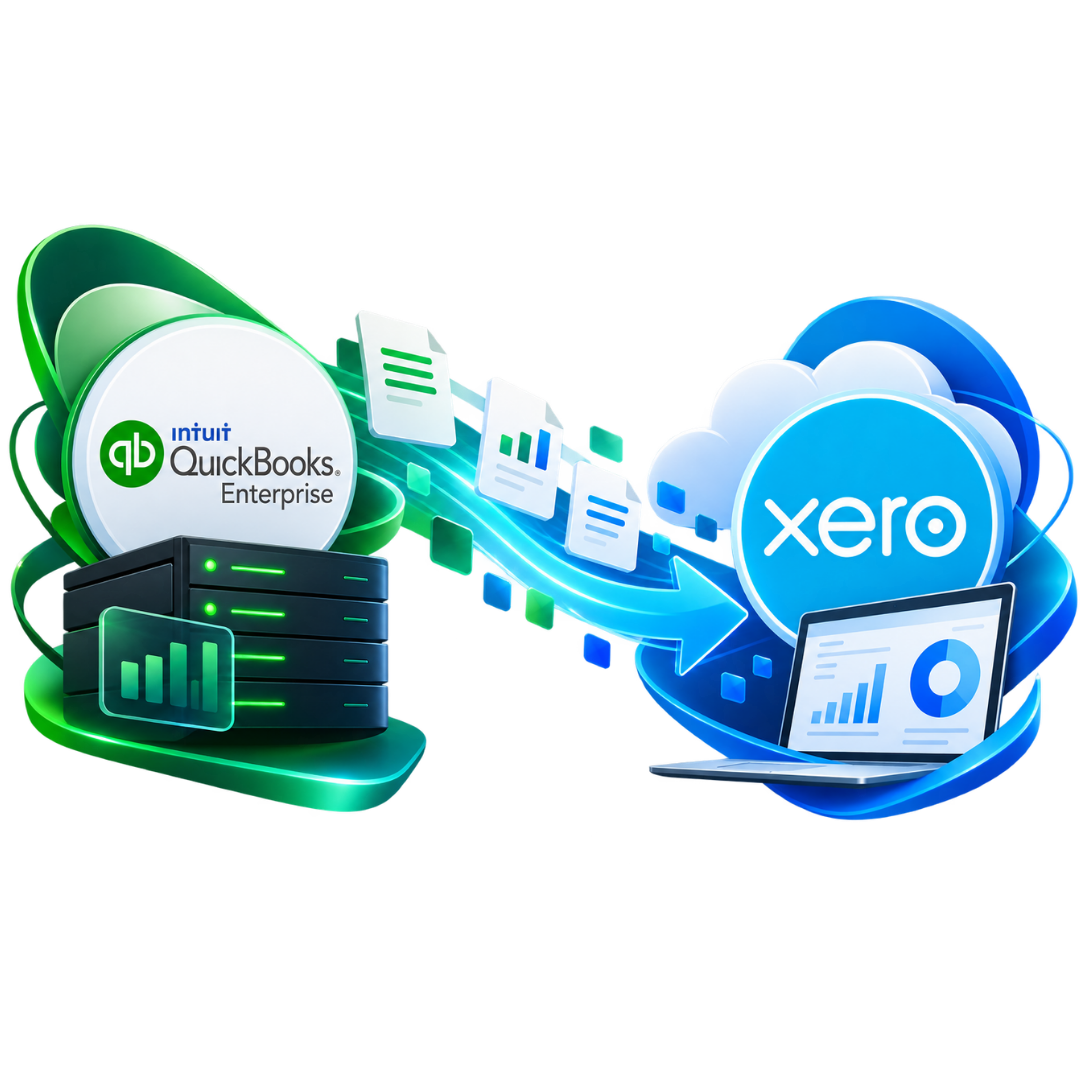
Xero Migration
Built around the way Xero stores and reports accounting data.
Multi-year history
Opening balances, recent history or a larger historical conversion.
Complex data review
Multicurrency, lists, classes, jobs and other source structures.
Migration Support
Help your team work confidently in Xero after go-live.
Trusted by Businesses Worldwide









QuickBooks Enterprise Data Migration to Xero
What Can Be Migrated from QuickBooks Enterprise to Xero?
The right migration scope depends on what is in your QuickBooks Enterprise file and what your team needs in Xero. We agree the data set before the conversion so there is a clear plan for historical records, open items and reporting continuity.
Core Accounting Data
- Chart of accounts
- Customers and suppliers
- Invoices and bills
- Payments and journals
Balances and history
- Opening balances
- Historical transactions
- Accounts receivable
- Accounts payable
Operational records
- Bank-related transactions
- Tracking structure mapping
- Multicurrency review
- Supporting data where agreed
Not every QuickBooks Enterprise feature has a direct one-to-one equivalent in Xero. The treatment of each data type is confirmed during scoping.
Before You Convert QuickBooks Enterprise to Xero
Is Xero the Right Replacement for Your Business?
Moving to Xero can simplify access, collaboration and day-to-day accounting, but a good migration starts by checking whether your current QuickBooks Enterprise workflows have suitable equivalents.
Good fit:
Your priority is cloud access, cleaner collaboration and simpler accounting workflows.
Good fit:
You want an accounting platform that connects with a broad range of cloud apps.
Good fit:
Your reporting and operational needs can be supported directly in Xero or through selected apps.
What we check before recommending the move
- Inventory and stock workflows
- Classes, jobs, departments and reporting dimensions
- Multicurrency requirements
- Payroll and connected applications
- Custom fields, memorised processes and special lists
- Custom fields, memorised processes and special lists
QuickBooks Enterprise to Xero Conversion
What Moves, What Changes and What Needs Mapping?
QuickBooks Enterprise and Xero organise some records differently. This is why the conversion needs more than a simple export-and-import routine.
|
QuickBooks Enterprise data
|
Xero destination
|
|---|---|
|
Chart of accounts
|
Chart of accounts
|
|
Customers and suppliers
|
Contacts
|
|
Invoices, bills and payments
|
Sales and purchase transactions
|
|
Classes, jobs or departments
|
Tracking or app-supported structure
|
|
Multicurrency records
|
Xero multicurrency workflows
|
Migrate QuickBooks Enterprise to Xero
A Reconciliation-Led Migration Process
The project is organised around control points, not just data transfer. Each stage has a clear purpose so your team knows what is being moved and how the result will be checked.
Discovery and source data review
We review your QuickBooks Enterprise file, reporting needs, required history and any complex workflows.
Scope
Final migration and Xero setup
We complete the conversion, configure the agreed Xero settings and prepare the organisation for use.
Go live
Mapping and migration plan
We define how accounts, contacts, transactions, tracking structures and other agreed data will be represented in Xero.
Design
Reconciliation, sign-off and handover
Control totals are compared, exceptions are reviewed and your team receives the agreed training or support.
Handover
Test conversion and data checks
Where appropriate, migration data is processed and checked against agreed source reports before final cutover.
Validate
Post-migration review and support
We review Xero after go-live, resolve migration questions, and check workflows, bank feeds, and integrations.
Support
QuickBooks Enterprise Historical Data Migration
Choose the Right Level of History in Xero
Not every business needs its entire QuickBooks Enterprise file reproduced in Xero. The migration can be scoped around the history that supports your reporting, audit and operational needs.
OPTION 01
Opening balances and open items
Option 2
Recent comparative history
Bring the current period and selected prior history into Xero for day-to-day reporting and comparison.
Option 3
Multi-year historical conversion
Move a larger transaction history when your business needs more continuity inside Xero.
Complex QuickBooks Enterprise to Xero Migration
Built for More Than Basic Bookkeeping Data
QuickBooks Enterprise is often used by established businesses with larger data sets and more detailed workflows. These areas are reviewed separately so the target Xero setup is practical, not just technically imported.
Multicurrency records
Review currencies, source balances and Xero multicurrency configuration before finalising the conversion plan.
Classes, jobs and departments
Map reporting dimensions into Xero tracking or an agreed alternative structure where needed.
Large transaction volumes
Plan migration around data volume, history and reconciliation needs, avoiding one-size-fits-all imports.
Inventory System Review
Review stock workflows and app dependencies before migration so processes are not overlooked.
Custom lists and fields
Identify source structures that do not have a direct Xero equivalent and agree how they should be treated.
Cleanup before migration
Flag duplicates, unusual balances and data issues for correction before or during conversion.
QuickBooks Enterprise to Xero Migration Services
What Is Included in the Migration Project?
The final scope is tailored to your source data, but a complete migration project can include the following workstreams.

Data assessment
Review file structure, transaction history, control reports and migration requirements.

Data mapping
Define how source accounts, contacts, transactions and reporting structures will be handled in Xero.

Historical migration
Move the agreed historical period, open balances and transaction detail into the target Xero organisation.

Reconciliation
Compare agreed Xero reports against the source control totals and investigate material differences.

Xero configuration
Configure the agreed chart, financial settings, users and other core Xero options.

Tracking design
Set up an agreed approach for departments, classes, projects or other reporting dimensions.

App review
Identify connected systems and integration requirements that may affect the target workflow.

Handover support
Provide agreed training, user guidance and post-migration support after go-live.
QuickBooks Enterprise to Xero Migration Specialist
Why Businesses Choose eCloud Experts
A successful conversion needs accounting knowledge as well as migration experience. Our approach focuses on scoping, mapping, reconciliation and handover so the Xero organisation is useful from day one.
Xero-focused team
Migration work is planned around the target Xero structure and reporting needs.
Reconciliation first
Control reports are part of the migration method, not an afterthought.
Complex data review
We address multicurrency, reporting dimensions and other non-standard source structures.
Clear migration scope
The agreed plan defines what will move, what will change and what sits outside the project.
Training available
Help your finance team understand the new Xero workflow after migration.
Post-migration support
Resolve agreed setup questions and handover issues after go-live.
Evidence
QuickBooks Enterprise To Xero Migration Case Study
See how we helped an international charity move from QuickBooks Online to Xero while preserving financial data and building a reporting structure suited to its operations.
International Charity | QuickBooks Enterprise→ Xero
Muslim Hands Somalia
Desktop Accounting | QuickBooks Enterprise→ Xero
QuickBooks Desktop Migration
Complex Data | QuickBooks Enterprise → Xero
QuickBooks Enterprise Migration
Optional Migration Add-ons
Complete the Move with the Right Xero Setup
Some businesses need more than a data conversion. These services can be added where they are relevant to the new Xero environment.

Migration Correction
Review problems left behind by an earlier accounting software migration.

Xero Training
Practical training can help your team become familiar with the new platform.


EXPLORE MORE XERO MIGRATIONS
More Platforms We Migrate to Xero
We migrate businesses to Xero from a wide range of accounting platforms, with careful data mapping, reconciliation and support throughout the move.
⌕














































QuickBooks Enterprise to Xero Data Conversion FAQs
Questions Businesses Ask Before Migrating
These answers explain the main decisions around scope, historical data, mapping and go-live.
Yes. QuickBooks Enterprise data can be reviewed and migrated to Xero. The exact scope depends on the source file, the quality of the records and how much history you want to retain.
A migration can include the chart of accounts, customers, suppliers, invoices, bills, payments, journals, balances, bank-related data and historical transactions. The final scope is agreed after reviewing the source data.
Yes. Multi-year historical migration can be included where the source data supports it. Larger histories normally require more preparation, mapping and reconciliation.
They can be reviewed and mapped into an appropriate Xero reporting structure where possible. The best approach depends on how those dimensions are currently used.
We compare agreed control reports, such as the trial balance, receivables, payables and other relevant totals, against the migrated Xero data and investigate material differences.
Multicurrency requirements can be included in the migration review. The final treatment depends on the currencies, transactions and the target Xero configuration.
Yes. Xero configuration, user setup, training and post-migration support can be included in the agreed project scope.
No. The two systems have different structures and workflows. Some features may need to be mapped, simplified or replaced with another Xero or app-based process.
Planning a QuickBooks Enterprise to Xero Migration?
Tell us how much history you need, how complex the QuickBooks Enterprise file is and when you want to move. We can then scope the conversion, identify the main risks and define the work required for a controlled Xero go-live.