Xero Accountant | Xero Migration | Xero Support | Xero Training | Crypto Accounting
+44 0203 488 6202
info@ecloud-experts.com

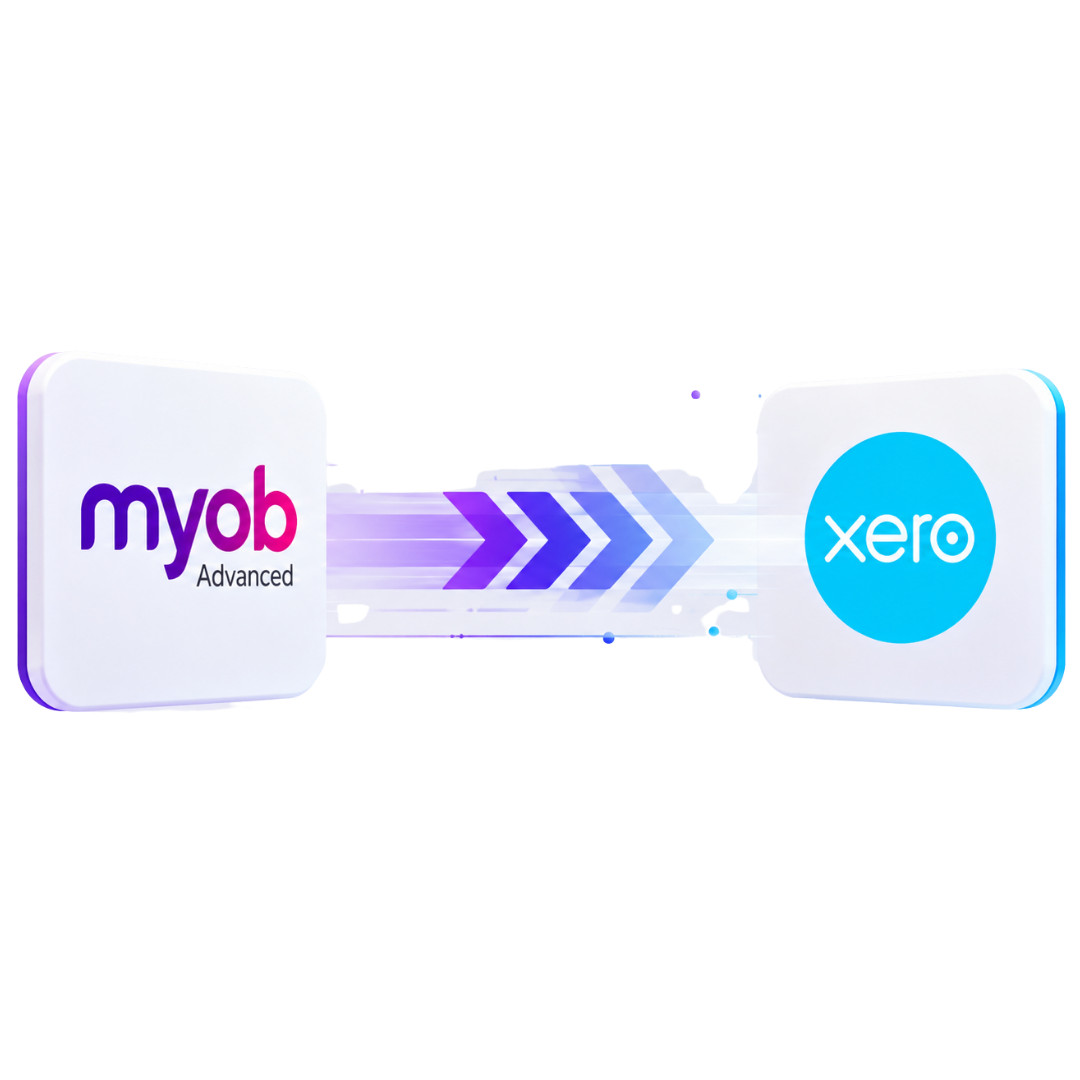
MYOB Advanced → Xero
MYOB Advanced to Xero Migration
Simplify your accounting with our MYOB Advanced to Xero migration service. We securely move essential financial data from MYOB Advanced, now MYOB Acumatica, into Xero. Our team carefully maps accounts, invoices, bills, currencies, projects and historical records, creating a cleaner Xero setup that supports your business today.

Xero Gold Champion Partner

Xero Migration Specialists

AAT Licensed Accountant
Fixed
Scope quoted before we start
Checked
Every balance verified against source
12+
Years in cloud accounting
Gold
Xero Champion Partner status
Trusted by Businesses Worldwide




Why It's Different
You Are Moving From an ERP, Not Just Changing Accounting Software
A successful MYOB Advanced to Xero migration requires careful planning because both systems manage financial and operational data differently. Each account, transaction, project, entity and historical record must be reviewed and mapped correctly to create an accurate, practical Xero setup.
Move
Accounting information required in Xero for ongoing bookkeeping, reporting and historical reference.
Map
Accounts, contacts, transactions, tax treatment and reporting dimensions that need a different Xero structure.
Redesign
Old ERP structures that are still needed but should work differently after the move.
Archive
Historical or operational information that does not need to live inside Xero.
We do not try to rebuild MYOB Advanced inside Xero. We build the Xero organisation your business needs going forward.
Migration Scope
What Can We Migrate From MYOB Advanced to Xero?
Build the Migration Around the Data You Need. Every MYOB Advanced environment is different, so we confirm the exact migration scope before work begins. Depending on your records and requirements, your migration can include: Build the Migration Around the Data You Need Every MYOB Advanced environment is different, so we confirm the exact migration scope before work begins.
Depending on your records and requirements, your migration can include:
Core Accounting Data
- Chart of accounts
- Opening and conversion balances
- Sales invoices
- Supplier bills
- Credit notes
- Customer payments
- Supplier payments
- Bank transactions
Customer Contacts
- Customer records
- Supplier records
- Contact details
- Relevant reference information
Outstanding Balances
- Open sales invoices
- Open supplier bills
- Accounts payable balances
- Relevant outstanding credits
- Accounts receivable balances
Xero Configuration
- Tax settings
- Organisation setup
- Bank account setup
- Reporting structure
- Conversion date setup
- Chart of accounts mapping
- Tracking structure where appropriate
Historical Data
How Much MYOB Advanced History Should Move?
You do not automatically need every transaction ever recorded in MYOB Advanced. The right migration period depends on how your finance team uses historical information.
Opening Balances
Start Xero from an agreed conversion date with the balances required for ongoing accounting.
Suitable when: detailed old transactions can remain in your historical archive.
Comparative History
Bring across selected previous periods so management can compare current performance against earlier results.
Suitable when: reporting comparisons matter but complete historical detail is unnecessary.
Detailed Historical Migration
Move an agreed period of transaction-level accounting history into Xero.
Suitable when: your team regularly investigates previous transactions or requires detailed historical reporting.
We agree the historical period before migration so you do not pay to move information nobody will use.
Data Mapping
MYOB Advanced Data Does Not Always Have a Direct Xero Equivalent
This is one of the most important parts of an MYOB Advanced to Xero conversion.
Your existing ERP may contain:
- Purchase orders
- Custom fields
- Approval workflows
- Multiple companies or branches
- Inventory and warehouse information
- Departments or reporting dimensions
- Projects
- Sales orders
- CRM information
- Segmented accounts
- Multi-currency transactions
- Intercompany transactions
Copying these structures blindly can leave you with an unnecessarily complicated Xero organisation. Instead, we ask what each structure is actually doing. Then we determine whether it should be:
Moved into Xero
Mapped to a different Xero structure
Handled by another application
Retained as historical reference
Multi-Entity
Moving Multiple MYOB Advanced Entities to Xero
If MYOB Advanced currently manages several companies, branches or legal entities, we review how they should operate after migration.
That includes questions such as:
- Xero Organisations
Which legal entities require their own Xero organisation?
- Chart of Accounts
Should entities use a common account structure for easier reporting?
- Intercompany Positions
Which intercompany balances need to be retained at conversion?
- Shared Contacts
How should customers and suppliers used across multiple entities be handled?
- Reporting
What information needs to remain comparable between entities?
- Currency
Which organisations or transactions require foreign currency functionality?
We design the migration around your legal and reporting requirements rather than simply reproducing the old ERP structure.
Multi-Currency
Multi-Currency MYOB Advanced to Xero Migration
Multi-currency history can add another layer of complexity. Depending on your migration requirements and the information available from MYOB Advanced, we review:
- Transaction currencies
- Historical exchange rates
- Foreign currency bills
- Outstanding foreign balances
- Conversion date positions
- Base currency
- Payments
- Exchange differences
- Foreign currency invoices
The Process
Our MYOB Advanced to Xero Migration Process
01
Understand
We start with why you are moving and what Xero needs to deliver after go-live.
02
Assess
We review entities, transactions, history, currencies, accounts, and key ERP features.
03
Scope
We agree exactly what will move, the historical period and the conversion date.
04
Design
We plan Xero accounts, tracking, tax setup, and all required configurations.
05
Prepare
The agreed MYOB Advanced data is extracted, reviewed, cleaned and prepared for migration.
06
Migrate
Accounts, contacts, transactions and balances are moved according to the agreed structure.
07
Reconcile
We compare key Xero figures against MYOB Advanced records to confirm accuracy and ensure financial data integrity.
08
Go Live
After all checks, we prepare your Xero organisation for accurate, confident, and effective ongoing use.
Operational Data
What Happens to Inventory, Projects and Other ERP Data?
MYOB Advanced can support operational functions that go beyond core accounting. That may include inventory, warehouses, projects, purchasing, sales orders and other business processes. Before migration, we identify which of these functions your business still relies on.
Then we decide whether the information should be:
Migrated
When it belongs in Xero and is required for ongoing accounting.
Rebuilt
When the requirement remains but needs a different setup.
Managed Elsewhere
When another application is better suited to the operational process.
Archived
When you only need historical access.
Why eCloud Experts
Accounting Experience Behind the Migration
An ERP migration should not be treated as a spreadsheet exercise. The data being moved represents your accounting history. Our approach combines migration work with an understanding of the accounting structure behind the records.
Accounting-Led Migration
We consider how transactions, balances and accounts should behave after the move, not simply whether a file can be imported.
Xero Migration Experience
Our work focuses on helping businesses move accounting information from existing systems into Xero and other cloud accounting platforms.
Complex Data Requirements
Projects can be scoped around areas such as historical transactions, multiple entities and foreign currencies.
Reconciliation
We compare agreed accounting figures between the source information and Xero rather than treating a successful import as the finish line.
Xero Setup
The project can include practical Xero configuration so the new organisation is structured for ongoing use.
Training and Support
Where required, we can continue beyond migration with Xero training and post-migration support.
Add your verified Xero credentials, client review rating and relevant migration case studies here as visible trust signals.
Who we help
Why eCloud Experts
You can find someone to import CSV files. That’s not the difficult part. The value lies in deciding what belongs in Xero, what should stay historical, how far back the migration should go, how the accounting structure should change and how the finished balances will be proved.
That’s the work we focus on.
- FreeAgent migration experience
- Xero implementation knowledge
- Accounting-led mapping
- Historical migration options
- Reconciliation before handover
- Multi-currency capability
- Xero training
- Post-migration support
Evidence
MYOB Advanced To Xero Migration Case Studies
These client stories show how we manage complex ERP migrations to Xero involving multicurrency accounting, historical financial data, group structures and detailed reporting requirements.
Multicurrency | MYOB Advanced → Xero
Meta Maya Environmental
4 Organisations | 3 Years of History
SweetTree Home Care Services
EXPLORE MORE XERO MIGRATIONS
More Platforms We Migrate to Xero
We migrate businesses to Xero from a wide range of accounting platforms, with careful data mapping, reconciliation and support throughout the move.
⌕












































FAQ
Frequently Asked Questions
Yes. We can scope an MYOB Advanced to Xero migration around the accounting data you need, your required historical period, entities, currencies and Xero configuration.
Yes. MYOB Advanced has been renamed MYOB Acumatica. Businesses may therefore encounter both names when reviewing older records, documentation and migration requirements.
Historical accounting data can be included where appropriate. You can choose between a conversion-balance approach, selected comparative history or a more detailed historical migration depending on your requirements.
Yes. Multi-entity migrations can be assessed. We first determine which entities require separate Xero organisations and how relevant balances and reporting structures should be handled.
Multi-currency requirements can form part of the migration. The appropriate treatment depends on the source data available, currencies involved and historical detail required.
We review and map the required accounts into the agreed Xero structure. Migration can also be an opportunity to remove obsolete or unnecessary ERP complexity.
Inventory requirements need separate assessment because MYOB Advanced can support more complex inventory operations. We establish what information belongs in Xero and whether another system will handle ongoing inventory management.
We review the project information required after migration. Relevant accounting information may be handled differently from detailed historical or operational project records.
Depending on scope, we compare key accounting figures such as the trial balance, receivables, payables, bank balances and conversion balances against the agreed MYOB Advanced source information.
It depends on transaction volume, historical depth, number of entities, currencies, source data quality and overall complexity. We confirm an expected timeframe after reviewing your requirements.
Pricing is based on the agreed migration scope rather than a generic software-to-software fee. We review your data and requirements before providing a proposal.
Usually not. The better approach is to identify what your team needs inside Xero for ongoing accounting and reporting, then retain other historical or operational information appropriately.
Ready to Move From MYOB Advanced to Xero?
Start With a Proper Review of Your Data
Moving away from MYOB Advanced is an opportunity to simplify your accounting environment, but only if the financial history and reporting requirements are handled properly. We review your current setup, agree what needs to move and build the migration around the Xero environment your business needs next.