One clean company with straightforward dimensions is the fastest, most contained scope, often measured in working weeks.
Xero Accountant | Xero Migration | Xero Support | Xero Training | Crypto Accounting
+44 0203 488 6202
info@ecloud-experts.com

Migrate Access Dimensions to Xero
Access Dimensions to Xero Migration Services
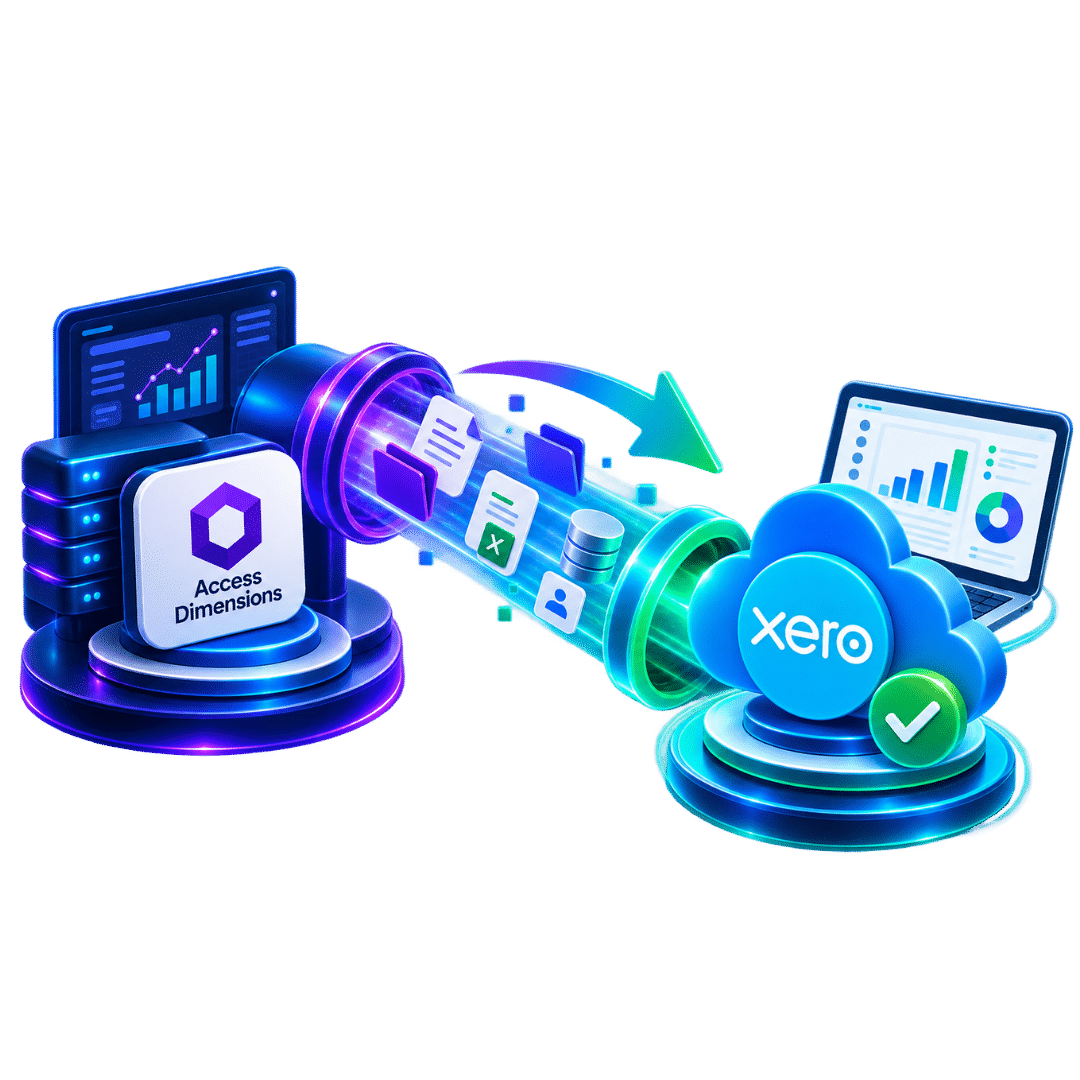
Close the file on your on-premise ERP and open a clean one in Xero. Twelve years of nominal ledgers, cost centres and custom reports don’t have to stay locked inside a Windows client tied to an office server — we map every dimension in writing and hand you a Xero file with the numbers proven to tie.

Xero Gold Champion Partner

Xero Migration Specialists

AAT Licensed Accountant
What we migrate
Nominal ledger, contacts, transactions, balances and agreed historical data
Complexity handled
Multi-company data, analysis dimensions, stock and custom reports
How we validate
Reconcile migrated balances, transactions, tracking categories and records.
What you receive
Configured Xero, documented mappings, training and post-migration support
Case summary
Yes. Everything in the nominal ledger — cost centres, departments, contacts, transactions, balances — can be extracted, mapped and migrated into Xero once we’ve agreed a target design and a conversion date.
The complication isn’t the accounting, it’s the plumbing. Access Dimensions runs on-premise, on SQL Server, behind a Windows client. There’s no “export to Xero” button. Getting the data out cleanly means a database-level extraction, confirmed against your specific version and hosting setup before we touch a single live transaction.
Once that’s settled, the migration itself reads like an ordinary accounting job: nominal balances land in the right Xero accounts, cost centres and departments become tracking categories or a documented alternative, and every outstanding sales or purchase item matches your existing ageing reports at the conversion date.
Exhibit A
Where Each Access Dimensions Field Actually Lands in Xero
This is the decision that shapes the whole project. Access Dimensions earns its name from letting you tag one transaction with several analysis fields at once. Xero doesn’t work that way — so every field on file needs somewhere specific to go.
|
Field on file
|
Typical use
|
Where it usually ends up
|
|---|---|---|
|
Department
|
Team or business-unit level reporting
|
A Xero tracking category
|
|
Cost centre
|
Budget-holder or site-level cost reporting
|
A tracking category, or a contact group where reporting needs are lighter
|
|
Project
|
Job-level or contract-level profit and loss
|
Xero Projects, or a tracking category for simpler job costing
|
|
Location
|
Branch or warehouse-level reporting
|
A tracking category, or folded into the organisation structure for larger sites
|
|
Nominal analysis codes
|
Additional custom analysis layered on the standard nominal ledger
|
A connected reporting app, or archived where usage is light
|
Most businesses can only carry two fields forward as native Xero tracking. The rest get a documented destination, agreed with you — not a default nobody remembers choosing.
The file review
Signs It's Time to Switch from Access Dimensions to Xero
Access Dimensions customers rarely leave because the system let them down — it’s a capable, well-established platform. Four findings tend to open the file in the first place.

Finding 1 — the renewal notice
An annual support and licence renewal is often the first time anyone properly totals up what an on-premise ERP actually costs to keep running: server, SQL Server licensing, IT time, support contract.

Finding 2 — remote work exposes the friction
A Windows client tied to an office server means VPN or Remote Desktop for anyone working elsewhere. That’s an increasingly poor fit for how finance teams actually operate.


Finding 3 — the vendor's own roadmap
The Access Group increasingly points customers toward Access Financials, its modern cloud product. That prompt is often what starts a genuine look across the whole market, Xero included.


Finding 4 — the business has simplified
Stock control, bill of materials and multi-company consolidation only earn their keep if you still need them. A business that’s sold a division or simplified operations often finds it’s still paying for capability it no longer uses.

Fit test
Is Your Business Ready to Migrate Access Dimensions to Xero?
The real question isn’t whether the data can move — it usually can, cleanly. It’s whether Xero, plus a sensible connected app or two, can carry the operating model your business actually needs from here.
Pass
- One company, or a small number, with straightforward cost-centre and department reporting
- Maintaining an on-premise server and Windows clients has become a real IT burden
- Remote or hybrid staff need browser-based access instead of VPN or Remote Desktop
- Stock control and bill of materials are lightly used or no longer needed
- A renewal or support-cost review has prompted a wider look at the whole finance stack
Needs review
- Multiple companies with heavy intercompany activity and consolidated statutory reporting
- Active manufacturing, bill of materials or stock-heavy operations
- More than two analysis dimensions used in day-to-day reporting
- Significant custom Report Designer output relied on for management reporting
- A live evaluation of Access Financials already underway
If the right-hand column describes you better, staying within the Access ecosystem — or moving to Access Financials rather than Xero — may genuinely be the stronger fit. Discovery is free, and if that’s what we find, that’s what we’ll tell you.
Schedule 1
Access Dimensions vs Xero: Feature Comparison
Schedule 1 of 2 — filed for reference
|
Business need
|
Why Xero fits better
|
What to check before switching
|
|---|---|---|
|
Infrastructure & access
|
No on-premise server, Windows client or VPN — Xero runs entirely in the browser, from anywhere.
|
Confirm who currently owns your Access Dimensions server and hosting.
|
|
Analysis dimensions
|
Simpler two-category tracking suits businesses that no longer need several live analysis fields at once.
|
Identify which two dimensions are genuinely business-critical.
|
|
Multi-company structure
|
Each business gets its own clean Xero organisation rather than sharing one on-premise database.
|
Confirm whether consolidated reporting still needs a connected tool.
|
|
Accountant & app ecosystem
|
A large global network of certified advisers and a wide connected-app marketplace.
|
Check whether your accountant already works in Xero day to day.
|
|
Licensing & support cost
|
One predictable subscription instead of on-premise licensing, SQL Server costs and an annual support contract.
|
Add up your actual current running costs before comparing.
|
|
Reporting
|
Standard reports, tracking categories and a broad app marketplace replace bespoke Report Designer output.
|
List the specific custom reports the business relies on today.
|
|
Stock & manufacturing
|
Fine for straightforward stock tracking once bill of materials and works orders are no longer required.
|
Confirm whether stock or manufacturing functionality is still actively used.
|
|
Everyday usability
|
A simpler interface suits smaller finance teams and external bookkeepers without ERP-level training.
|
Confirm which users still need ERP-level access Xero doesn't natively provide.
|
Feature references checked against Xero UK accounting software information. Final capability depends on plan, region and connected applications.
Schedule 2
What's Included in an Access Dimensions to Xero Data Migration
Schedule 2 of 2 — migration scope
|
Data area
|
Typical treatment
|
Key control
|
|---|---|---|
|
Nominal ledger
|
Retained, consolidated or redesigned for Xero's chart of accounts.
|
Account mapping signed off before import.
|
|
Cost centres & departments
|
Mapped to Xero tracking categories, contact groups or a connected app.
|
Dimension-mapping register agreed by finance.
|
|
Companies
|
Each Access Dimensions company becomes its own Xero organisation.
|
Company-to-organisation mapping agreed in writing.
|
|
Customers & suppliers
|
Contact records, balances and payment terms cleaned and migrated.
|
Duplicate and inactive records reviewed before load.
|
|
Sales & purchase transactions
|
Invoices, bills, credit notes and payments for the agreed period.
|
AR and AP ageing reconciled at the conversion date.
|
|
Bank & cash accounts
|
Historical transactions and balances, then an agreed live-feed cut-over.
|
Statement and ledger balances checked line by line.
|
|
Stock & bill of materials
|
Opening stock valuations migrated; ongoing detail moves to a connected app where needed.
|
Quantity and carrying value reconciled at cut-over.
|
|
Fixed assets
|
Asset register position migrated as agreed opening data.
|
Carrying values reconciled to the general ledger.
|
|
Multicurrency
|
Transaction currency and exchange-rate treatment preserved where in use.
|
Foreign-currency balances checked per currency.
|
|
Custom reports & attachments
|
Report Designer output matched to a Xero-side or connected-app equivalent; attachments migrated where possible.
|
Report equivalence documented, not assumed.
|
Risk controls
How We Protect Your Numbers During the Migration
- Written scope, company and dimension-mapping treatment agreed in advance
- Approved chart of accounts and tracking-category mapping register
- Controlled trial migration for multi-company or stock-heavy setups
- Comparative trial-balance checks at the agreed conversion date
- AR and AP reconciliation, including any retained or held amounts
- Cost centre and department totals reconciled to the general ledger
- Exception log for unsupported reports, dimensions or customisations
- Finance-team review and sign-off before go-live
Common problems we prevent
Access Dimensions migrations tend to go wrong when analysis dimensions are mapped inconsistently across transactions, a custom report quietly loses a data source nobody checked for, multi-company eliminations are handled differently across the newly separated files, or stock valuations don’t reconcile between the two systems.
In practice, reconciliation happens twice: once on a trial migration using representative data, and once on final cut-over using your actual closing figures. The trial run exists specifically to surface mapping problems while there’s still time to correct them — not on the day you’re switching off the old system for good.
“A matching trial balance closes the file. It isn’t the only thing we check to get there.”
The process, clause by clause
Our Access Dimensions to Xero Migration Process
01
Discovery
Confirm companies, dimensions in use, modules, reporting needs and the go-live target.
02
Assessment
Confirm companies, dimensions, modules, reporting needs, and go-live target.
03
Scope
Agree the migration period, inclusions, exclusions, deliverables and control reports in writing.
04
Design
Design Xero organisations per company, chart of accounts and tracking-category structure.
05
Extraction
Export the agreed data via database-level access, tested on a sample before anything live is touched.
06
Mapping
Convert records into the target model and finalise the dimension-mapping register.
07
Trial run
Load representative data, test outputs, and confirm decisions before the final conversion.
08
Cut-over
Process the agreed closing data carefully and securely connect all live bank feeds for operations.
09
Reconciliation
Compare trial balances, AR, AP and dimension totals; document any variances and why.
10
Handover
Train the team, agree an archive plan for the old system, and support the first weeks live.
Cost schedule
Access Dimensions to Xero Migration Cost: What Affects Your Quote
Every quote is scoped and fixed before work starts — no hourly surprises. Three entries on the file move the number most.
Company count
Dimension & module depth
Multiple analysis fields, active stock control or bill of materials add a mapping and validation step the simpler scope doesn’t need.
Custom reporting
Every Report Designer output relied on for management reporting needs a Xero-side or connected-app replacement agreed before cut-over — the more of these on file, the longer discovery takes
References on file
Evidence Behind Our Xero Migration Expertise
We don’t yet have a published Access Dimensions-specific case study. Our published multi-company migration for SweetTree Home Care Services follows a similar pattern to most Access Dimensions projects — several group companies, three years of history, and a full reconciliation before handover.
eCloud Experts is a Xero Gold Champion Partner with more than 12 years in cloud accounting, including migrations from on-premise and legacy ERP platforms such as Access Dimensions, NetSuite, Acumatica and Aqilla. Ask us for the latest Access Dimensions examples at discovery, or browse all client success stories.
- Xero-certified advisers and migration specialists
- Tailored Xero training and post-go-live support
- Multi-company mapping and consolidation
- Analysis-dimension and tracking-category redesign
- Direct experience with on-premise and SQL Server-based ERP extraction
- Documented reconciliation and control reporting on every project
Evidence
Access Dimensions To Xero Migration Case Studies
These client stories show how we manage complex migrations into Xero involving historical financial data, multicurrency accounts, reporting structures, reconciliation and finance team support.
Manufacturing | Access Dimensions → Xero
Carpenter & Paterson
Sports Organisation | Access Dimensions → Xero
Richmond Athletic Association Ltd
EXPLORE MORE XERO MIGRATIONS
More Platforms We Migrate to Xero
We migrate businesses to Xero from a wide range of accounting platforms, with careful data mapping, reconciliation and support throughout the move.
⌕














































Appendix
Access Dimensions to Xero Migration FAQs
Yes. Access Dimensions' nominal ledger, cost centres, departments, contacts, transactions and balances can be extracted, mapped and migrated into Xero once a target design and conversion date are agreed. As an on-premise, SQL Server-based system, extraction is usually a database-level export rather than a simple file download.
Common triggers include the cost and effort of maintaining an on-premise Windows and SQL Server setup, a support or licence renewal prompting a wider review, remote and hybrid teams needing browser-based access instead of VPN or Remote Desktop, or a business simplifying after downsizing.
Xero supports two active tracking categories per organisation, while Access Dimensions allows several analysis dimensions per transaction. We help decide which two matter most, and agree where the rest go: contact groups, Xero Projects, a connected app, or an archived reference.
That's a genuine option worth weighing, since Access Financials is the vendor's own modern cloud successor. Businesses needing Access Dimensions' full ERP depth often stay within the Access ecosystem. Xero tends to suit businesses whose needs have simplified or who want a wider accountant and app ecosystem.
Yes. Each company is assessed individually and normally mapped to its own Xero organisation, since Xero doesn't offer native multi-company consolidation within one file. Intercompany balances are reviewed during discovery.
Xero's inventory suits straightforward stock tracking rather than bill of materials or manufacturing functionality. We typically migrate opening stock valuations and recommend a connected app for ongoing operational tracking.
Custom reports are specific to Access Dimensions and don't transfer directly. Each is reviewed to decide whether it becomes a Xero report, a connected reporting app, or stays accessible in an archived copy of Dimensions.
Access Dimensions is primarily a financial and ERP system; payroll typically runs through Access Payroll or another separate system. Payroll migration or Xero payroll setup is scoped as its own workstream.
Validation includes comparative trial balances, AR/AP control totals, cost centre and department totals reconciled to the general ledger, bank and cash balances, and an exception log.
Depends on company count, dimensions in active use, transaction volume, and stock or custom report complexity. Most projects run from a few working weeks to a few months.
Every quote is scoped and fixed after discovery, based on company count, dimension complexity, stock and custom report depth, and required historical data — we don't publish a flat price because those factors change the number too much.
A discovery call plus read-only or reporting access to Access Dimensions, sample exports, details of companies and dimensions in use, transaction volumes, the required historical period and go-live date.
Yes. Training is tailored to teams moving from an on-premise ERP to Xero and covers everyday processing, bank reconciliation, payables, receivables, reporting and the new tracking-category structure.
Open a file
Request Your Access Dimensions to Xero Migration Services Quote
Tell us your number of Access Dimensions companies, which analysis dimensions are in active use, stock or custom reporting complexity, years of history and your target go-live date.