We focus on accounting migrations, not just generic software setup. That means the source data, mapping and reconciliation remain central to the project.
Xero Accountant | Xero Migration | Xero Support | Xero Training | Crypto Accounting
+44 0203 488 6202
info@ecloud-experts.com

Sage 200 to Xero Migration Specialists
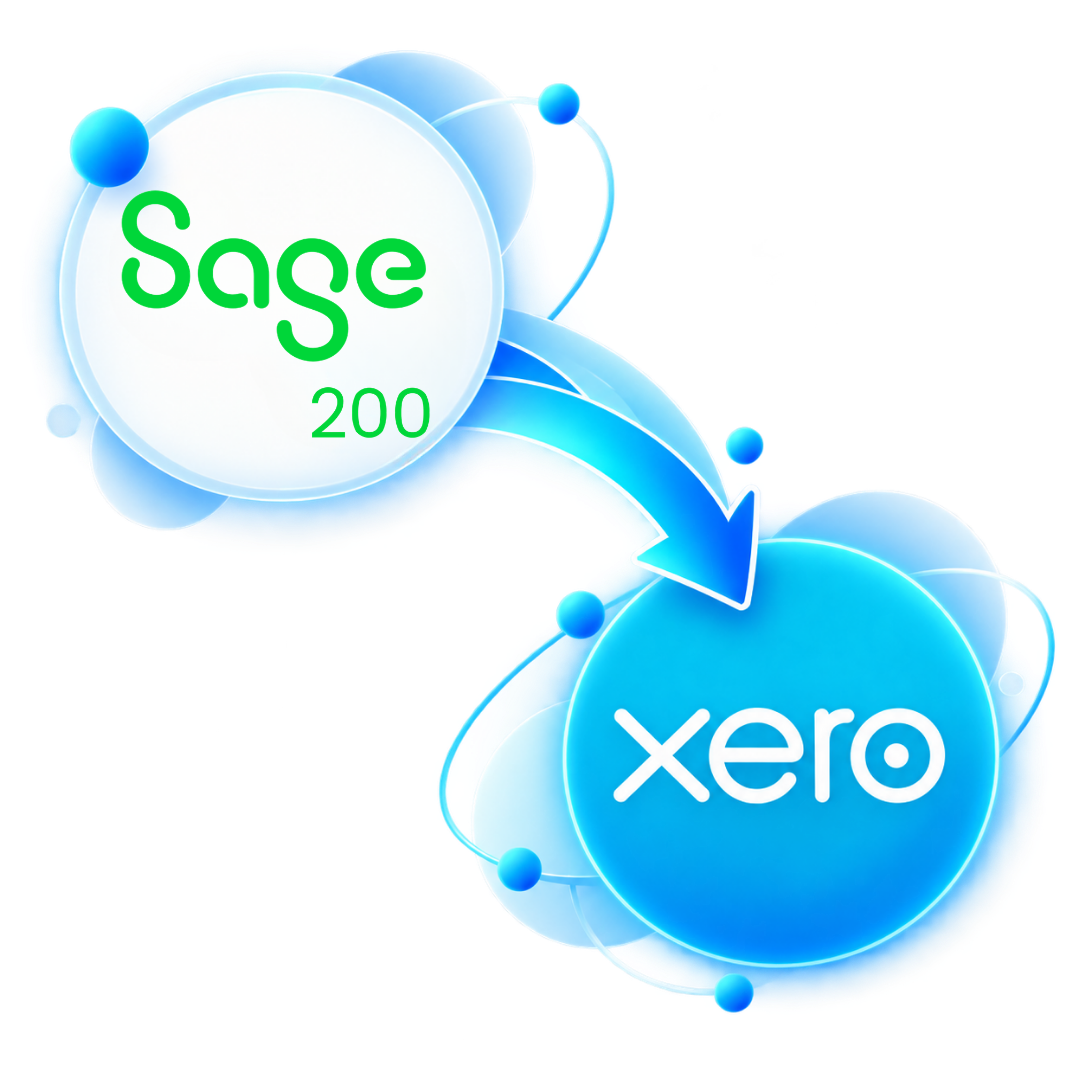
Sage 200 to Xero Migration for Complex Accounting Data
Move from Sage 200 to Xero with a structured conversion plan that protects accounting history, keeps your reporting usable and gives your team a practical Xero setup from day one.

Xero Gold Champion Partner

Xero Migration Specialists

AAT Licensed Accountant
Historical data
Agreed periods migrated and checked
Complex structures
Groups, tracking and multicurrency reviewed
Reconciliation
Balances validated before sign-off
Training
Practical Xero handover for your team
Trusted by Businesses Worldwide









Why migrate
Why Businesses Move from Sage 200 to Xero
Businesses usually consider a Sage 200 to Xero migration when they want simpler cloud access, less infrastructure to maintain and a more flexible day-to-day accounting workflow.
Xero can be a strong fit for organisations that value online collaboration, bank feeds, app integrations, real-time reporting and easier access for finance teams, directors and external accountants.
- Access accounting information from anywhere
- Create and manage invoices online
- Connect Xero with third-party business apps
- Reduce reliance on server-based accounting software
- Automate routine bank reconciliation work
- Use tracking categories for reporting
- Give users controlled access without desktop installs
- Support a more modern cloud accounting workflow
Migration scope
What We Can Migrate from Sage 200 to Xero
Every Sage 200 database is different. We review the source data first, then agree what should be transferred, transformed, recreated or retained outside Xero.
Chart of Accounts
Review and map nominal codes into a practical Xero chart of accounts, with unnecessary duplication removed where appropriate.
Customers & Suppliers
Transfer contact records and prepare customer and supplier data for continued use in Xero.
Invoices & Bills
Migrate agreed sales and purchase transactions, including outstanding receivables and payables where required.
Historical Transactions
Bring across an agreed period of Sage 200 accounting history for reporting, comparison and reference.
Journals & Balances
Transfer relevant journals and balances, then reconcile the resulting Xero position against the agreed source reports.
Multicurrency Data
Review multicurrency requirements, source treatment and Xero settings before conversion.
Tracking & Cost Centres
Translate Sage 200 reporting dimensions into suitable Xero tracking categories where the structure can be supported.
Banking Setup
Prepare bank accounts, bank feeds and reconciliation workflows for the post-migration environment.
Xero Integrations
Review existing connected systems and identify the Xero apps or workflows needed after cutover.
Complex migrations
Sage 200 Data Migration for More Than a Simple Ledger
A Sage 200 environment can contain far more than basic bookkeeping. Before conversion, we look at the features your business actually relies on so the new Xero setup is designed around real operational needs.
This is especially important for businesses using multiple companies, currencies, departments, cost centres, integrations, payroll or detailed reporting.
Areas we review during scoping
- Company and group structure
- Departments and cost centres
- Sales and purchase history
- Payroll requirements
- Third-party integrations
- Nominal ledger design
- Foreign currency transactions
- Bank accounts and payment flows
- Reporting expectations
- Attachments and supporting records
Our process
A Controlled Sage 200 to Xero Conversion Process
Good migration work is not just about importing files. The process should define the cutover, map the source data correctly, validate the result and make sure the finance team can use Xero confidently.
01
Discovery & Scope
We review the Sage 200 setup, migration period, reporting needs, business structure and any specialist requirements.
02
Data Extraction & Mapping
Source records are prepared and mapped into the agreed Xero structure.
03
Migration & Reconciliation
Data is transferred and checked against agreed Sage 200 source reports and balances.
04
Xero Setup & Handover
We configure the agreed Xero settings, support the cutover and provide training or post-migration help where included.
05
Validation & Final Review
We complete a final review of key balances, transactions and reports to confirm migrated Xero data is accurate and ready.
Migration options
Choose the Right Level of Sage 200 History
Not every business needs every historical transaction in Xero. The right migration scope depends on reporting, compliance, audit, operational and budget requirements.
|
Migration option
|
What it includes
|
Best suited to
|
|---|---|---|
|
Opening balances only
|
Trial balance plus agreed outstanding customer and supplier balances at cutover.
|
Businesses that want a clean start in Xero and can retain Sage 200 for historic reference.
|
|
Comparative history
|
An agreed recent period of detailed transactions for stronger comparative reporting.
|
Businesses that need useful historical context without moving the complete archive.
|
|
Full historical migration
|
A broader agreed period of detailed accounting history, subject to source quality and Xero suitability.
|
Businesses that want more history available directly in Xero for reporting and reference.
|
Xero implementation
More Than Sage 200 Data Conversion
The end goal is not simply to put Sage 200 data into a new system. It is to leave you with a usable Xero organisation that reflects how your finance team needs to work.
Xero Configuration
Core settings, tax configuration, financial settings and user permissions can be prepared as part of the implementation.
Tracking Setup
Where suitable, reporting dimensions can be rebuilt using Xero tracking categories.
Payroll & Banking
Payroll configuration and banking workflows can be reviewed as separate or additional implementation work.
Training & Support
Help your team understand the new workflow, key screens, reporting and day-to-day processes after migration.
Why eCloud Experts
Sage 200 to Xero Migration Experts for Structured, Practical Conversions
Migration-led approach
Complex data review
Multicurrency, groups, tracking, historical data and connected systems are considered during the scope rather than discovered after cutover.
Reconciliation before sign-off
The migration is checked against agreed source information so important differences can be investigated before handover.
Bespoke Xero setup
The Xero organisation can be configured around the agreed operating model, users, reporting and integration needs.
Training available
Your finance team can receive structured Xero training so the new system is understood, not simply delivered.
Post-migration support
Support can continue after cutover to resolve setup questions and help the team settle into the new workflow.
Evidence
Sage 200 To Xero Migration Case Studies
These client stories show different Sage 200 migration requirements, including multicurrency accounting, multi company reporting and recovery from a problematic previous migration.
5 companies | Sage 200 → Xero
Sammons Recruitment Group
Optional Migration Add-ons
Complete the Move with the Right Xero Setup
Some businesses need more than a data conversion. These services can be added where they are relevant to the new Xero environment.

Migration Correction
Review problems left behind by an earlier accounting software migration.

Xero Training
Practical training can help your team become familiar with the new platform.


EXPLORE MORE XERO MIGRATIONS
More Platforms We Migrate to Xero
We migrate businesses to Xero from a wide range of accounting platforms, with careful data mapping, reconciliation and support throughout the move.
⌕














































Frequently asked questions
Sage 200 to Xero Migration FAQs
Yes. Sage 200 accounting data can be assessed and migrated into Xero. The exact migration scope depends on the available source records, the historical period required, business structure and any specialist Sage 200 features currently in use.
A Sage 200 to Xero conversion can include the chart of accounts, contacts, invoices, bills, payments, journals, balances, bank-related records and historical transactions. Complex items should be confirmed during scoping.
Yes, subject to review. The appropriate historical period depends on transaction volume, data quality, reporting needs and the agreed migration method.
Where suitable, Sage 200 reporting dimensions may be translated into Xero tracking categories or supported by a redesigned reporting structure. This needs to be assessed against Xero's available functionality.
Yes. Training and post-migration support can be included so users understand the new processes, reporting and day-to-day Xero workflow.
Yes. Historical Sage 200 data can form part of the migration where the source information is available and the agreed scope supports it.
Multicurrency records can be reviewed as part of the migration. Currency setup, exchange-rate treatment and any reporting differences should be considered before the final conversion plan is agreed.
Existing integrations should be reviewed individually. Some may have direct Xero integrations, some may need a different connector, and others may require a redesigned workflow.
Optional Migration Add-ons
Ready to Move from Sage 200 to Xero?
Start with a structured review of your Sage 200 data, historical requirements, reporting needs and target Xero setup. We can then define the migration scope, timescale and fixed project approach.