Move agreed opening balances and relevant outstanding customer and supplier transactions.
Xero Accountant | Xero Migration | Xero Support | Xero Training | Crypto Accounting
+44 0203 488 6202
info@ecloud-experts.com

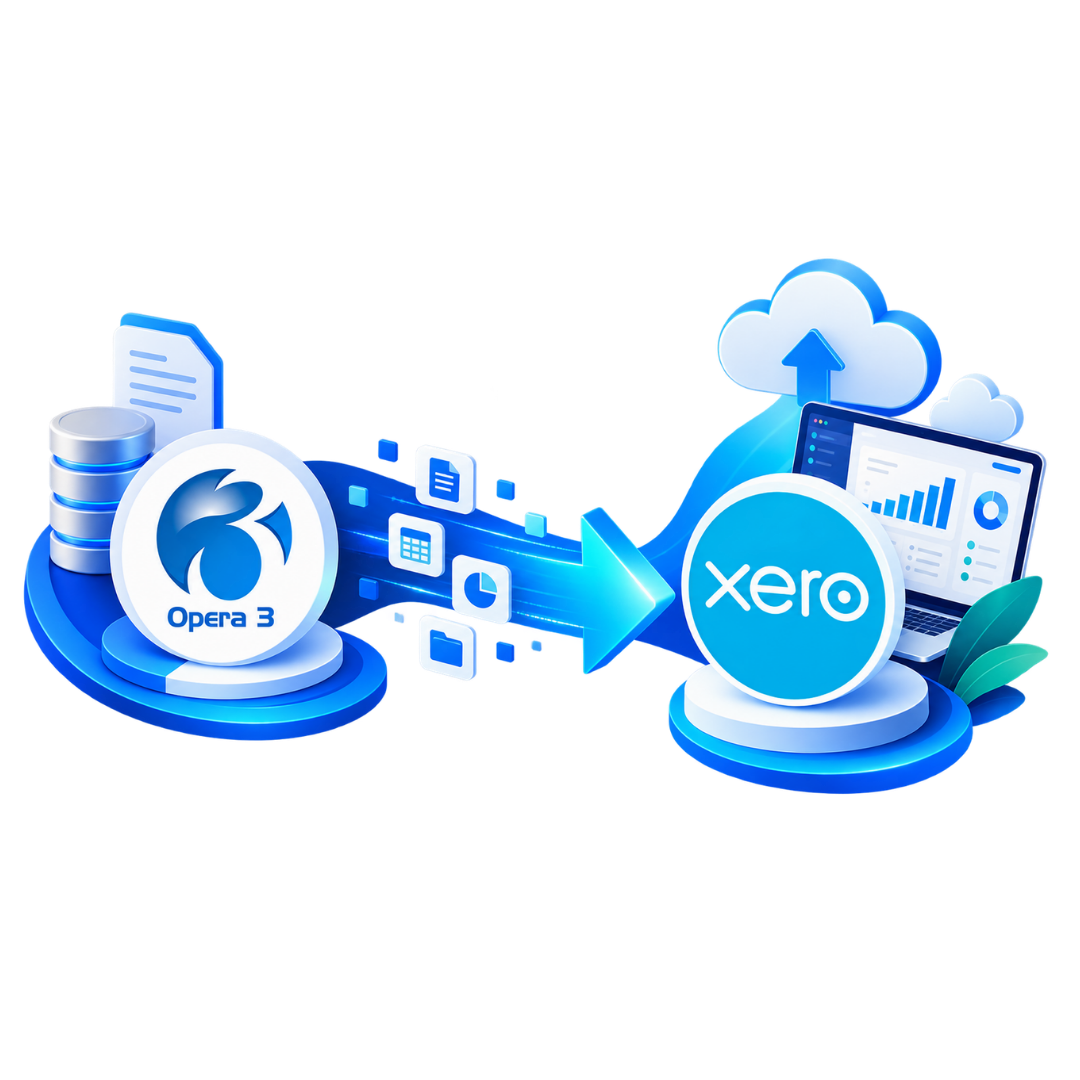
Pegasus Opera 3 to Xero Migration
Move from Pegasus Opera 3 to Xero with confidence
We plan, migrate and validate your accounting data so your new Xero organisation starts with a clear structure, agreed history and the key balances your finance team relies on.

Xero Gold Champion Partner

Xero Migration Specialists

AAT Licensed Accountant
Accounting Migration
Mapped around your source records
History Options
Choose the level of history you need
Xero Setup
Configuration matched to your scope
Migration Validation
Key positions checked before handover
Trusted by Businesses Worldwide




A better way to migrate
A structured Pegasus Opera 3 to Xero conversion
A successful migration is not just about importing data. It is about deciding what should move, how it should map into Xero and what needs to be checked before your team starts using the new system.
Migration planned around your accounting structure
We review your current Opera 3 setup and agree the migration period, data scope, reporting requirements and Xero configuration before transfer begins.
- Historical accounting data
- Chart of accounts and contacts
- Sales, purchases, journals and balances
- Multicurrency and reporting structure
Cloud Access
Move away from a desktop led workflow and give authorised users online access to Xero.
Bank Feeds
Connect supported bank accounts and bring transactions into your ongoing reconciliation process.
Financial Reporting
Use Xero reporting tools to review performance and key accounting positions.
Apps & Integrations
Review payment, ecommerce, reporting and operational apps that can work with your Xero setup.
History Options
Choose the level of history that makes sense
You do not need to move every historical transaction simply because it exists. We can scope your Pegasus Opera 3 data migration around the reporting history your business actually needs.
Option 01
Opening position migration
Option 02
Comparative History Migration
Move opening positions together with an agreed period of recent accounting transactions.
Option 03
Detailed Historical Migration
Transfer a larger agreed period of accounting transactions into Xero for deeper historical visibility.
Our Process
From discovery to handover
Each stage has a clear purpose, so your team knows what is being reviewed, migrated and validated before Xero becomes the working system.

Discovery
Review your Opera 3 setup, companies, volumes and migration date.

Data Review
Identify what can be migrated, mapped or needs attention.

Planning
Agree history, scope, reporting needs and Xero configuration.

Xero Setup
Prepare accounts, financial settings and agreed features.

Migration
Complete the Pegasus Opera 3 to Xero conversion.

Validation
Compare important accounting positions with source records.

Handover
Complete final checks and prepare your team for Xero.

Support
Help with agreed questions and adjustments after migration.
Migration Validation
We check the accounting position, not just the import status
A successful import does not automatically mean a successful migration. We compare relevant accounting positions against the agreed Opera 3 source records before handover.
Trial Balance
Compare relevant account balances between Opera 3 and Xero.
Customer Balances
Check relevant outstanding customer balances.
Supplier Balances
Review agreed outstanding supplier balances.
Bank Positions
Compare relevant bank and credit card positions.
Tax Balances
Review relevant tax positions where appropriate.
Control Accounts
Check important balance sheet and control account positions.
Complex Reporting
Cost centres, departments and tracking
Pegasus Opera 3 and Xero do not organise every reporting feature in the same way. We review current cost centres, departments and reporting needs before deciding how they should be represented in Xero.
- Cost centres
- Departments
- Tracking categories
- Management reporting
- Account mapping
Complex Data
Multicurrency & multiple companies
For multicurrency or multi entity migrations, we review the available source data, currencies, legal entities and reporting requirements before agreeing the right Xero structure.
- International Customers
- Supplier balances
- Bank accounts
- Separate Xero organisations
- Group consistency
Who We Help
Migration for different business structures
Your Pegasus Opera 3 migration service should reflect how your organisation actually operates, rather than forcing every business into the same template.
Business Type
Limited Companies
Move relevant accounting records and outstanding positions.
Business Type
Groups of Companies
Plan migrations across multiple legal entities and Xero organisations.
Business Type
Multicurrency Businesses
Review foreign currency requirements before migration.
Business Type
Business Advisory Services
Retain useful accounting history and reporting structure.
Business Type
Construction
Review cost centres, reporting structure and accounting needs.
Business Type
Retail
Consider transaction history, payment systems and integrations.
Business Type
Ecommerce
Assess sales channels, payment gateways and accounting apps.
Business Type
Not for Profit
Review accounting and reporting structure before Xero setup.
Data Cleanup
Do your Opera 3 records need attention first?
Your books do not need to be perfect before you switch from Pegasus Opera 3 to Xero. But existing bookkeeping problems should not simply be hidden inside the migration.
- Duplicate accounts
- Old contacts
- Unreconciled items
- Incorrect balances
- Tax coding issues
Xero Configuration
Your new Xero organisation needs more than migrated data
Relevant Xero setup can form part of the project, including chart of accounts, financial settings, tax settings, bank accounts, user access, tracking, invoice settings and payment settings.
Why eCloud Experts
Specialist support for your move to Xero
The focus is on planning, accounting structure and validation rather than treating migration as a simple technical import.
Xero Specialists
Support from a team experienced in Xero implementation and accounting software migration.
Migration Experience
Experience moving businesses from established accounting and ERP systems into Xero.
Defined Scope
Know what records, entities and historical periods are included before work starts.
Accounting Focus
We consider the accounting position behind the source data and how it should work in Xero.
Validation
Important balances are compared against agreed source records after transfer.
Training & Support
Xero training and post migration support can form part of the project.
Evidence
Pegasus Opera 3 To Xero Migration Case Studies
See how our Xero migration team handles complex accounting data, historical records, reporting requirements and validation when businesses move from legacy finance systems to Xero.
Multicurrency | Pegasus Opera 3 → Xero
Dynamic Planner
EXPLORE MORE XERO MIGRATIONS
More Platforms We Migrate to Xero
We migrate businesses to Xero from a wide range of accounting platforms, with careful data mapping, reconciliation and support throughout the move.
⌕












































FAQs
Pegasus Opera 3 to Xero migration questions
Clear answers to the questions businesses commonly ask before moving from Opera 3 to Xero.
Yes. We can plan a Pegasus Opera 3 to Xero migration around your available source records, required historical period, company structure and Xero configuration requirements.
Depending on the agreed scope, migration can include chart of accounts, customers, suppliers, invoices, purchase transactions, payments, bank transactions, journals, balances and relevant historical accounting data.
Yes, where suitable source information is available. Your Pegasus Opera 3 data migration can include an agreed period of historical accounting transactions.
Yes. Multiple company migrations can be assessed. Each legal entity may require a separate Xero organisation and migration scope.
Cost centre and reporting requirements can be reviewed and mapped to an appropriate Xero structure where possible.
Multicurrency requirements can form part of the migration. We review the available currencies, transactions and balances before agreeing the treatment.
Existing bookkeeping issues can be identified during the review. Where correction work is required, it can be separated from the migration scope.
Yes. Relevant Xero configuration can form part of the Pegasus Opera 3 migration service.
Existing integrations do not automatically move to Xero. Relevant applications and workflows can be reviewed to determine suitable Xero connections or alternatives.
Yes. Xero training and post migration support can be provided where required.
Ready to move?
Start your Pegasus Opera 3 to Xero migration with a clear plan.
Tell us about your companies, transaction volumes, required historical period and preferred migration date. We can then scope the right migration approach for your accounting data and reporting needs.