Accounts can be reviewed and mapped into Xero.
Xero Accountant | Xero Migration | Xero Support | Xero Training | Crypto Accounting
+44 0203 488 6202
info@ecloud-experts.com

Accounting software migration
QuickBooks Desktop to Xero Migration for Growing Businesses
Move your accounting data from QuickBooks Desktop to Xero with a structured migration process designed around accuracy, continuity and your business requirements.
Our QuickBooks Desktop to Xero Migration service can help transfer historical transactions, contacts, invoices, bills, bank data, chart of accounts and other agreed financial information into Xero.

Xero Gold Champion Partner

Xero Migration Specialists

AAT Licensed Accountant
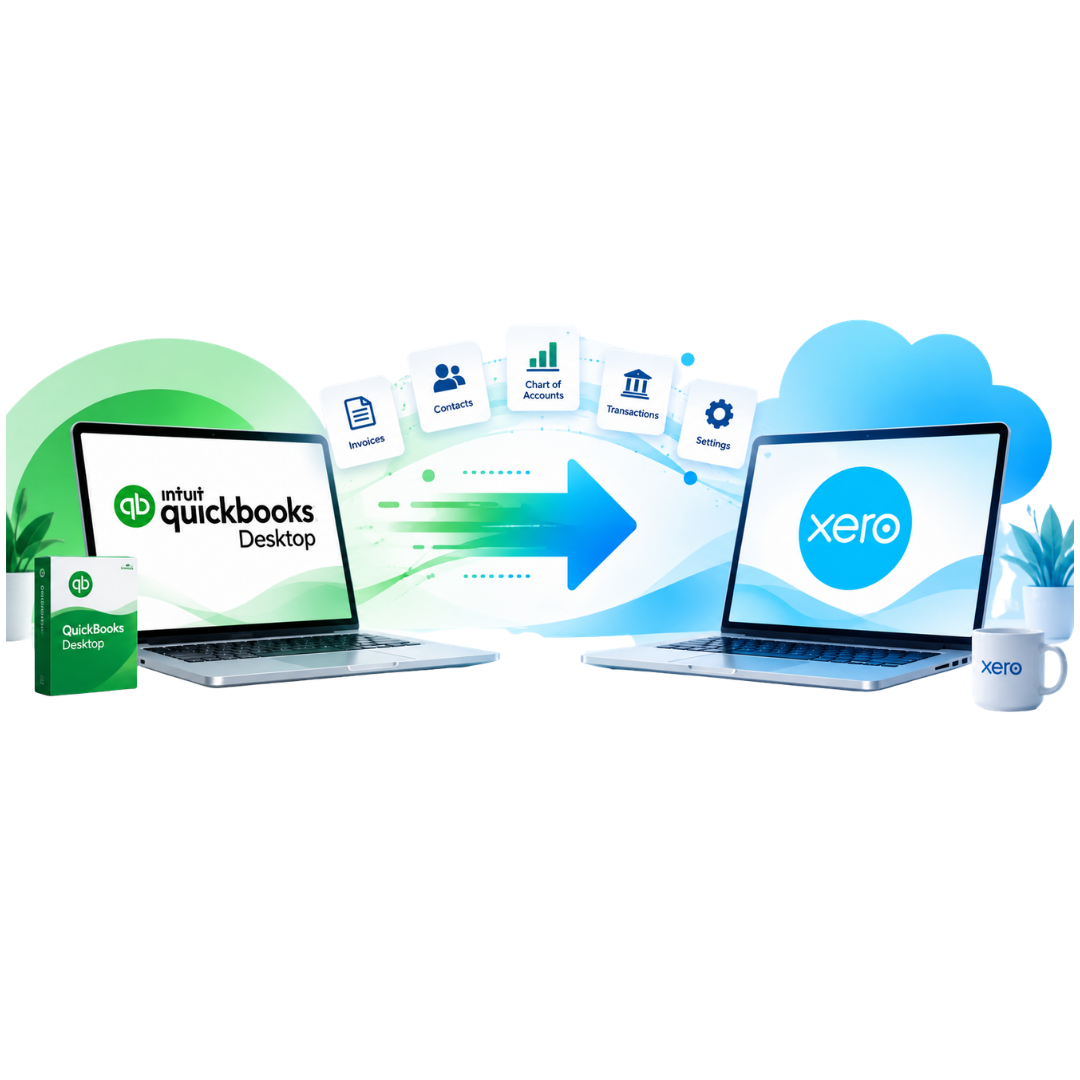
Review
Assess your QuickBooks Desktop data
Map
Match records to the Xero structure
Migrate
Transfer the agreed accounting data
Reconcile
Check key balances after migration
Trusted by Businesses Worldwide









Why Move?
Why Businesses Migrate QuickBooks Desktop to Xero
Businesses move from desktop accounting for different reasons. Xero provides a cloud-based environment designed for online accounting and collaboration.

Cloud Access
Access accounting information online from supported devices with an internet connection.

Easier Collaboration
Give appropriate access to business owners, finance teams, bookkeepers and accountants.

Bank Connections
Connect eligible bank accounts and bring transactions into the Xero reconciliation workflow.

App Integrations
Connect Xero with supported apps for payments, reporting, ecommerce, expenses and other processes.

Online Accounting
Manage invoicing, bills, reporting and reconciliation through a cloud-based accounting workflow.

Room to Develop
Build a more connected accounting setup as your operational and reporting requirements change.
Migration Scope
Choose the Right QuickBooks Desktop to Xero Conversion
You do not need to move every historical transaction. We can help you choose the right level of data migration.
Assessment
Opening Balance Migration
Suitable when you mainly need to start using Xero from an agreed conversion date.
- Chart of accounts
- Customer and supplier contacts
- Opening balances
- Outstanding invoices
- Outstanding bills
- Bank balances
Full programme
Comparative Data Migration
A practical choice when you need previous accounting information in Xero for reporting and comparison.
- Opening information
- Comparative financial data
- Contacts
- Open transactions
- Relevant historical records
Ongoing
Full Historical Migration
Designed for businesses that need detailed historical accounting records available in Xero.
- Historical transactions
- Invoices and bills
- Payments
- Journals
- Contacts
- Agreed accounting history
Data Migration
What Data Can Be Migrated from QuickBooks Desktop to Xero?
Your QuickBooks Desktop to Xero Migration Service can be tailored around your available source data and agreed scope.
Chart of Accounts
Customers & Suppliers
Relevant customer and supplier records can be transferred.
Sales Invoices
Historical and outstanding invoices can form part of the scope.
Supplier Bills
Supplier transactions and open bills can be included.
Bank Data
Relevant bank-related accounting records can be reviewed.
Credit Notes
Customer and supplier credits can be assessed for migration.
Payments
Payments linked to invoices and bills can be considered.
Journals
Historical journals may be included where appropriate.
Our Process
Our QuickBooks Desktop to Xero Migration Process

Discovery & Data Review
We discuss your QuickBooks version, migration period, business requirements and preferred conversion date.

Scope & Mapping
We agree what data will move and map relevant accounts, contacts and transactions into Xero.

Data Migration
The agreed accounting information is transferred into your Xero organisation.

Reconciliation & Checks
Key balances and migrated records are checked against the agreed source information.

Xero Configuration
Relevant organisation settings are configured according to the agreed project scope.

Handover & Support
We provide the agreed handover, training and post-migration support.
Accuracy Matters
Migration Is More Than Importing Data
A basic import moves information. A professional QuickBooks to Xero conversion also considers how that information should be structured inside Xero.
- Review
- Map
- Migrate
- Reconcile
We do not silently invent missing information. Where an issue affects the migration, it should be identified and reviewed.
Before Migration
How to Prepare for Your QuickBooks Desktop to Xero Migration
A clear starting position helps make the conversion easier to manage.
- Choose your preferred Xero conversion date
- Decide how much historical data you need
- Review outstanding invoices and supplier bills
- Understand your current bank reconciliation position
- Identify important reporting requirements
- List existing QuickBooks Desktop integrations
- Identify multicurrency requirements
- Confirm payroll requirements separately
Platform Comparison
QuickBooks Desktop vs Xero: What Changes After Migration?
|
QuickBooks Desktop
|
Xero
|
|---|---|
|
Desktop accounting environment
|
Cloud-based accounting platform
|
|
Installed software workflow
|
Online access through supported browsers and devices
|
|
QuickBooks account structure
|
Xero chart of accounts structure
|
|
QuickBooks reports
|
Xero reporting tools
|
|
Desktop integrations
|
Xero app ecosystem
|
|
Existing user setup
|
Xero user roles and permissions
|
The purpose of migration is not to make Xero behave exactly like QuickBooks Desktop. The aim is to retain the accounting information you need while using Xero’s own structure and features.
After Migration
What Happens After You Convert QuickBooks Desktop to Xero?

Migration Correction
Review problems left behind by an earlier accounting software migration.

Xero Training
Practical training can help your team become familiar with the new platform.


Why eCloud Experts?
Why Choose Us for QuickBooks Desktop to Xero Migration?
Migration-Focused Approach
We treat migration as an accounting project rather than a simple file import.
Defined Migration Scope
We agree what information is included before the migration begins.
Data Mapping
QuickBooks Desktop records are mapped into a suitable Xero structure.
Reconciliation
Key balances are checked after migration to identify differences that need attention.
Complex Data Review
Historical records, multicurrency and unusual account structures can be assessed.
Post-Migration Support
Additional Xero support and training can be arranged after conversion.
Evidence
QuickBooks Desktop Migration Case Studies
These client stories show how organisations moved to QuickBooks Desktop while preserving historical financial data, reporting structures and multi company accounting requirements.
4 companies | 3 years of history
SweetTree Home Care Services
EXPLORE MORE XERO MIGRATIONS
More Platforms We Migrate to Xero
We migrate businesses to Xero from a wide range of accounting platforms, with careful data mapping, reconciliation and support throughout the move.
⌕














































Frequently Asked Questions
QuickBooks Desktop to Xero Migration FAQs
Yes. Accounting information held in QuickBooks Desktop can be assessed for migration into Xero. The exact records that can be transferred depend on the available source data and agreed migration scope.
Yes. Post-migration support, Xero training, payroll setup, reporting configuration and other Xero services can be arranged depending on your requirements.
Yes, subject to review of the available QuickBooks Desktop records. Larger historical migrations normally require additional preparation and reconciliation.
Multicurrency data can be reviewed as part of the migration. Currency-related transactions may require additional mapping and validation.
Yes. Historical transactions can form part of a QuickBooks Desktop to Xero conversion. The period depends on your requirements, available records and agreed migration scope.
Your chart of accounts can be reviewed and mapped into Xero. The structure should be considered carefully because Xero and QuickBooks Desktop do not work in exactly the same way.
Outstanding customer invoices and supplier bills can normally be considered where the required source information is available.
Payroll requirements should be reviewed separately because payroll data has its own structure, settings and compliance requirements.
Not necessarily. QuickBooks Desktop and Xero use different reporting structures. Reports should be reviewed and configured using the functionality available within Xero.
A migration may include the chart of accounts, contacts, invoices, bills, payments, journals, balances, bank-related records and historical transactions.
Start Your Migration
Ready to Move from QuickBooks Desktop to Xero?
Tell us about your QuickBooks Desktop file, the number of years you want to migrate and your preferred Xero conversion date. We can review your requirements and recommend the right QuickBooks Desktop to Xero Migration approach.