Xero Accountant | Xero Migration | Xero Support | Xero Training | Crypto Accounting
+44 0203 488 6202
info@ecloud-experts.com

Odoo to Xero Migration, Built Around Your Business
Move from Odoo to Xero with confidence.
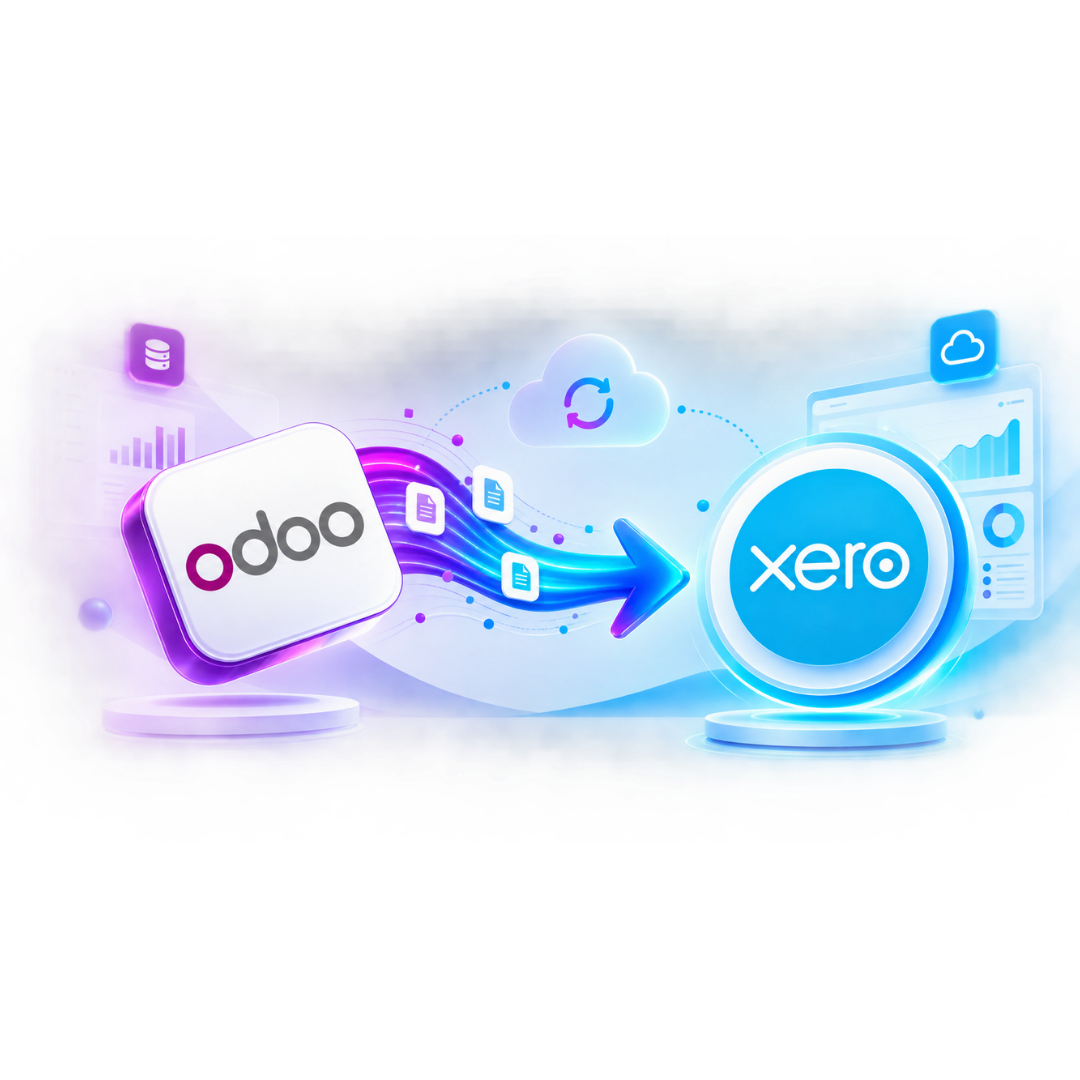
Planning an Odoo to Xero migration? We securely move your accounting data into a properly configured Xero organisation, including accounts, contacts, balances, transactions, invoices and bank information. Our Odoo migration service includes careful planning, data validation and reliable handover.

Xero Gold Champion Partner

Xero Migration Specialists

AAT Licensed Accountant
Fixed
Scope quoted before we start
Checked
Every balance verified against source
12+
Years in cloud accounting
Gold
Xero Champion Partner status
Trusted by Businesses Worldwide






Odoo → Xero
Moving AccountingData is Easy. Moving it Correctly Takes Planning.
Migrating Odoo to Xero requires careful review of accounts, contacts, taxes, currencies, invoices and payments to ensure your required history and accounting records are accurately structured and transferred into Xero.
DATA
What accounting records need to move?
STRUCTURE
How should Odoo data be represented in Xero?
VALIDATION
How will the migrated accounting position be checked?
Simplify Your Accounting with a Move to Xero
Why move from Odoo to Xero?
Odoo can support far more than accounting, useful for businesses that need a broad ERP platform. But not every business needs that level of complexity. Businesses may choose to move from Odoo to Xero when they want a cloud accounting platform that is easier for their finance team, accountant or business owners to work with day to day.
A simpler accounting workflow
Give your finance team a focused accounting environment without carrying unnecessary ERP complexity into the new system.
Cloud access
Access financial information online and work with your accountant or finance team from different locations.
Bank reconciliation
Use Xero’s banking and reconciliation tools to manage everyday bookkeeping more efficiently.
Connected apps
Build a finance workflow around Xero and compatible applications for payments, reporting, expenses, inventory and other requirements.
Financial visibility
Use Xero’s dashboards and reports to understand the financial position of the business.
Room to redesign
Odoo to Xero migration helps review outdated account structures and improve reporting before transferring data.
Your Odoo Data, Carefully Prepared for Xero
What can we Migrate from Odoo to Xero?
The exact scope of an Odoo data migration depends on your Odoo setup, available source records and the level of history you want to retain. A migration can typically be scoped around the following accounting information.
|
Odoo data
|
Treatment in Xero
|
|---|---|
|
Chart of Accounts
|
Reviewed and mapped to the agreed Xero account structure
|
|
Customers
|
Prepared as Xero contact records
|
|
Suppliers
|
Prepared as Xero contact records
|
|
Opening Balances
|
Brought across from an agreed conversion position
|
|
Sales Invoices
|
Migrated according to the agreed historical scope
|
|
Supplier Bills
|
Migrated according to the agreed historical scope
|
|
Credit Notes
|
Included where supported by the agreed data
|
|
Payments
|
Migrated or represented according to the migration method
|
|
Bank Transactions
|
Included where required and supported by the source data
|
|
Outstanding Receivables
|
Recreated and checked against the agreed Odoo position
|
|
Outstanding Payables
|
Recreated and checked against the agreed Odoo position
|
|
Tax Information
|
Reviewed and configured for the new Xero organisation
|
|
Currencies
|
Assessed where multicurrency accounting is required
|
|
Tracking
|
Rebuilt where suitable for the required Xero reporting structure
|
Important: Not every Odoo module has a direct equivalent in Xero. We assess non‑accounting and operational records separately instead of promising a one‑to‑one transfer where Xero does not have an equivalent structure.
Flexible Migration Options for the Odoo History You Need
Choose how much Odoo History you need in Xero
You do not necessarily need to bring every transaction ever recorded in Odoo into Xero. Your Odoo ERP to Xero migration can be planned around the amount of historical information your business actually needs.
Opening position migration
Start Xero from an agreed conversion date with opening accounting balances and relevant outstanding customer and supplier items.
Best for: businesses that need a clean start.
Comparative Migration
Bring selected historical periods into Xero so your team has useful comparative financial information after migration.
Best for: businesses that want recent reporting history available in Xero.
Detailed historical migration
Transfer a more detailed range of historical accounting transactions where the source data and agreed migration scope allow.
Best for: businesses that need deeper historical reporting and transaction visibility.
Move the Accounting Data You Need, Not the Complexity You Don’t
We don't automatically rebuild Odoo inside Xero
This is one of the most important parts of an Odoo to Xero conversion. Odoo may contain modules, workflows and operational information that do not belong inside Xero. Instead of copying everything simply because it exists, we separate accounting records from operational records.
Core Accounting Data
These may form part of the migration
- Accounts
- Contacts
- Invoices
- Bills
- Credit notes
- Payments
- Accounting balances
- Relevant bank information
- Agreed historical transactions
Customer Contacts
These may need a separate approach
- CRM activities
- Manufacturing workflows
- Project operations
- Inventory processes
- Custom Odoo modules
- Documents and attachments
- Bespoke fields
- Other ERP specific workflows
This keeps the Odoo accounting software migration focused on building a usable Xero accounting environment rather than forcing incompatible ERP structures into Xero.
Build a Cleaner Chart of Accounts for Xero
Your Odoo chart of Accounts does not have to follow you forever
Migration is a good opportunity to review the structure of your accounting system. Before you switch from Odoo to Xero, we can review the existing chart of accounts and determine which accounts need to be retained, mapped, consolidated or replaced.
Retain
Useful accounts that still support your reporting.
Map
Odoo accounts that need an appropriate Xero destination.
Consolidate
Duplicate or unnecessarily detailed accounts where appropriate.
Redesign
Create a cleaner Xero structure where your reporting requirements have changed.
The objective is not to make Xero look exactly like Odoo. It is to create a Xero organisation that works for your business after migration.
Built for Complex Odoo Accounting Structures and Migration Requirements
More than a basic Odoo data migration?
Some businesses have more complicated accounting structures. We can assess an Odoo migration service involving:
Multi company
Review multiple Odoo companies and determine the appropriate Xero organisation structure.
Multi currency
Assess relevant foreign currency balances and transactions where multicurrency functionality is required.
Tracking requirements
Review departments, divisions, locations or other reporting structures against suitable Xero tracking options.
High transaction volumes
Plan larger datasets around the practical migration method and agreed historical period.
Custom Odoo configuration
Assess custom fields, modules and accounting workflows before deciding how relevant information should be handled.
App requirements
Identify whether processes previously handled within Odoo need Xero compatible applications after migration.
A Clear, Controlled Process from Odoo Data to Xero
Our Odoo to Xero migration process
A controlled Odoo to Xero migration service should have clear stages rather than one large import.

Discovery
We discuss your Odoo environment, business structure, required history, currencies and reporting needs.
Data review
We assess the available Odoo accounting records and identify potential migration issues.
Scope & mapping
We agree what will move and how relevant Odoo accounts and records will be represented in Xero.
Data preparation
The agreed source data is prepared and transformed for the migration.
Xero configuration
We configure the relevant accounting structure and agreed settings in Xero.
Migration
Your agreed accounting records are transferred into the Xero environment.

Validation
We compare key migrated accounting positions with the agreed source records.

Handover
Your team receives the migrated Xero organisation and any agreed training or post migration support.
A Clear, Controlled Process from Odoo Data to Xero
We validate the migration, not just the import
Seeing records inside Xero does not automatically mean an Odoo to Xero data migration is complete. Validation is a separate stage. Depending on the agreed scope, we can compare key accounting positions between the source records and Xero.
- Trial balance
Compare agreed account balances.
- Accounts receivable
Review relevant outstanding customer balances.
- Accounts payable
Review relevant outstanding supplier balances.
- Bank position
Check agreed bank and credit card positions.
- Tax position
Review applicable tax balances and configuration.
- Historical reporting
Compare relevant reporting periods included within the migration.
- Foreign currency
Review relevant multicurrency positions where applicable.
From a Complex ERP Structure to Focused Cloud Accounting
What changes when you switch from Odoo to Xero?
This is one of the most important parts of an Odoo to Xero conversion. Odoo may contain modules, workflows and operational information that do not belong inside Xero. Instead of copying everything simply because it exists, we separate accounting records from operational records.
- Before — Odoo
- ERP centred environment
- Multiple business modules
- Existing accounting structure
- Historical data mixed with wider operational processes

- After — Xero
- Cloud accounting environment
- Reviewed chart of accounts
- Agreed historical accounting data
- Configured financial workflows
- A system prepared for your team to use
Review Every Integration Before Moving from Odoo to Xero
What happens to your Odoo integrations?
Changing accounting software can affect more than the general ledger. If Odoo currently connects to payment platforms, ecommerce systems, reporting tools or other business applications, those workflows should be reviewed before migration. We can identify which integrations:
Keep
Can continue working with Xero.
Replace
Need a Xero compatible alternative.
Reconfigure
Can connect to Xero but require a new setup.
Retire
Are no longer required after the migration.
This prevents an Odoo accounting migration from solving one problem while creating several new ones.
Flexible Odoo to Xero Migration for Every Business Structure
Odoo to Xero migration for different business structures
Our Odoo migration service can be scoped for businesses with different accounting requirements, including:
- Professional Services
- Consultancies
- Agencies
- Technology Businesses
- Retail Businesses
- Ecommerce Businesses
- Property Businesses
- Construction Businesses
- Hospitality Businesses
- Healthcare Businesses
- Education Providers
- International Businesses
- Multi Entity Groups
- Growing SMEs
The migration method depends on your accounting data and requirements rather than simply your industry.
Specialist Odoo Migration Expertise with Xero at the Centre
Why choose eCloud Experts for Odoo to Xero migration?
Migration focus
We look at the accounting structure behind the data, not simply whether records can be imported.
Xero knowledge
Your destination system matters just as much as your Odoo source data.
Flexible historical scope
Choose the level of historical accounting information your business needs.
Complex data
We can assess multicurrency, multiple entities, larger transaction volumes and custom requirements.
Validation
Key accounting positions can be checked against the agreed source records before handover.
Post migration support
Training and additional Xero support can be included according to the project scope.
Evidence
Odoo To Xero Migration Case Studies
These client stories show how we manage complex ERP migrations to Xero involving historical data, multicurrency accounting, reporting structures and detailed financial records.
Multicurrency | Odoo → Xero
Meta Maya Environmental
EXPLORE MORE XERO MIGRATIONS
More Platforms We Migrate to Xero
We migrate businesses to Xero from a wide range of accounting platforms, with careful data mapping, reconciliation and support throughout the move.
⌕











































Common Questions About Moving from Odoo to Xero
Frequently Asked Questions
Yes. An Odoo to Xero migration can be scoped around your accounting data, required historical period, business structure and Xero requirements.
Historical accounting transactions can be included depending on the available source data and agreed migration method. You can choose a starting position, selected comparative history or a more detailed historical migration.
Relevant customer and supplier information can be prepared as Xero contacts as part of the agreed migration.
We review the Odoo account structure and map relevant accounts to Xero. Migration can also be an opportunity to simplify or redesign the chart of accounts where appropriate.
Outstanding receivables and payables can form part of the Odoo data migration, subject to the agreed source records and migration scope.
Multi company requirements can be assessed. We first determine how the relevant entities should be structured in Xero.
Custom modules need to be reviewed individually. Xero may not have a direct equivalent, so relevant data or workflows may require a different approach.
Multicurrency requirements can be included in the assessment. The appropriate migration treatment depends on the currencies, source records and historical detail required.
Not necessarily. Odoo is an ERP platform while Xero is primarily an accounting platform. Some operational data and workflows may therefore need to remain outside Xero or move to other applications.
Yes. Xero configuration, training and post migration support can be included within the project scope.
Ready to move from Odoo to Xero?
Your new accounting system should start with more than imported data. Let eCloud Experts plan your Odoo to Xero migration around the accounting history, reporting structure and day to day workflows your business actually needs. Tell us what you use in Odoo, how much history you want to retain and when you need Xero ready. We can then assess the migration and define the right scope.