Businesses often invest in an ERP system because they need one platform to manage finance, stock, purchasing, sales, projects, manufacturing and reporting. Over time, however, that system can become expensive, difficult to maintain and frustrating for everyday users.
Support fees may increase. Reporting may depend on one specialist. Staff may create spreadsheets because the ERP reports are difficult to use. Simple changes can take weeks. In some cases, the business is paying for hundreds of functions while using only a small number of them.
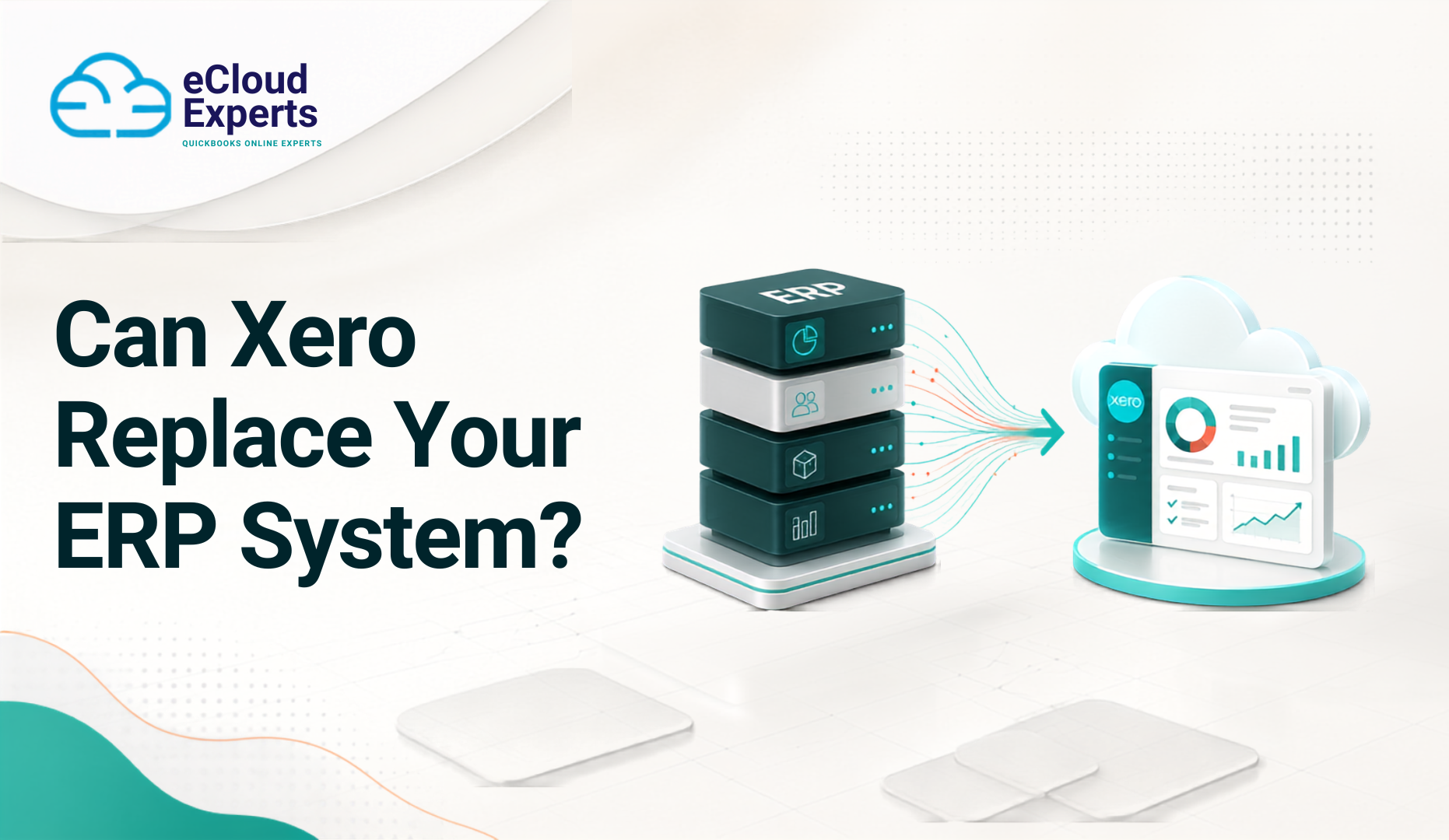
This naturally raises an important question: Can Xero replace ERP software?
The honest answer is yes for some businesses, but not for every business.
Xero can replace an ERP system when the company mainly needs accounting, invoicing, purchasing, VAT, bank reconciliation and standard reporting. It can also work as the financial centre of a larger system when connected to suitable inventory, ecommerce, project management, approval and reporting applications.
However, Xero is not a complete ERP platform. A business with complex manufacturing, warehouse, supply chain, consolidation or operational requirements may still need specialist applications or a full ERP system.
The decision should be based on how your business actually works, not simply on software price or popularity.
What Is an ERP System?
ERP stands for Enterprise Resource Planning. An ERP system combines several business functions within one platform and database.
Depending on the software, an ERP system may manage:
• Financial accounting
• Sales orders
• Customer invoices
• Supplier bills
• Purchasing
• Inventory
• Warehouses
• Manufacturing
• Production planning
• Supply chains
• Customer relationships
• Projects
• Job costing
• Human resources
• Payroll
• Fixed assets
• Group reporting
• Business intelligence
• Approval processes
The main purpose of an ERP system is to help different departments work with connected information.
For example, a confirmed sales order might reduce available stock, create a production requirement, update expected revenue and generate a delivery instruction. All of these steps may happen within the same system.
That level of connection can be useful, but it also creates complexity. Implementing and maintaining an ERP platform often requires specialist knowledge, formal processes and a significant budget.
What Is Xero?
Xero is cloud accounting software created for small and growing businesses. It focuses mainly on bookkeeping, financial control and collaboration between businesses and their advisers.
Xero includes functions for:
• Sales invoices
• Supplier bills
• Quotes
• Purchase orders
• Bank feeds
• Bank reconciliation
• VAT returns
• Expense claims
• Payroll
• Fixed assets
• Basic stock tracking
• Project tracking
• Financial reporting
• Contact management
• Multiple currencies on suitable plans
• Online document storage
• Cash flow visibility
Xero can also connect with more than 1,000 business applications. These connections can add inventory, ecommerce, customer management, project management, reporting and approval functions.
This makes Xero flexible, but connected apps do not automatically turn Xero into a complete ERP platform. The overall system must still be planned, tested and controlled.
What Is the Main Difference Between Xero and ERP Software?
Xero is primarily an accounting platform. An ERP system is designed to manage finance and wider business operations.
The difference becomes clearer when you look at how each system is normally used.
Xero focuses on:
• Bookkeeping
• Financial reporting
• VAT
• Banking
• Invoicing
• Bills
• Expenses
• Basic projects
• Basic stock
ERP software may also manage:
• Production
• Warehouses
• Supply chains
• Material planning
• Customer orders
• Group consolidation
• Complex procurement
• Detailed approvals
• Industry specific operations
Moving from an ERP system to Xero is therefore not simply an accounting software migration. It can affect departments, staff responsibilities, business controls and reporting.
Before moving, you must identify every process connected to your current ERP system.
Can Xero Replace ERP Software?
Xero can replace an ERP system when the business uses the ERP mainly for finance and does not rely heavily on advanced operational functions.
It may be suitable when your business:
• Has straightforward accounting processes
• Operates one company or a small group
• Has simple stock requirements
• Does not manufacture complex products
• Uses standard financial reports
• Has manageable transaction volumes
• Can use connected apps for specialist tasks
• Wants easier access for staff and advisers
• Wants to reduce system administration
• Does not need complex warehouse management
• Does not depend on advanced production planning
• Has simple approval requirements
However, Xero alone may not be suitable when the business has complex operational needs.
The better question is:
“Can Xero and the proposed connected applications support every important process our business needs?”
This question forces you to consider the complete system instead of looking only at the accounting software.
When Xero Could Be a Good ERP Alternative
1. You Mainly Use Your ERP for Accounting
Some businesses purchase an ERP system for ambitious growth plans but end up using only its finance functions.
Staff may use the platform for:
• Invoices
• Bills
• Bank transactions
• VAT returns
• Purchase orders
• Journals
• Standard financial reports
If most advanced ERP functions are unused, Xero may provide the features the business needs with less complexity.
However, confirm this with every department. The finance team may not know that purchasing, operations or sales staff rely on specific ERP features.
A function that appears unused may still support an important report, integration or control.
2. Your Business Provides Services
Service businesses often have fewer operational requirements than manufacturers, distributors or retailers.
A consultancy, agency, professional practice or technology company may mainly need:
• Customer invoicing
• Supplier bills
• Expenses
• Project costs
• Time recording
• Bank reconciliation
• VAT reporting
• Management accounts
Xero may cover many of these requirements directly. A project management or time recording app can provide additional functions when needed.
Service businesses should still test project profitability, deferred income, work in progress and revenue recognition processes before moving.
3. Your Inventory Requirements Are Simple
Xero includes basic inventory functions. A business can record tracked items, monitor quantities, add products to invoices and purchase orders, and view average item costs.
This may work for a business with a small product range and one simple stock location.
However, Xero’s standard inventory may not be enough if you need:
• Several warehouses
• Batch tracking
• Serial number tracking
• Product assemblies
• Bills of materials
• Production planning
• Demand forecasting
• Detailed landed costs
• Complex order fulfilment
• Stock transfers between locations
• Advanced stock valuation
• Expiry date management
A specialist inventory application may handle these requirements and send financial information into Xero. That arrangement must be tested carefully because stock errors can directly affect profit and balance sheet values.
4. Your Business Can Use Connected Applications
Xero can sit at the centre of a connected system.
A business might use:
• Xero for accounting and VAT
• An inventory app for stock
• A customer management system for sales
• An ecommerce connector for online orders
• An approval app for bills and payments
• A reporting platform for management accounts
• A project tool for time and cost tracking
This approach allows the business to choose specialist tools for different needs.
It also creates additional risks. Each connection introduces another subscription, another set of user permissions and another possible point of failure.
Before selecting an app, check:
• Which information it sends to Xero
• How often data transfers
• How errors are reported
• Whether duplicate transactions can be created
• How taxes are mapped
• How payments are matched
• How refunds and credits are handled
• Who provides support
• How information is reconciled
An impressive app demonstration is not enough. Test it using real business situations.
5. Your Current ERP Is Too Difficult to Use
An ERP system can become a barrier when routine tasks require too many steps or specialist knowledge.
Common signs include:
• Staff keeping separate spreadsheets
• Reports depending on one employee
• Slow month end reporting
• Frequent manual corrections
• Low use of available features
• Difficulty training new team members
• Limited access outside the office
• Expensive support for basic changes
Xero may make everyday accounting easier. It provides online access and allows authorised staff, accountants and bookkeepers to work with current financial information.
Ease of use is valuable, but it should not replace proper controls. The new system still needs suitable permissions, approval processes and documented responsibilities.
6. Your Business Wants Better Access to Financial Information
Some older ERP systems produce strong reports but make them difficult to access. Managers may have to wait for the finance team to export and prepare information.
Xero offers dashboards and current financial reports. Connected reporting tools can add budgets, forecasts, group reports and performance measures.
This can improve visibility, but only when the underlying data is complete and accurate. A colourful dashboard cannot repair incorrect accounting.
When Xero May Not Replace Your ERP
1. You Have Complex Manufacturing
Manufacturing businesses may need:
• Bills of materials
• Production orders
• Material requirements
• Work centre planning
• Labour costing
• Production scheduling
• Quality control
• Waste tracking
• Product costing
• Shop floor management
Xero does not provide these advanced manufacturing functions as standard.
A manufacturing application may connect with Xero, but you must check whether it supports your complete production process. If the connected system does most of the important work, compare its total cost and capability with a complete ERP platform.
2. You Manage Complex Warehouses
Businesses with several warehouses or high order volumes may need stronger controls than Xero provides.
Important requirements may include:
• Bin locations
• Barcode scanning
• Goods received processes
• Pick and pack workflows
• Stock reservations
• Stock transfers
• Batch control
• Serial numbers
• Returns management
• Delivery management
• Reorder planning
• Warehouse performance reports
If warehouse operations are critical, they should drive the software decision. Accounting convenience should not weaken physical stock control.
3. You Need Advanced Group Consolidation
A group with several legal entities may require:
• Consolidated accounts
• Intercompany eliminations
• Currency conversion
• Group adjustments
• Consolidated cash flow reporting
• Consistent account structures
• Local and group reporting
Each legal entity normally needs its own Xero organisation. A separate reporting or consolidation tool may be needed to produce a group view.
The proposed system must also manage intercompany loans, charges, invoices and balance differences. These processes can become difficult when account structures or reporting periods differ between companies.
4. You Have Complex Approval Requirements
ERP systems often provide detailed approval controls based on:
• Department
• User role
• Transaction value
• Supplier
• Purchase type
• Project
• Cost centre
• Payment method
• Approval stage
Xero offers user roles and permissions, but a business with detailed approval requirements may need an additional application.
Review approvals for:
• New suppliers
• Changes to supplier bank details
• Purchase orders
• Supplier bills
• Expenses
• Credit notes
• Payments
• Manual journals
• Refunds
• Customer credit limits
Poor approval design can increase the risk of mistakes, duplicate payments and fraud.
5. You Depend on Custom ERP Functions
Many ERP systems contain years of custom development.
The business may rely on:
• Custom reports
• Automated calculations
• Special invoice layouts
• Bespoke approval rules
• Industry specific processes
• Connections with internal systems
• Scheduled data exports
• Customer or supplier portals
These custom functions may not have direct Xero equivalents.
List every custom feature and identify why it exists. Some can be removed because the business no longer needs them. Others may be essential and require a new solution.
6. You Process Very High Transaction Volumes
Xero can manage substantial accounting activity, but suitability depends on transaction type, data complexity, connected apps and reporting expectations.
High volume businesses should test:
• Invoice creation
• Bill imports
• Bank reconciliation
• Report loading
• Contact searches
• Integration speed
• Period end procedures
• Error correction
Do not test only a small sample. A system may appear fast during a demonstration but behave differently with years of data and thousands of monthly transactions.
7. Your Business Needs One Complete Operational Database
Some businesses need sales, stock, production, purchasing and finance information to remain within one controlled system.
A Xero based setup may divide these functions across several applications. This can work, but it may create uncertainty about which system contains the final record.
If staff must check three applications to understand one order, the new setup may create more work instead of less.
What to Check Before Replacing Your ERP With Xero
1. Document Every Current Process
Start by recording how the business works today.
Include:
• Sales enquiries
• Quotes
• Sales orders
• Customer invoices
• Customer payments
• Credit control
• Purchasing
• Supplier bills
• Supplier payments
• Expenses
• Inventory
• Manufacturing
• Projects
• Payroll
• Fixed assets
• VAT
• Banking
• Reporting
• Month end processes
• Year end processes
Speak with the people who perform these tasks. Managers may understand the result but not every step needed to produce it.
For each process, record:
• Who completes it
• Which system they use
• What information they enter
• What approval is required
• What report is produced
• What can go wrong
• Which other process depends on it
This creates a clear picture of the current system.
2. Separate Essential Features From Old Habits
Not every existing process deserves to survive.
Classify each function as:
• Essential
• Useful
• Optional
• No longer required
This prevents you from rebuilding outdated processes simply because they already exist.
At the same time, do not remove a control only because it feels inconvenient. Some steps exist to protect cash, stock, tax records or audit evidence.
3. Review Your Legal Entities
Identify every company, branch or division managed within the ERP system.
Check:
• Number of legal entities
• Base currency of each entity
• VAT registrations
• Reporting periods
• Chart of accounts structures
• Intercompany transactions
• Group reporting needs
• User access requirements
Moving several companies to Xero requires careful planning. Each organisation needs a suitable account structure and consistent reporting design.
4. Measure Transaction Volumes
Record average and peak monthly volumes for:
• Sales invoices
• Supplier bills
• Payments
• Bank transactions
• Credit notes
• Journals
• Expense claims
• Purchase orders
• Stock movements
• Payroll records
• Customer and supplier contacts
Peak volumes matter because seasonal businesses may process far more activity during certain periods.
Also review historical growth. A system that fits today should still be practical if transaction volumes double.
5. Review Your Chart of Accounts
An ERP chart of accounts may contain thousands of codes, several dimensions and inactive accounts accumulated over many years.
Do not move everything automatically.
Review:
• Duplicate accounts
• Inactive accounts
• Department codes
• Cost centres
• Product codes
• Project codes
• Control accounts
• Suspense accounts
• Intercompany accounts
• Reporting categories
The new Xero chart should support clear accounting and reporting without unnecessary complexity.
However, reducing the number of accounts must not remove information that management genuinely needs.
6. Check Tracking and Reporting Dimensions
ERP systems often allow transactions to be analysed across several dimensions.
Your business may report by:
• Department
• Location
• Project
• Product
• Customer type
• Sales channel
• Business unit
• Funding source
• Cost centre
• Employee
Xero tracking categories can support useful analysis, but they may not replace every dimension in a complex ERP system.
Decide which analysis belongs in Xero and which belongs in another system or reporting tool.
7. Create a Complete Report List
List every report used by:
• Directors
• Finance teams
• Operations
• Sales
• Purchasing
• Auditors
• Accountants
• Banks
• Investors
• Tax advisers
Reports may include:
• Profit and loss
• Balance sheet
• Cash flow
• Budget comparisons
• Department performance
• Project profitability
• Customer profitability
• Stock valuation
• Purchase analysis
• Sales analysis
• Aged debtors
• Aged creditors
• Fixed asset schedules
• VAT reports
• Group accounts
For each report, confirm whether it can be produced directly from Xero, through a connected application or through a separate reporting process.
8. Review Tax and Compliance Requirements
UK businesses must consider VAT, Making Tax Digital, payroll records, statutory accounts and audit evidence.
Check how the proposed system will manage:
• VAT rates
• VAT schemes
• Partial exemption
• Reverse charge transactions
• Imports and exports
• CIS requirements
• Payroll reporting
• Digital records
• Supporting documents
• Period locking
• Audit trails
Xero can support many standard UK accounting and VAT requirements, but complex tax arrangements should be reviewed by a qualified accountant or tax adviser.
9. Review User Access and Security
Create a list of every user and the access they need.
Consider:
• Finance staff
• Directors
• Department managers
• Sales staff
• Purchasers
• External accountants
• Bookkeepers
• Auditors
• Temporary workers
Users should receive only the access required for their responsibilities.
Also review:
• Login security
• Approval responsibilities
• Staff departure procedures
• Changes to bank information
• Export permissions
• Connected app access
• Regular user access reviews
Moving to cloud software improves access, but poor permission settings can expose sensitive information.
10. Review Every Integration
Create a complete integration list.
Your ERP may connect with:
• Ecommerce stores
• Payment platforms
• Banks
• Payroll systems
• Customer management software
• Warehouse systems
• Shipping platforms
• Expense tools
• Reporting software
• Customer portals
• Supplier portals
• Internal databases
For each connection, record:
• Data source
• Data destination
• Transfer frequency
• Data owner
• Error process
• Reconciliation method
• Support provider
This helps prevent missing or duplicated information after migration.
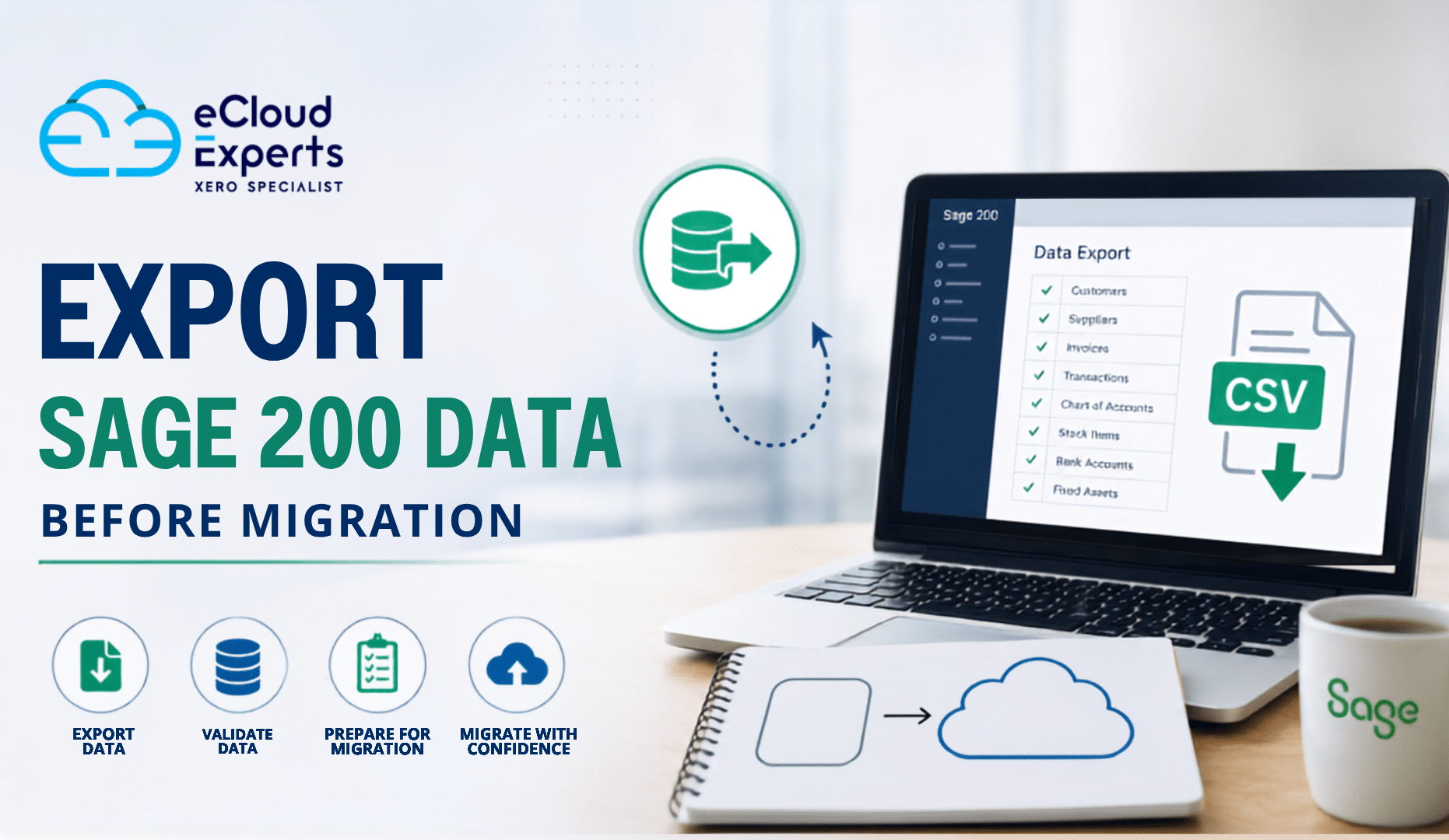
11. Decide How Much Historical Data to Move
You may choose to migrate:
• Opening balances only
• Current year transactions
• Current and previous year transactions
• Several years of detailed history
• Outstanding customer invoices
• Outstanding supplier bills
• Bank transactions
• Journals
• Documents and attachments
More history can make comparisons and audits easier, but it also increases migration cost and testing requirements.
Some ERP records may not fit directly into Xero because the systems use different structures. These differences should be documented before the project begins.
12. Calculate the Complete Cost
Xero’s subscription price is only one part of the total cost.
Include:
• Xero subscriptions
• Connected app subscriptions
• Migration services
• Data preparation
• System design
• Custom integrations
• Reporting tools
• Staff training
• Internal project time
• Testing
• Ongoing support
• Old ERP archive access
• Future app price increases
A Xero based setup can reduce costs, but using several specialist apps may narrow the difference.
Calculate the total cost over at least three years.
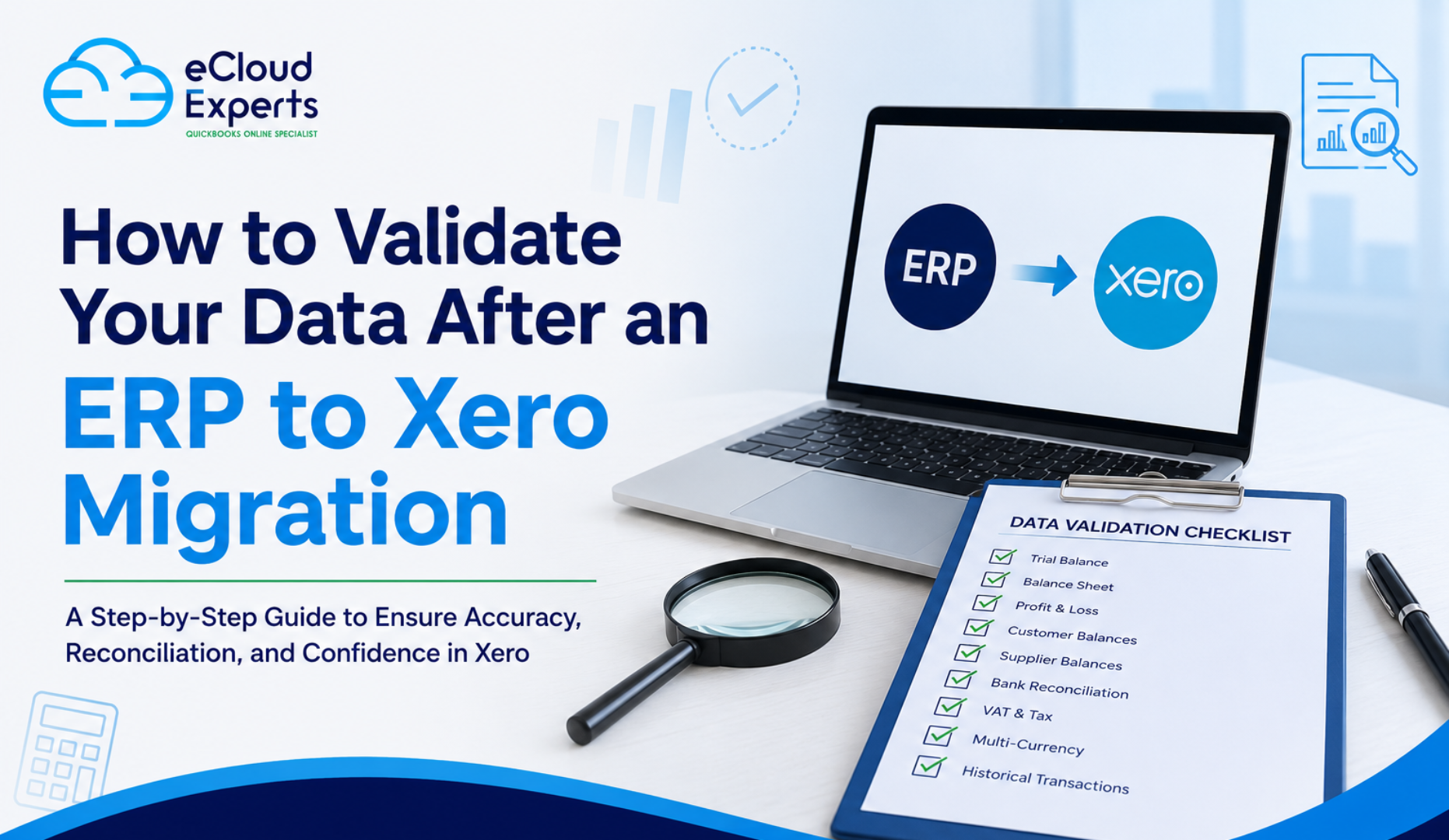
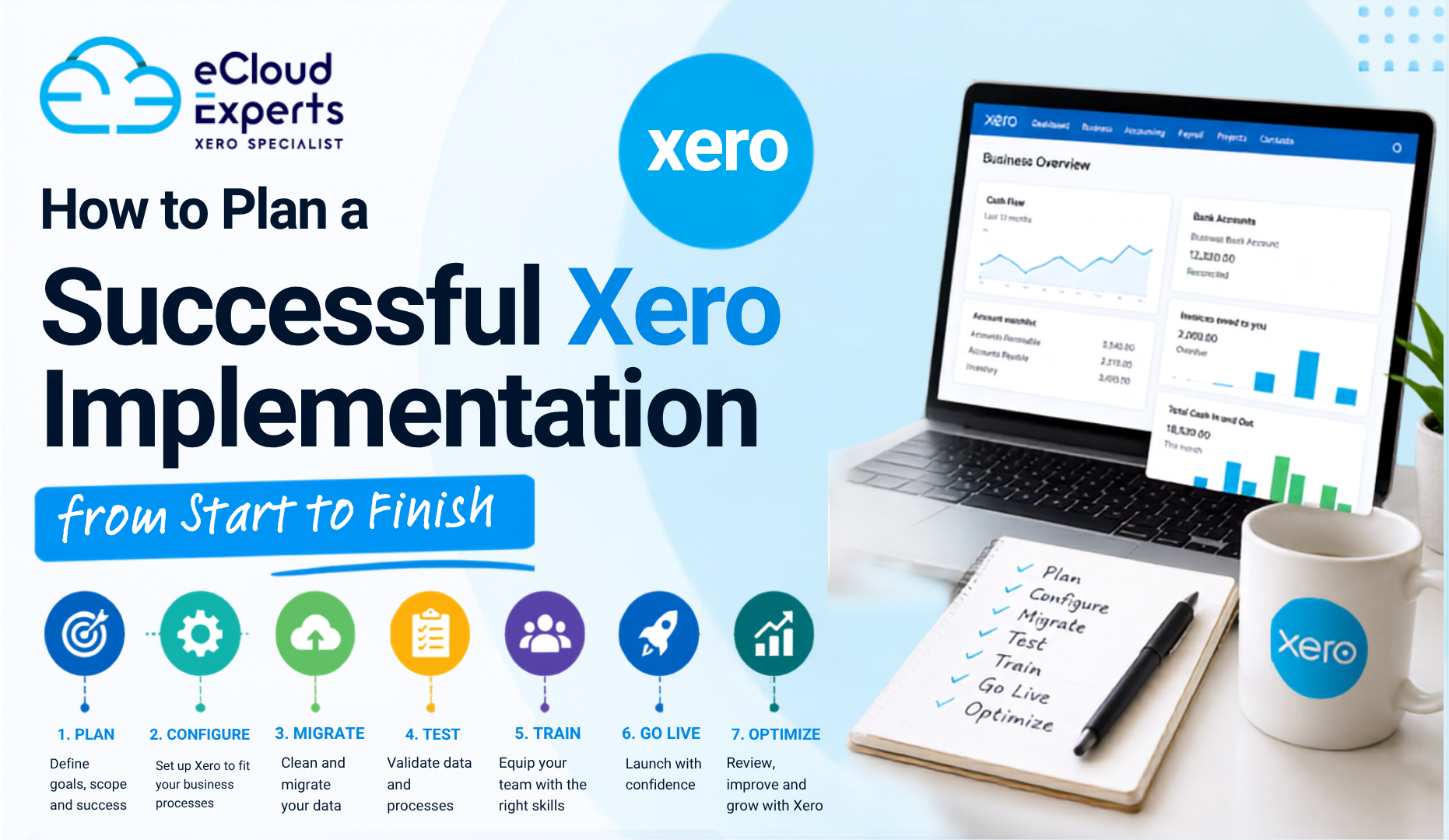
A Practical ERP to Xero Migration Process
Step 1: Discovery
Confirm business goals, entities, users, reporting needs, transaction volumes, integrations and the planned launch date.
Step 2: Data Assessment
Review ERP data for missing records, duplicates, incorrect tax codes, inactive accounts and unresolved balances.
Step 3: Scope Agreement
Decide which entities, periods, transactions, documents and reports are included.
Step 4: Xero System Design
Plan the chart of accounts, tracking categories, tax settings, users, permissions and connected apps.
Step 5: Data Preparation
Clean and transform the source data so it fits the agreed Xero structure.
Step 6: Trial Migration
Move a controlled set of data into a test Xero organisation.
Step 7: Testing
Test financial reports, operational processes, integrations, VAT, user access and transaction handling.
Step 8: Reconciliation
Compare trial balances, customer balances, supplier balances, bank balances, VAT balances and other control totals.
Step 9: Final Migration
Complete the agreed data extraction and migration after the final ERP processing cut off.
Step 10: Training and Launch
Train users around their actual responsibilities and provide clear procedures for the new system.
Step 11: Final Review
Confirm balances, reports, integrations and outstanding issues before formal approval.
Common ERP to Xero Migration Mistakes
Businesses often experience problems when they:
• Select Xero before reviewing current processes
• Focus only on finance
• Ignore stock and operational requirements
• Assume every ERP function has a Xero equivalent
• Migrate poor quality data
• Select apps without proper testing
• Underestimate group reporting
• Forget custom reports
• Ignore approval requirements
• Move too much unnecessary history
• Move too little useful history
• Skip trial migration
• Fail to reconcile balances
• Provide limited staff training
• Cancel ERP access too early
These mistakes can make the new system less reliable than the old one.
How eCloud Experts Can Help
eCloud Experts helps businesses assess, plan and complete ERP to Xero migrations.
We review the current accounting structure, data quality, reports, integrations and operational requirements. This helps determine whether Xero can replace the ERP system or whether additional applications are needed.
Our services can include:
• ERP data assessment
• Migration planning
• Xero system design
• Chart of accounts mapping
• Customer and supplier migration
• Historical transaction migration
• Opening balance migration
• VAT review
• Trial migration
• Financial reconciliation
• Connected app planning
• User training
• Support during launch
We do not recommend Xero simply because it is popular or easier to use. We first assess whether it can support the business properly.
Frequently Asked Questions
Can Xero completely replace an ERP system?
Xero can completely replace an ERP system when the business mainly needs accounting and standard financial management. Businesses with advanced manufacturing, warehouse, supply chain or group reporting requirements may need connected apps or a full ERP platform.
Is Xero considered an ERP system?
Xero is mainly cloud accounting software rather than a complete ERP system. It can form part of a wider business system through connected applications.
Can Xero handle inventory?
Xero provides basic tracked inventory. Businesses needing several warehouses, batch tracking, serial numbers, assemblies or demand planning may need specialist inventory software.
Can Xero manage several companies?
Each legal entity normally requires its own Xero organisation. Group reporting and consolidation may require an additional reporting application.
Can historical ERP data be migrated to Xero?
Yes, many historical records can be migrated, depending on data quality, scope and Xero’s structure. The available detail should be assessed before the migration begins.
How long does an ERP to Xero migration take?
The timeline depends on the number of entities, years of data, transaction volumes, integrations, data quality and testing requirements. A simple finance migration may take several weeks. A complex project can take longer.
Should we keep access to the old ERP?
Yes. Retaining read only access or a controlled archive is usually sensible until historical records, audit requirements and reporting needs have been confirmed.
Is moving from ERP to Xero always cheaper?
Not always. Xero may reduce licence and support costs, but connected apps, reporting tools, migration work and ongoing support must be included in the calculation.
Final Answer: Can Xero Replace Your ERP?
Xero can replace an ERP system for some small and growing businesses, particularly when the current platform is mainly used for accounting, invoicing, purchasing, VAT and standard reporting.
It can also become the financial centre of a wider system when connected to carefully selected applications for inventory, projects, ecommerce, approvals and reporting.
However, Xero may not be the right replacement for companies with complex manufacturing, warehouse, supply chain, consolidation or operational requirements.
Before deciding, document your processes, confirm essential features, review integrations, test realistic transaction volumes and calculate the complete cost. A trial migration should then prove that the proposed system can produce accurate accounts and support daily operations.
The goal is not simply to leave an expensive ERP system. The goal is to build a simpler system without losing control, information or essential business functions.
Considering an ERP to Xero Migration?
eCloud Experts can assess your current ERP system, review your data and identify the functions your business must keep.
Book a Discovery Call or Get a Quote to discuss whether Xero is the right option for your business.