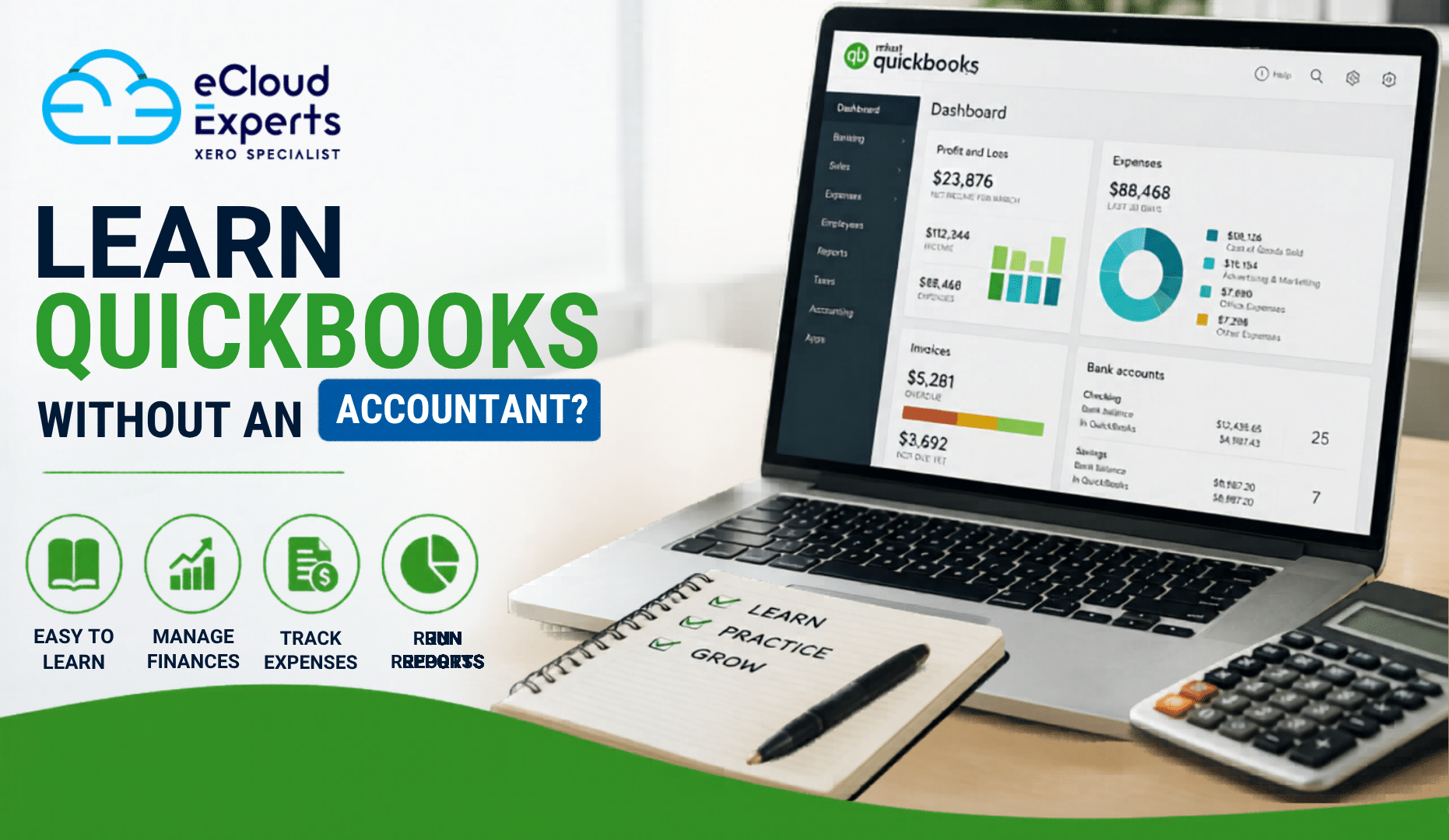
Managing your business finances can feel overwhelming at first. Many business owners assume they need an accountant beside them to learn accounting software. However, that is not always true. If you are wondering whether you can learn QuickBooks without an accountant, the simple answer is yes.
QuickBooks was designed to help business owners, freelancers, and startups manage their finances without needing advanced accounting knowledge. With the right approach, you can learn the basics, handle daily bookkeeping tasks, and gain more confidence in your financial records.
In this guide, we will explore how you can learn QuickBooks, what challenges you may face, and when professional support can still be useful.
Why More Business Owners Want to Learn QuickBooks
Many small business owners want greater control over their finances. Instead of relying on someone else for every transaction, they prefer to understand how money moves through their business.
When you learn QuickBooks, you can:
- Track income and expenses
- Create invoices
- Monitor cash flow
- Reconcile bank transactions
- Run financial reports
- Prepare records for your accountant
Having these skills can save time and help you make better business decisions.
What Makes QuickBooks Beginner Friendly?
One reason many people choose to learn QuickBooks on their own is that the software is built for non accountants.
The dashboard presents information in a simple format. Most tasks follow step by step processes. Features are clearly labeled, making it easier to understand what each tool does.
QuickBooks also includes:
- Guided setup options
- Built in help articles
- Video tutorials
- Automated transaction matching
- Customizable reports
These features reduce the learning curve for beginners.
What Can You Learn Without an Accountant?
You do not need professional accounting qualifications to handle many everyday tasks.
Most users can learn how to:
Set Up a Company File
The first step when you learn QuickBooks is creating your company profile.
This includes:
- Business details
- Financial year settings
- Tax information
- Chart of accounts
The setup wizard guides you through the process.
Create and Send Invoices
Invoicing is one of the easiest functions to master.
You can learn how to:
- Create customer records
- Generate invoices
- Send invoices by email
- Track unpaid invoices
- Record payments
Many business owners become comfortable with invoicing within a few hours.
Track Expenses
Expense tracking helps you understand where your money goes.
When you learn QuickBooks, you can quickly record:
- Supplier bills
- Office expenses
- Utility payments
- Travel costs
- Equipment purchases
Accurate expense tracking improves financial visibility.
Connect Bank Accounts
Bank feeds automatically import transactions into QuickBooks.
This feature helps reduce manual data entry and allows you to:
- Categorize transactions
- Match payments
- Monitor account balances
- Identify unusual activity
For beginners, bank feeds make bookkeeping much easier.
Run Basic Reports
Reports provide valuable business insights.
You can easily generate:
- Profit and Loss reports
- Balance Sheets
- Cash Flow reports
- Sales reports
- Expense summaries
Learning to read these reports helps you understand business performance.
Common Challenges When You Learn QuickBooks
Although QuickBooks is beginner friendly, some areas may require extra attention.
Understanding Accounting Terms
Words like assets, liabilities, equity, and reconciliation can seem confusing at first.
The good news is that you do not need to become an accountant overnight. Focus on learning one concept at a time.
Categorizing Transactions Correctly
Choosing the correct category for income and expenses is important.
Incorrect categories can affect financial reports and tax preparation.
Many beginners improve their skills through practice and training.
Bank Reconciliation
Reconciling accounts means matching QuickBooks records with bank statements.
This process helps identify errors and missing transactions.
While it may seem difficult initially, it becomes easier with experience.
Tax Settings
Depending on your country, sales tax or VAT settings may require additional attention.
Incorrect tax setup can create reporting issues later.
Best Ways to Learn QuickBooks on Your Own
If you want to learn QuickBooks successfully, follow a structured approach.
Start With QuickBooks Tutorials
QuickBooks provides official training materials for beginners.
These resources explain:
- Navigation
- Setup
- Invoicing
- Expenses
- Reporting
They are often the best place to start.
Practice Using Sample Data
Learning becomes easier when you apply concepts in real situations.
Create sample customers, invoices, and expenses to gain confidence before working with actual business data.
Follow Online Courses
Many training providers offer beginner focused QuickBooks courses.
A structured course helps you learn topics in the correct order and avoid confusion.
Watch Video Demonstrations
Video lessons show exactly how tasks are completed.
Watching someone perform a task can often be easier than reading instructions.
Learn One Feature at a Time
Trying to master everything in one day can feel overwhelming.
Instead, focus on:
- Setup
- Invoicing
- Expenses
- Bank feeds
- Reporting
Building skills gradually leads to better results.
When Professional Training Helps
While many people can learn QuickBooks independently, professional training can accelerate the process.
Training helps you:
- Avoid common mistakes
- Understand best practices
- Learn advanced features
- Set up the software correctly
- Gain confidence faster
This can be especially valuable for growing businesses with more complex financial requirements.
Can Small Businesses Manage QuickBooks Without an Accountant?
For daily bookkeeping tasks, many small businesses successfully use QuickBooks without an accountant.
Owners often manage:
- Sales invoices
- Expense tracking
- Bank transactions
- Basic reporting
However, professional accountants can still provide support for:
- Tax filing
- Year end accounts
- Financial planning
- Compliance requirements
Think of QuickBooks as a tool that helps you stay organized rather than replacing professional financial advice completely.
Signs You Are Ready to Learn QuickBooks Yourself
You may be ready to learn independently if:
- You are comfortable using business software
- You want greater financial visibility
- Your bookkeeping needs are relatively simple
- You are willing to invest time in learning
- You enjoy understanding business performance
With consistency and practice, most business owners can develop strong QuickBooks skills.
How Long Does It Take to Learn QuickBooks?
The answer depends on your goals.
For basic daily tasks, many people can learn QuickBooks within a few days.
For more advanced functions such as inventory management, budgeting, and custom reporting, learning may take several weeks.
The key is consistent practice.
Even spending 20 to 30 minutes per day can lead to rapid improvement.
Why QuickBooks Training Can Save Time
Many users try to figure everything out through trial and error.
While this can work, it often leads to mistakes and frustration.
Professional QuickBooks training provides:
- Clear guidance
- Structured lessons
- Real world examples
- Faster learning
- Better accuracy
This helps users become productive much sooner.
Final Thoughts
Yes, you can absolutely learn QuickBooks without an accountant.
QuickBooks was created to help business owners manage their finances more effectively, even if they have no accounting background. By using tutorials, training courses, and regular practice, you can learn invoicing, expense tracking, reporting, and other essential bookkeeping tasks.
That said, professional training can make the learning process faster and easier while helping you avoid costly mistakes.
If you want expert guidance, eCloud Experts offers professional QuickBooks training designed for beginners and growing businesses. Our specialists help you learn QuickBooks with confidence so you can manage your finances more effectively and make informed business decisions.