A QuickBooks to Xero migration is often sold as a technical task. In reality, it is a financial reset. When businesses move accounting systems, they are not just changing software. They are deciding how much they trust their numbers going forward. If the data entering Xero is inaccurate, incomplete, or poorly structured, the new system will expose those weaknesses immediately.
Many businesses underestimate this shift. QuickBooks is flexible and forgiving. Errors can sit quietly for years without causing obvious damage. Xero works differently. It enforces structure and consistency. That strength becomes a weakness when messy data is migrated without preparation.
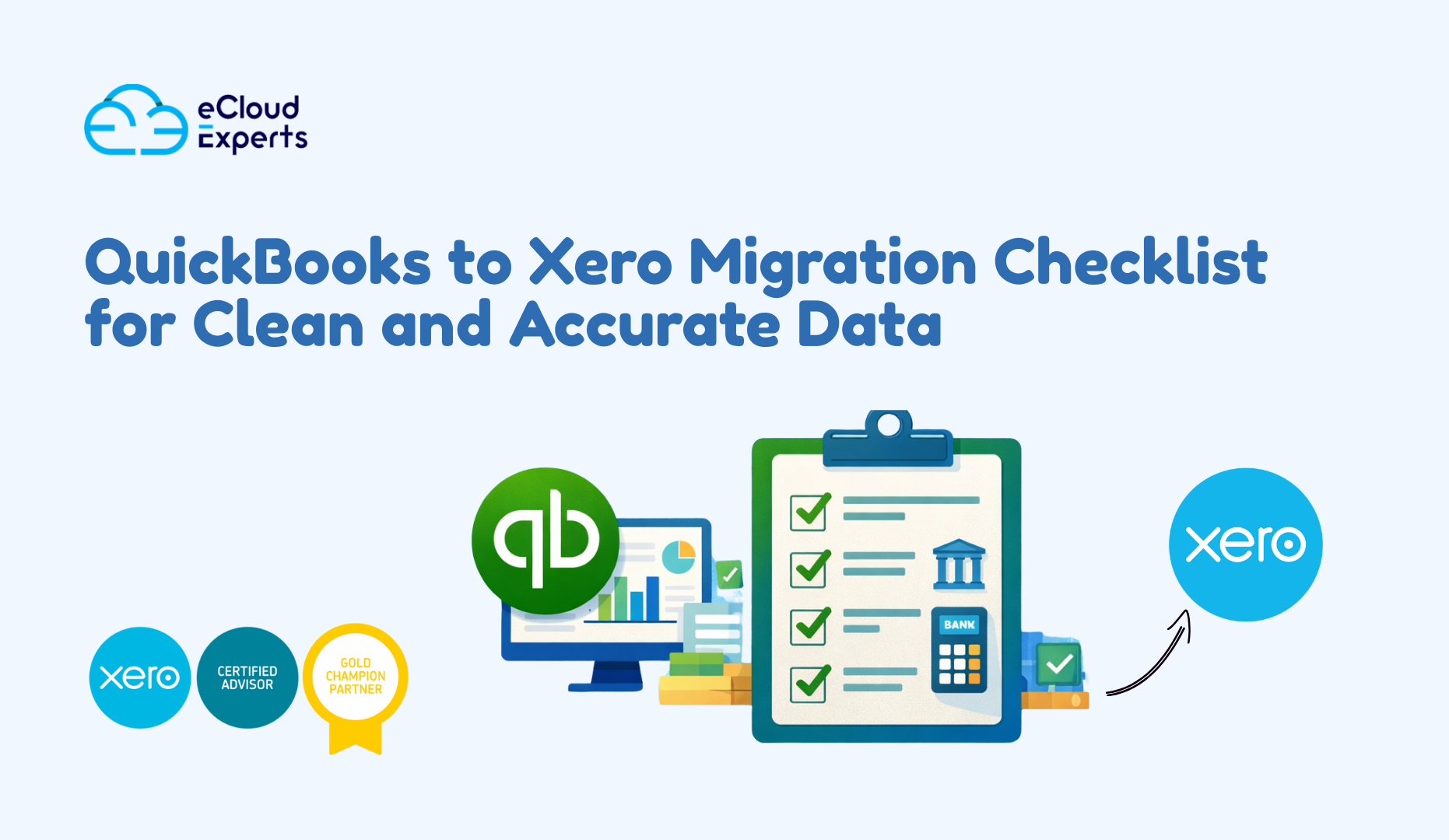
This is why a proper QuickBooks to Xero migration checklist matters. This guide explains the full checklist in plain language so business owners and accountants can avoid costly mistakes and start with confidence.
Why a Checklist Matters Before a QuickBooks to Xero Migration
Most QuickBooks to Xero migration problems already exist before the migration begins. The move itself rarely creates errors. It reveals them. Old accounts remain active long after they are needed. Bank reconciliations are skipped during busy periods. VAT balances drift slightly each quarter. These issues feel manageable inside QuickBooks because reports still run and day to day operations continue.
Xero removes that safety net. When data moves across, inconsistencies become visible. Reports stop lining up. Bank accounts refuse to reconcile. Users begin to question whether Xero is the problem, when in fact the problem is inherited data.
A QuickBooks to Xero migration checklist forces accountability. It slows the process down at the right moment. It ensures that balances are reviewed, decisions are made deliberately, and data quality is addressed before it becomes a permanent problem in the new system.
Without a checklist, businesses gamble with financial accuracy. With one, they protect it.
What Goes Wrong Without a Proper Migration Checklist
When a QuickBooks to Xero migration happens without structure, the same failures appear repeatedly. Trial balances fail to match even though totals appear close. Bank accounts show balances that cannot be reconciled to statements. Profit and loss reports inflate income or suppress expenses due to duplicated or misclassified transactions. VAT reports fail to match historical filings, creating compliance risk.
These issues are rarely obvious on day one. They emerge over weeks and months as users attempt to reconcile accounts, file VAT returns, or rely on management reports. By the time the damage is clear, reversing the migration or cleaning the data becomes time consuming and expensive.
A checklist does not eliminate work. It moves the work to the right stage. Fixing problems before migration is always faster than fixing them afterward.
Preparing QuickBooks Before the Migration Begins
The quality of a QuickBooks to Xero migration depends almost entirely on the condition of the QuickBooks file. This step should never be rushed.
The chart of accounts must be reviewed with a critical eye. Many businesses accumulate unused accounts over time. Others create duplicate categories to solve short term reporting needs. These accounts clutter reports and confuse mappings during migration. Cleaning them before migration improves clarity and simplifies the move.
Historical periods should be reviewed and locked. If prior years remain editable, balances can change after migration, causing reconciliation issues that are difficult to trace. Locking periods creates stability and confidence in historical numbers.
Negative balances in receivables, payables, or inventory often indicate deeper problems such as misapplied payments or incorrect postings. These issues must be resolved before migration. Xero will not correct them automatically.
Bank and credit card accounts must be fully reconciled to the chosen cut off date. This step alone determines whether opening balances in Xero will reconcile smoothly or create ongoing frustration.
Choosing the Right Cut Off Date for the Migration
The cut off date defines where QuickBooks stops and Xero begins. It should be chosen deliberately based on reporting needs and operational timing.
A month- end is often the most practical option. It aligns with bank statements, VAT reporting, and management accounts. Quarter end or year end may be appropriate for some businesses, but these dates also come with heavier reporting pressure.
Once the cut off date is chosen, posting in QuickBooks must stop. Any transactions entered after that point will break the logic of opening balances. Discipline at this stage prevents confusion later.
A clean cut off date creates a clean start.
Deciding What Data Should Move to Xero
One of the most common mistakes in a QuickBooks to Xero migration is attempting to move everything. More data does not equal better accuracy. In many cases, it creates noise and risk.
Xero needs only the data required to operate going forward. This includes the chart of accounts, contacts, unpaid invoices and bills, bank balances, VAT balances, and conversion balances. These elements establish continuity without dragging historical clutter into the new system.
Fully paid historical transactions rarely add value in Xero. Reports provide better access to historical performance than raw transactional data. Leaving old data behind improves speed, clarity, and confidence.
Migration is about continuity, not nostalgia.
Designing a Xero Friendly Chart of Accounts
Xero rewards simplicity. A bloated chart of accounts limits reporting clarity and increases the chance of posting errors.
Migration is the ideal moment to redesign account structure. Similar expense categories can be grouped logically. Account names can be standardized. Correct account types can be assigned to support accurate reporting.
VAT treatment must be reviewed carefully during this process. Incorrect VAT mappings are one of the fastest ways to break compliance reporting in Xero. Taking time here pays dividends long after migration day.
A clean chart of accounts is the backbone of reliable reporting.
Cleaning and Preparing Contacts and Open Transactions
Contacts often carry hidden problems. Duplicate entries, inconsistent naming conventions, and outdated VAT details can all cause issues after migration.
Before moving data, contacts should be reviewed and standardized. Only active customers and suppliers should be migrated. Inactive or historical contacts add clutter without value.
Open invoices and bills must be reviewed carefully. Totals must match QuickBooks exactly. VAT treatment should be checked line by line. If opening balances are wrong, every report built on them will be wrong as well.
Accuracy here determines trust later.
Ensuring Bank and Credit Card Accuracy
Bank balances are the most visible and sensitive area after migration. Users expect them to reconcile immediately.
Every bank and credit card account must be reconciled in QuickBooks to the cut off date. Statement balances must match exactly. Any unreconciled items should be investigated and resolved.
In Xero, only opening balances should be entered. Bank feeds should be connected after the cut off date to avoid duplication. Importing transactions twice creates confusion that is difficult to untangle.
Clean bank data builds confidence quickly.
Managing VAT and Tax During the Migration
VAT errors carry financial and compliance risk. They must be handled carefully during a QuickBooks to Xero migration.
Before migration, VAT reports should be reviewed against balance sheet control accounts. Any discrepancies must be resolved. Carrying unresolved VAT issues into Xero compounds the problem.
After migration, VAT rates and codes must be rebuilt correctly. Opening invoices should be reviewed for correct tax treatment. Test VAT reports should be run to confirm totals align with expectations.
VAT accuracy should never be assumed. It must be proven.
Reviewing Apps and Integrations Before Migration
Most businesses rely on multiple connected apps. Payroll, ecommerce platforms, payment processors, and reporting tools all interact with accounting data.
Before migration, every integration should be listed and reviewed. Compatibility with Xero should be confirmed. Decisions should be made about whether historical data needs to sync or whether a fresh connection is sufficient.
Apps should reconnect only after balances in Xero are verified. Reconnecting too early introduces risk and confusion.
A clean core system should come first.
Managing the Migration Day Process
Migration day should be controlled and deliberate. Posting in QuickBooks must stop completely. Final reports should be exported and saved for reference. Trial balance and control account balances must be confirmed.
In Xero, data should be imported in a logical sequence. Chart of accounts comes first, followed by contacts, opening balances, and open transactions. Each step should be reviewed before moving on.
Rushing this process increases the risk of errors. Accuracy always beats speed.
Verifying Data After the Migration
Verification is the most overlooked step in a QuickBooks to Xero migration. Many businesses assume success once data appears in Xero.
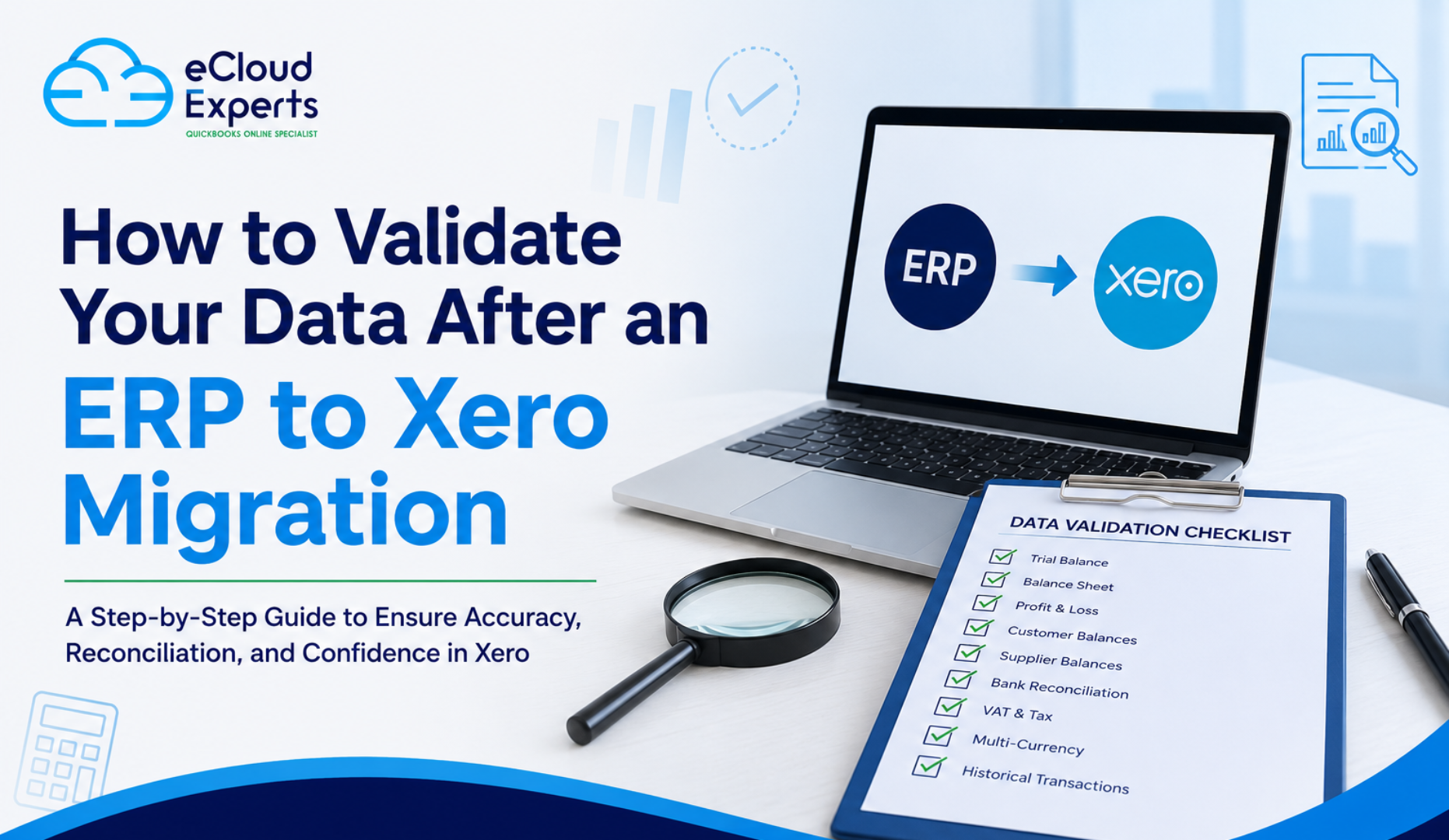
Trial balances must be compared. Bank balances must reconcile. Receivables and payables must match. VAT control accounts must align. Profit and loss and balance sheet reports should be reviewed line by line.
If discrepancies exist, they must be resolved immediately. Problems left unresolved only grow harder to fix over time.
Verification turns migration into confidence.
DIY Migration Versus Using a Migration Expert
Some businesses attempt a DIY QuickBooks to Xero migration to save money. This can work in simple cases where data is clean, VAT complexity is low, and integrations are minimal.
In most real world cases, data is messy, VAT matters, and multiple systems are involved. In these situations, using a migration expert reduces risk and saves time.
Fixing a failed migration always costs more than doing it right the first time. The migration sets the foundation for future reporting, decision making, and compliance.
This is not an area for shortcuts.
Final Thoughts on a Clean QuickBooks to Xero Migration
A QuickBooks to Xero migration is not just a software change. It is a reset of financial accuracy and trust. Clean data, correct balances, and proper structure determine whether Xero becomes a powerful tool or a constant source of frustration.
Following a detailed checklist protects your numbers and your confidence. It ensures that Xero starts as a reliable system rather than a repair project.
eCloud Expert helps businesses complete a QuickBooks to Xero migration with clean data, verified balances, and full confidence from day one. The goal is not just to move data, but to protect the integrity of your financial information.
Get the migration right. Your business depends on it.