Cost is usually the first thing business owners want to understand before switching accounting software. This matters even more when time and cash flow are tight. The Xero migration cost can feel confusing because prices vary widely between providers. Costs can also differ between businesses of a similar size.
Some companies pay very little and feel comfortable at first, while others invest more upfront to protect accuracy and reporting. Both approaches exist in the market, which is why the pricing can appear inconsistent.
The reality is that there is no standard price because no two accounting systems are in the same condition. The Xero migration cost depends on several factors. These include how complex the records are and how clean the data is. It also depends on how much history needs to be moved and whether VAT or other compliance rules apply. A business with tidy accounts and limited activity will usually cost less to migrate. A business with years of unreconciled transactions and reporting issues will cost more.
Many business owners assume a migration is simply an export and import process. That assumption is where unexpected costs often begin. Problems caused by rushed or incomplete migrations usually surface later when reports do not align, VAT figures look wrong, or bank balances cannot be trusted. At that point, fixing mistakes takes more time and money than doing the migration properly in the first place.
This guide explains what businesses really pay for a Xero migration. It shows why costs differ and what drives prices up or down. More importantly, it helps you spot realistic pricing and avoid hidden costs. It also explains how to choose a migration approach that supports reliable reporting from day one.
What Is Included in a Xero Migration Cost
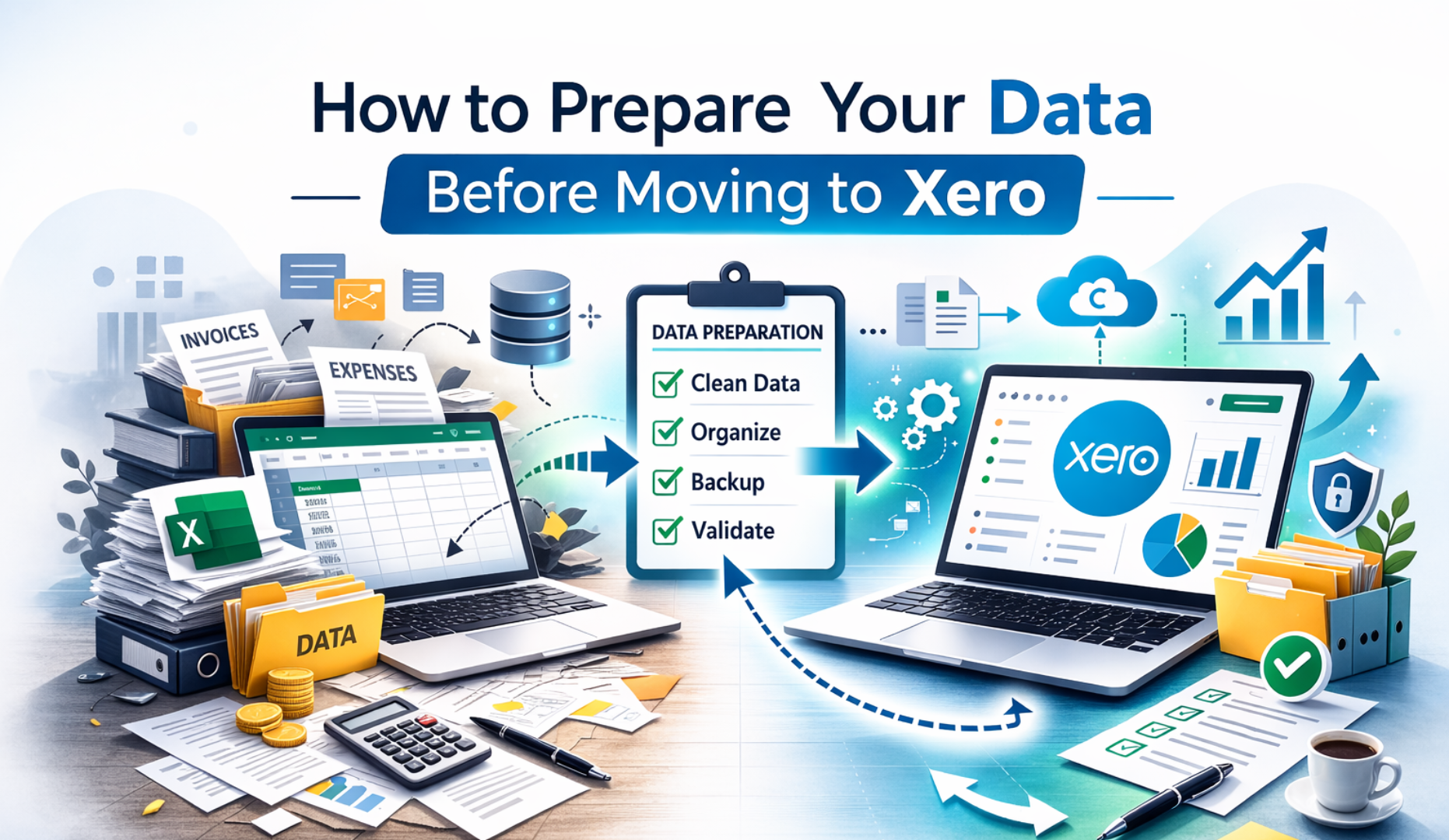
The Xero migration cost covers much more than transferring figures from one system into Xero. A proper migration starts with a review of the existing accounting data to understand how the business has been recording income, expenses, VAT, and balances. This review helps identify errors, gaps, or inconsistencies that could affect accuracy after the move. Without this step, incorrect data is simply carried into the new system.
The migration cost also includes setting up Xero correctly based on how the business actually operates. This involves configuring the chart of accounts, bank accounts, tax settings, and reporting structure so the system reflects real business activity. Opening balances are then imported carefully, rather than blindly copied, to ensure they match the closing position of the old system.
Testing is another important part of the Xero migration cost. Transactions are checked, reports are reviewed, and balances are verified to confirm everything works as expected. VAT or tax reports must make sense, bank balances must reconcile, and profit figures must be believable. When these steps are skipped, the price may look lower at first, but problems usually appear later. At that point, business owners often lose trust in their reports and face additional costs to fix issues that could have been prevented.
Typical Xero Migration Cost Ranges
There is no single price that applies to every business because no two accounting systems are in the same condition. However, most Xero migration projects fall into predictable cost ranges once the level of complexity is understood. These ranges are shaped by transaction volume, tax requirements, and how much historical data needs to be moved.
Small and simple businesses usually pay less because their records are easier to review and transfer. This often applies to freelancers or service based businesses. They usually have one bank account and limited transactions. VAT is often simple or not required. When data is clean and history is short, the migration is quicker. Less checking is needed, which keeps the Xero migration cost lower.
Growing businesses tend to fall into a mid range cost because their records require more careful handling. VAT is usually involved, there may be multiple bank accounts or payment methods, and more than one year of history often needs to be considered. Extra time is spent reviewing balances, testing reports, and confirming VAT treatment, all of which increases the overall Xero migration cost.
Complex businesses usually face the highest costs because accuracy requires significantly more work. Large transaction volumes increase the time needed to check data. Ecommerce integrations and payroll history add further complexity. Poorly maintained records also slow the process. In these cases, a higher Xero migration cost reflects the extra effort required to ensure the numbers are reliable. The work is about accuracy and usability, not just moving data from one system to another.
What Drives the Xero Migration Cost Up
The biggest factor affecting the Xero migration cost is the condition of the data. Business size matters far less. A small business with messy records can take longer to migrate than a larger business with clean accounts. When data is disorganised, more time is needed to understand what is correct. More time is also needed to fix issues before anything is moved into Xero.
High transaction volumes increase the Xero migration cost because each account and balance requires more testing. More transactions mean more opportunities for errors, so extra time is spent checking totals and ensuring reports match the original system. Complicated VAT setups also add to the cost, as VAT codes and historical treatment must be reviewed carefully to avoid compliance issues later.
Unreconciled bank accounts are another major factor. When accounts do not reconcile, time is spent tracing missing or duplicated transactions to bring balances back into line. Migrating several years of history also adds work compared to importing opening balances only, as older data must be reviewed and validated. In addition, some accounting systems export data poorly, which increases manual checking and correction. Each of these issues adds time to the process, and the more time required to ensure accuracy, the higher the Xero migration cost becomes.
Cheap Xero Migrations and the Real Risk
Very low priced Xero migrations often depend on shortcuts that reduce the amount of time spent reviewing and testing data. These shortcuts may not cause obvious problems immediately, which can create a false sense of confidence. However, issues often appear months later when reports start to look wrong or no longer align with bank balances and VAT figures.
Common problems include VAT reports that do not match filings, balances that cannot be reconciled, and transactions that appear duplicated or missing. Because these issues develop over time, they are harder to trace back to the original cause. At that stage, fixing the errors requires detailed investigation and corrective work, which usually costs more than a proper migration would have cost initially. A low upfront Xero migration cost often hides a much higher long term price in both time and money.
DIY Xero Migration Cost Compared to Professional Help
Doing a Xero migration yourself can appear cheap or even free at first, especially when software tools promise quick results. The real cost, however, includes the time spent learning the migration process, understanding Xero settings, and trying to correct issues when something does not look right. For business owners, this often means time taken away from running the business.
DIY migrations can work for very simple setups with clean records, limited transactions, and no VAT complexity. Once VAT, payroll, or several years of history are involved, the risk increases quickly. Importing incorrect balances or applying the wrong tax treatment can create ongoing reporting and compliance problems. In these situations, professional support often proves more cost effective because it prevents errors that are time consuming and expensive to fix later.
How eCloud Experts Price Xero Migrations
At eCloud Experts, the Xero migration cost is based on the actual work required, not on fixed packages or rough estimates. Every business uses its accounting system differently, so pricing begins with understanding how your current system has been set up and maintained. This includes reviewing the source software, the number of transactions, and the overall condition of the records.
Before confirming any Xero migration cost, the team looks closely at opening balances, bank reconciliations, and VAT treatment. Reporting needs are also reviewed to make sure Xero is configured to support how the business makes decisions, not just basic compliance. This upfront review helps identify risks early and prevents hidden issues from appearing after the migration is complete.
By pricing migrations this way, eCloud Experts avoids surprises and unrealistic expectations. Businesses know what work is included and why it is needed. The result is a migration that delivers accurate balances, reliable reports, and confidence in the numbers from day one, rather than uncertainty that requires costly fixes later.
How to Reduce Your Xero Migration Cost
Businesses can reduce their Xero migration cost by taking time to prepare before the migration begins. One of the most effective steps is clearing unreconciled bank accounts and resolving obvious errors in the existing system. When balances already make sense, less time is spent tracing issues during the migration, which helps keep costs under control.
Providing clean and complete reports from the old system also makes a difference. Accurate trial balances, VAT reports, and bank statements allow the migration to move forward smoothly without repeated checks or rework. When key information is missing or inconsistent, extra time is needed to confirm figures, which increases the overall Xero migration cost.
Being clear about how much historical data is actually needed can also reduce unnecessary work. Many businesses do not need every past transaction moved into Xero. In some cases, bringing in opening balances and keeping old records for reference is enough. Good preparation allows the migration to focus on accuracy and proper setup, rather than time consuming cleanup, which results in better value and more reliable outcomes.
Is a Higher Xero Migration Cost Worth It
Here is an expanded and more persuasive version of that section, still written as a clear paragraph and in simple language.
A higher Xero migration cost usually reflects the level of care taken during the process. More time is spent checking balances, reviewing VAT treatment, and confirming that reports match real business activity. This extra effort means that once the migration is complete, the numbers can be trusted immediately, without second guessing or repeated checks.
Reliable figures make a real difference to day to day decision making. When reports are accurate, business owners can review performance with confidence, plan cash flow more effectively, and respond to issues earlier. This reduces stress and saves time that would otherwise be spent questioning whether the data is correct.
Paying less upfront often feels attractive, but doubt in the figures quickly becomes expensive. Time is lost investigating errors, professional help is needed to fix problems, and confidence in the system is damaged. In many cases, the total cost of correcting a poor migration is higher than investing in a careful and accurate Xero migration from the start.
Final Thoughts
The Xero migration cost depends on complexity and data quality, not on sales promises. Businesses that invest in a proper migration avoid confusion, rework, and loss of confidence in their accounts. If you want a clear and honest view of your Xero migration cost, eCloud Experts can review your setup and explain exactly what is needed before any work begins. Accuracy from the start almost always costs less than fixing mistakes later.
Get a Clear and Honest Xero Migration Cost
If you are considering a move to Xero and want to understand your real Xero migration cost, eCloud Experts can help. Every business is different, and accurate pricing starts with understanding your data, your VAT setup, and your reporting needs.
A short review of your current system allows us to explain what is involved, what is optional, and what is not worth paying for. You get clarity before any work begins, with no hidden steps or surprises later.
If you want a Xero migration that delivers reliable numbers from day one, speak with eCloud Experts and get a clear cost based on facts, not assumptions.