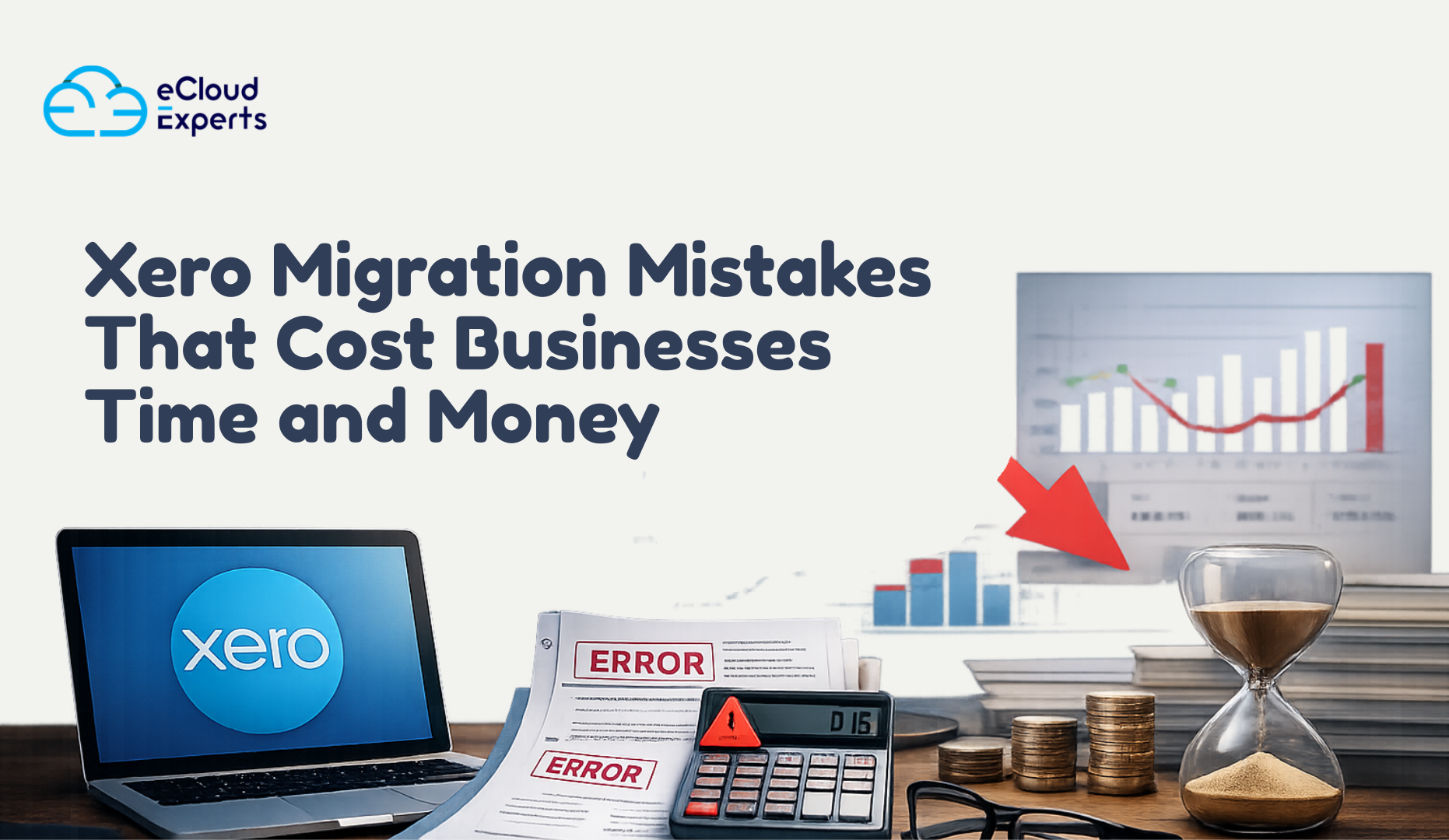
Xero migration mistakes usually begin with good intentions. A growing business wants better visibility, cleaner reports, and stronger control over cash flow. As transactions increase, the old system starts to feel restrictive. Xero appears to be the logical next step because accountants recommend it widely and many businesses trust it. However, many companies rush the move or follow poor advice. What starts as a smart upgrade quickly turns into weeks of confusion, broken reports, and wasted money.
Xero itself is not the problem. The way businesses handle the migration causes the damage. Many owners believe moving to Xero only involves exporting data and importing it into a new system. In reality, the process is far more complex. Every invoice, bill, payment, journal, tax setting, and account structure directly shapes how future reports behave. When teams handle even small details incorrectly, the effects spread across the entire system.
Moving to Xero does more than change software. It resets the financial foundation of the business. Every number you bring across supports future decisions. Profit reports influence pricing and hiring. Cash flow reports guide spending and investment. VAT and tax reports determine compliance and penalties. When balances are wrong, reports become unreliable. When teams map tax codes incorrectly, they put compliance at risk. These issues go far beyond appearance. They directly affect how confidently business owners run their companies.
Timing creates the biggest risk. Many Xero migration mistakes do not appear straight away. The system opens. Invoices send successfully. Bank feeds connect. Reports load without errors. Everything seems fine at first. Months later, issues begin to surface. A VAT return fails to match expectations. Profit appears unusually high or low. Cash flow forecasts stop making sense. By then, decision makers have already relied on inaccurate numbers.
The same patterns show up repeatedly across different industries. Many businesses attempt the migration themselves to save money. Others follow generic online guides that overlook real world accounting complexity. Some assume that easy to use software guarantees an easy migration. In many cases, the system works on a technical level, but the financial data fails to tell the truth.
The real cost of Xero migration mistakes extends far beyond the initial migration fee. Teams lose time fixing issues that should never have existed. Accountants spend hours untangling data months after the switch. Stress builds as business owners lose trust in their reports and start questioning the numbers. The most damaging result is hesitation. When confidence in financial data disappears, every decision slows down and feels riskier.
This guide breaks down the most common Xero migration mistakes in plain language. It explains what goes wrong, why it happens, and how those mistakes affect everyday business decisions. More importantly, it shows how to avoid these problems before they cost time, money, and confidence in your financial data.
Why Xero Migrations Go Wrong in the First Place
Xero itself is not the problem. Most Xero migration mistakes happen because the move is treated as a technical task instead of a financial one. Software can move data but it cannot judge whether that data makes sense.
Poor planning is one of the biggest causes. Many businesses start without deciding what data should move, what should stay and how reporting should look after the switch. Without a plan every decision becomes reactive and errors multiply.
Another issue is underestimating complexity. Years of transactions, custom accounts, legacy VAT rules and half used apps do not move cleanly by default. When this complexity is ignored Xero data migration issues appear quickly.
DIY migrations also create risk. Online tutorials focus on button clicks not balance validation or reporting accuracy. They rarely explain what happens when something goes wrong.
Finally many businesses rely on advice from people who are not migration specialists. General accountants and IT support often mean well but Xero migration problems require specific experience to spot risks early.
When these factors combine, Xero migration mistakes become almost inevitable.
Xero Migration Mistake 1 Starting Without a Clear Migration Plan
This is where most Xero migration mistakes begin. Businesses jump in without answering basic questions. What data is moving. What reports matter most. When should Xero go live.
Without a clear plan the migration becomes guesswork. Choosing the wrong conversion date breaks comparisons. Migrating too much data slows performance. Migrating too little removes reporting context.
A proper plan defines scope timelines responsibilities and validation steps before any data moves. When this step is skipped, delays extra costs and frustration follow.
Xero Migration Mistake 2 Migrating Bad or Incomplete Data
Many Xero migration mistakes come from moving problems instead of fixing them. Old systems often contain duplicate contacts, unused accounts and unreconciled balances. Migrating this data does not clean it. It locks the problems into the new system.
The result is confusing reports. Profit figures feel wrong. Aged receivables do not match reality. Bank balances refuse to reconcile. These Xero data migration issues can take months to fix.
Cleaning data before migration saves time reduces risk and builds trust in the numbers from day one.
Xero Migration Mistake 3 Incorrect Opening Balances
This is one of the most expensive Xero migration mistakes. Opening balances are the foundation of your new Xero file. If they are wrong everything that follows is unreliable.
Common issues include missing journals, incorrect retained earnings and wrong VAT balances. These errors affect profit tax and cash flow reporting. Many businesses only notice when filings do not match expectations.
Professional migrations always reconcile opening balances back to the old system. This step is essential.
Xero Migration Mistake 4 Losing Historical Data That Still Matters
Some businesses migrate everything. Others migrate almost nothing. Both approaches can cause problems.
Migrating full history without planning can clutter reports and slow performance. Migrating too little removes context needed for trend analysis audits and tax reviews.
Xero migration mistakes happen when businesses fail to decide what historical data still adds value. A balanced approach keeps critical information while avoiding unnecessary noise.
Xero Migration Mistake 5 Mapping Errors Between Old Software and Xero
Mapping errors are subtle but dangerous. Accounts tax codes and tracking categories must align correctly. When they do not, transactions post to the wrong place without obvious warnings.
This leads to VAT misstatements, incorrect expense reporting and unreliable management accounts. These common Xero migration errors often go unnoticed until key decisions are made using flawed data.
Correct mapping requires a deep understanding of both systems and how Xero handles reporting logic.
Xero Migration Mistake 6 Ignoring Payroll VAT and Connected Apps
Xero does not work in isolation. Payroll systems VAT rules and connected apps all rely on accurate setup.
Ignoring these during migration leads to payroll errors, VAT issues and broken workflows. Fixing these problems after going live costs far more than handling them upfront.
A proper migration reviews every connected system before and after the move.
Xero Migration Mistake 7 No Testing Before Going Live
Testing is often skipped to save time. This is a costly decision.
Reports bank feeds VAT calculations payroll summaries and daily workflows must be tested before relying on Xero. Without testing problems only appear when deadlines hit.
Testing turns unknown risks into known fixes. Skipping it guarantees surprises.
Xero Migration Mistake 8 No Post Migration Review or Support
Many Xero migration mistakes appear weeks after going live. Late banks feed new users different workflows or new reports exposing old errors.
Without post migration review these issues linger. Businesses lose confidence in Xero when the real issue is the migration itself.
Early review catches problems when they are easier and cheaper to fix.
The Real Cost of Xero Migration Mistakes
The true cost goes beyond money. It includes lost time, delayed decisions and unnecessary stress. Teams stop trusting reports. Owners hesitate to act. Growth slows.
Fixing Xero migration mistakes later always costs more than doing it right the first time.
How eCloud Experts Prevent Xero Migration Mistakes
At eCloud Experts we treat migrations as financial projects not simple data transfers. Every migration follows a structured process. Data is reviewed, balances are validated and systems are tested before handover.
We focus on accuracy, clarity and long term usability. No rushed imports. No unresolved issues left behind.
Xero Migration Checklist Before You Switch
Before switching to Xero, it is worth slowing down and asking a few important questions. Most Xero migration mistakes can be traced back to steps that were skipped before the migration even began. A short pause at this stage can prevent months of rework later.
Start by looking at the current state of your accounts. Are they clean and fully reconciled. This means bank balances match statements, suspense accounts are cleared, and old unreconciled transactions are resolved. Migrating unreconciled data into Xero almost always leads to reporting problems that are hard to diagnose after the switch.
Next, check whether opening balances have been properly verified. Opening balances are the backbone of your new Xero file. They should match the final reports from your old system exactly. If this step is rushed or estimated, every future report in Xero becomes unreliable, and fixing it later is both time consuming and expensive.
Historical data also needs a clear plan. Ask yourself what information you actually need going forward. Some businesses need detailed history for trend analysis or audits. Others only need summary balances. Migrating everything without structure can clutter reports, while migrating too little can remove valuable context. Poor decisions here are a common source of Xero migration mistakes.
Tax and payroll must be reviewed before any data moves. VAT settings, tax codes, payroll balances, and filing periods all need to align with how Xero handles compliance. Ignoring this step often leads to incorrect tax calculations and payroll errors after go live, which can create serious compliance risks.
Testing should never be optional. Ask whether time has been set aside to test bank feeds, reports, VAT calculations, payroll summaries, and everyday workflows before trusting Xero with live data. Skipping testing is one of the fastest ways Xero migration mistakes slip through unnoticed.
Finally, consider what support is available after the migration. Many issues only appear once the system is in daily use. Without post migration review or expert support, small problems can quietly grow into major reporting issues.
If you cannot confidently answer yes to each of these questions, the risk of Xero migration mistakes increases sharply. A readiness check before you switch can save time, protect accuracy, and give you confidence that Xero will support your business rather than slow it down.
If you want, I can also turn this into a printable checklist, add a strong CTA under it, or align it tightly with your service offering for higher conversions.
Final Thoughts Is DIY Xero Migration Worth the Risk
Some businesses attempt a DIY Xero migration and get lucky. Many do not. The problem is not effort or intelligence. It is a risk. Xero migration mistakes rarely announce themselves early. They sit quietly in the background, affecting reports, tax calculations, and cash flow without obvious warning signs. By the time they are noticed, they are usually expensive to fix.
DIY migrations often look cheaper at the start. But when opening balances are wrong, reports do not tie out, or tax figures cannot be trusted, the cost shows up later. Time is lost investigating issues that should never exist. Advisors spend hours untangling data. Business owners lose confidence in their numbers and hesitate before making decisions. That hidden cost is far greater than the original saving.
If accuracy matters, if time matters, and if you want confidence in your financial data, expert help is not optional. It is protection. A properly managed Xero migration protects the integrity of your reports, your compliance position, and your ability to make clear decisions based on reliable numbers.
Before small issues turn into long term problems, take a step back and get your migration reviewed. A second set of experienced eyes can identify risks early and prevent months of rework later.
Book a Xero migration review with eCloud Experts and fix risks before they cost you time, money, and confidence in your business.