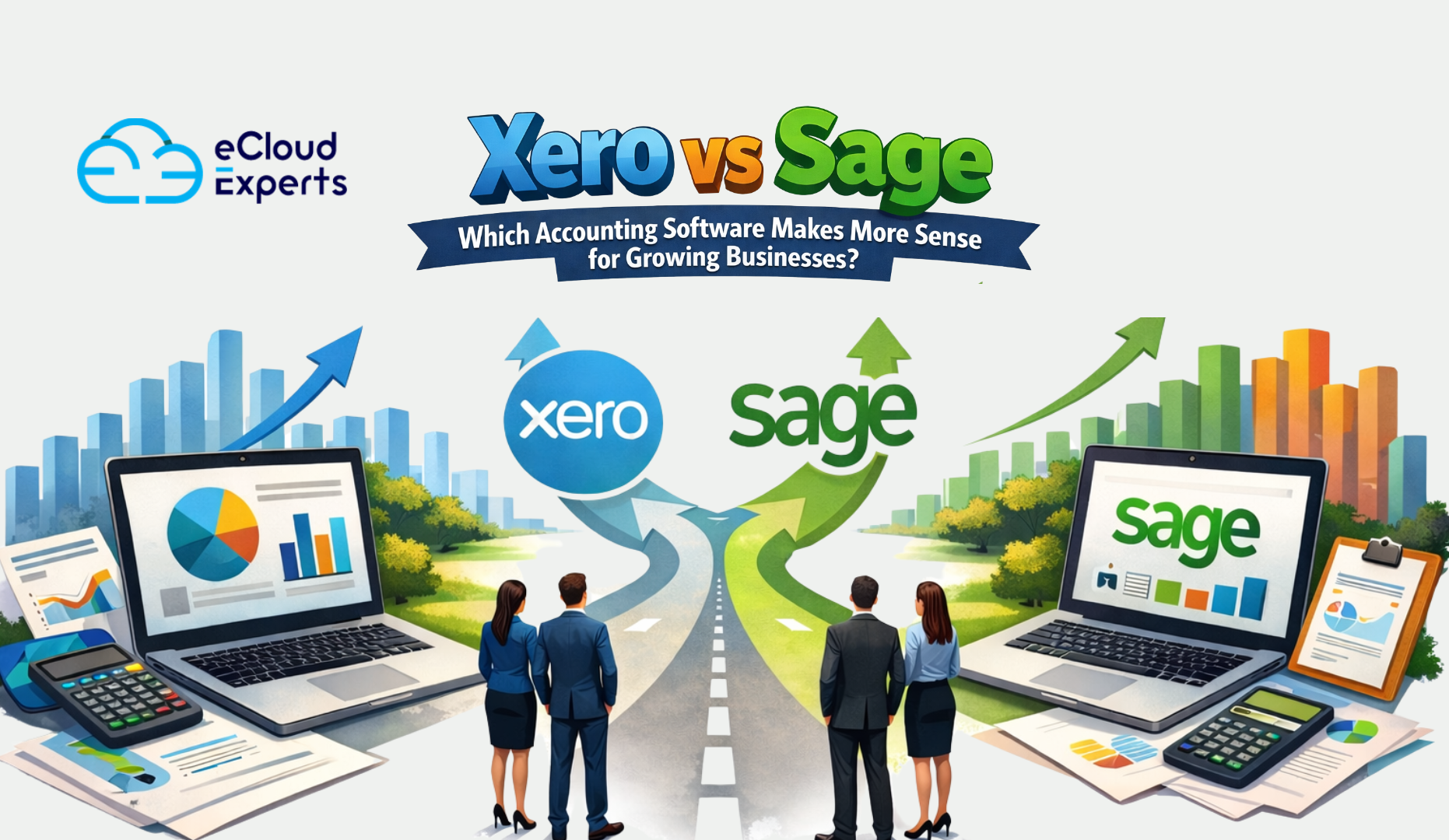
Choosing accounting software is one of those decisions that feels simple at first but quietly shapes your business for years. It controls how you track money, how clearly you understand profits, and how confidently you plan growth. Many businesses rush this step because both tools look capable on the surface. That is why the Xero vs Sage comparison matters so much.
Both platforms are trusted and widely used. Both are recommended by accountants. Yet they are built with very different users in mind. One focuses on simplicity and visibility. The other focuses on structure and control. When businesses choose the wrong fit, the result is not just frustration. It often leads to messy records, unclear reports, and costly fixes later.
This guide explains Xero vs Sage in clear and simple language. No technical talk. No sales hype. Just real differences that help you decide which accounting software actually makes sense for how your business works today and how it may grow tomorrow.
What Is Xero
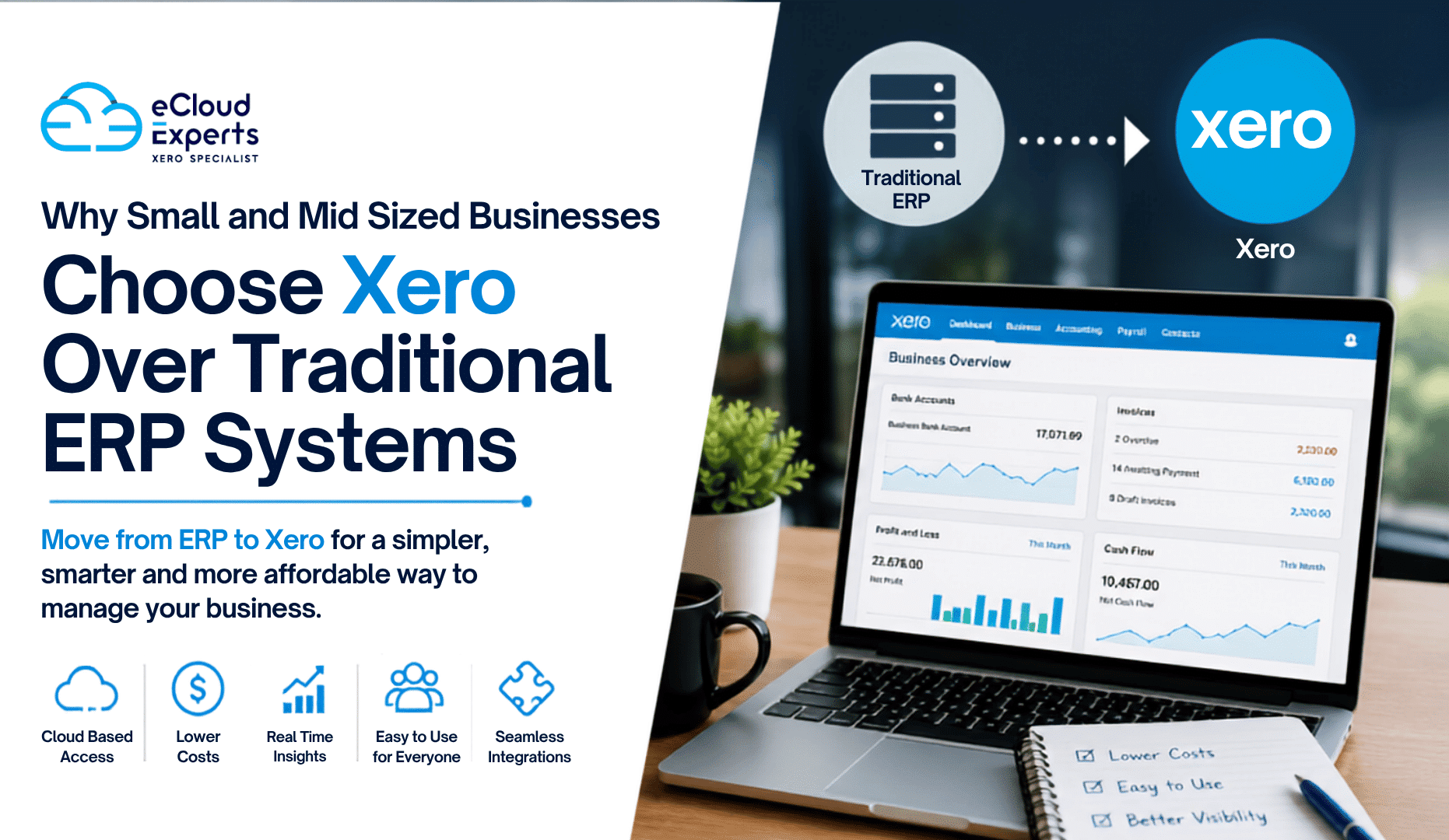
Xero is a cloud based accounting platform designed mainly for small and medium sized businesses. It focuses on giving business owners a clear picture of their finances without requiring deep accounting knowledge. The layout is clean, the navigation is simple, and most users can start using it confidently in a short time.
Xero works especially well for businesses that want to stay involved in their own finances. Invoices, bank transactions, and reports are easy to find and understand. Automation handles many repetitive tasks, which reduces manual work and errors. Because everything updates in real time, business owners always know where they stand financially.
Xero is popular with startups, service businesses, ecommerce companies, and teams that work remotely. Its design encourages regular use rather than avoiding the accounts until month end.
What Is Sage
Sage is one of the oldest and most established names in accounting software. It offers several products, including cloud and desktop options, designed to support a wide range of business sizes and industries. In most comparisons with Xero, Sage Business Cloud and Sage 50 are the usual reference points.
Sage focuses on structure, detailed control, and traditional accounting processes. It is often chosen by businesses with more complex needs, such as stock management or detailed reporting requirements. The system offers powerful tools but expects users to understand accounting principles or receive training.
Many manufacturing, wholesale, and product based businesses choose Sage because it handles complexity well. While it can feel heavier to use at first, it offers depth that some growing businesses need as operations become more detailed.
Xero vs Sage Ease of Use
Ease of use is one of the biggest differences in the Xero vs Sage comparison. Xero is built for everyday users. The dashboard shows key figures clearly, such as cash balance, invoices owed, and bills to pay. Tasks follow a logical flow, which helps users feel confident even without accounting experience.
Sage takes a more traditional approach. Screens often contain more options and settings, which can feel overwhelming at first. While this structure supports accuracy and control, it usually requires training before users feel comfortable moving quickly through tasks.
For small teams or owners managing their own accounts, Xero generally feels easier and less intimidating. For businesses with trained finance staff, Sage can be efficient once properly set up.
Xero vs Sage Features Compared
When comparing features, it becomes clear that Xero and Sage prioritise different things. Xero focuses on speed, automation, and clarity. Invoicing is simple, reminders can be automated, and payments are easy to track. Bank feeds update frequently, and reconciliation is fast, which encourages regular financial checks.
Sage offers strong invoicing too, but with more structure and control. This suits businesses that require specific invoice layouts or approval processes. Bank feeds are available, though setup and matching may feel slower depending on the version used.
Inventory management is an area where Sage stands out. It provides more detailed stock tracking, costing, and reporting tools. Xero includes basic inventory features, which work well for simple product tracking but may struggle with complex stock requirements.
Multi currency support is available in both systems, though Xero tends to present this information in a clearer and more accessible way for everyday users.
Xero vs Sage Pricing Comparison
Pricing is often a deciding factor, but it is important to look beyond the headline numbers. Xero uses a monthly subscription model with clear tiers. As you move up plans, more features become available. Costs are predictable, which helps businesses budget confidently.
Sage pricing can vary more depending on the product and setup. Some versions charge per user, while others require additional features to be added separately. Desktop options may involve higher setup costs and ongoing maintenance.
Hidden costs often appear in training time, additional users, or required add ons. For many growing businesses, Xero offers a clearer and more predictable pricing path, while Sage may suit those willing to invest more in structure and setup.
Xero vs Sage for Small Businesses
Small businesses usually want clarity, control, and low administrative effort. Xero fits this need well because it allows owners to stay involved without feeling overwhelmed. Reports are easy to understand, and daily tasks do not require specialist knowledge.
Sage works better for small businesses with specific operational needs, such as managing stock or maintaining strict internal controls. If a business already has a bookkeeper or finance staff, Sage can support more complex processes from an early stage.
In simple terms, Xero suits businesses that want simplicity and visibility. Sage suits businesses that need structure and are comfortable with more detailed systems.
Xero vs Sage for Accountants and Advisors
Accountant collaboration is an important part of the Xero vs Sage decision. Xero is designed to make this relationship smooth. Accountants can log in at any time, review data in real time, and make adjustments without interrupting daily operations.
Sage also supports accountant access, but the experience can vary depending on whether the business uses a cloud or desktop version. Desktop setups may require file sharing or remote access, which can slow down collaboration.
Many modern accounting firms prefer Xero because it reduces back and forth communication and allows faster support. This can save time and fees for business owners.
Xero vs Sage Cloud Capabilities
Xero is fully cloud based. Users can access their accounts from anywhere with an internet connection. Updates happen automatically, and backups are handled in the background. There is no software to install or maintain.
Sage offers both cloud and desktop options. Cloud versions provide flexibility similar to Xero, while desktop versions appeal to businesses that prefer local control. However, desktop systems require manual updates and more ongoing management.
For businesses with remote teams or owners who travel often, Xero provides greater flexibility. Sage desktop options may suit those who prefer a more traditional setup.
Xero vs Sage Integrations
Modern businesses rely on multiple systems working together. Xero offers a large ecosystem of connected tools, including ecommerce platforms, payroll systems, reporting tools, and inventory software. Integration setup is usually straightforward.
Sage also supports integrations, though the range can vary by product and region. Some businesses may find fewer choices or more complex setup processes.
If your business uses several tools alongside accounting software, Xero often offers more flexibility and easier connections.
Xero vs Sage Reporting and Insights
Reports are only useful if they help you make decisions. Xero focuses on clarity and presentation. Profit, cash flow, and expense reports are easy to read and understand. This helps business owners act quickly without needing to interpret complex data.
Sage offers more detailed and customisable reporting. This suits businesses that need deeper analysis and have the knowledge to use it effectively.
In practical terms, Xero helps you see what is happening right now. Sage helps you analyse detailed patterns over time.
Xero vs Sage Security and Compliance
Security is a priority for both platforms. Each offers user permissions, audit trails, and secure data handling. Xero manages updates automatically, which reduces the risk of running outdated software.
Sage cloud products also update regularly, while desktop versions rely more on user management. When maintained correctly, both systems provide strong protection.
The main difference lies in how much effort is required to keep everything up to date and running smoothly.
Final Verdict Xero vs Sage Which Makes More Sense
There is no single winner in the Xero vs Sage comparison. The right choice depends on how your business operates and what you value most.
Xero makes sense for businesses that want simplicity, automation, and real time visibility. It suits owners who want to stay involved and understand their numbers without complexity.
Sage makes sense for businesses that need strong structure, detailed stock control, and deeper reporting. It suits teams with accounting knowledge and more complex operations.
The biggest mistake is choosing based on brand reputation alone. The smarter approach is choosing software that matches how your business actually works.
Call to Action Get expert advice before deciding
Not sure whether Xero or Sage is the right fit for your business? Get clear, practical advice before you commit. Book a quick consultation and choose accounting software that supports your growth, not slows it down.
If you are unsure whether Xero or Sage is right for your business, expert advice can make the decision clearer. A short conversation now can save time, money, and stress in the future.
Choose once. Choose right. Grow with confidence.