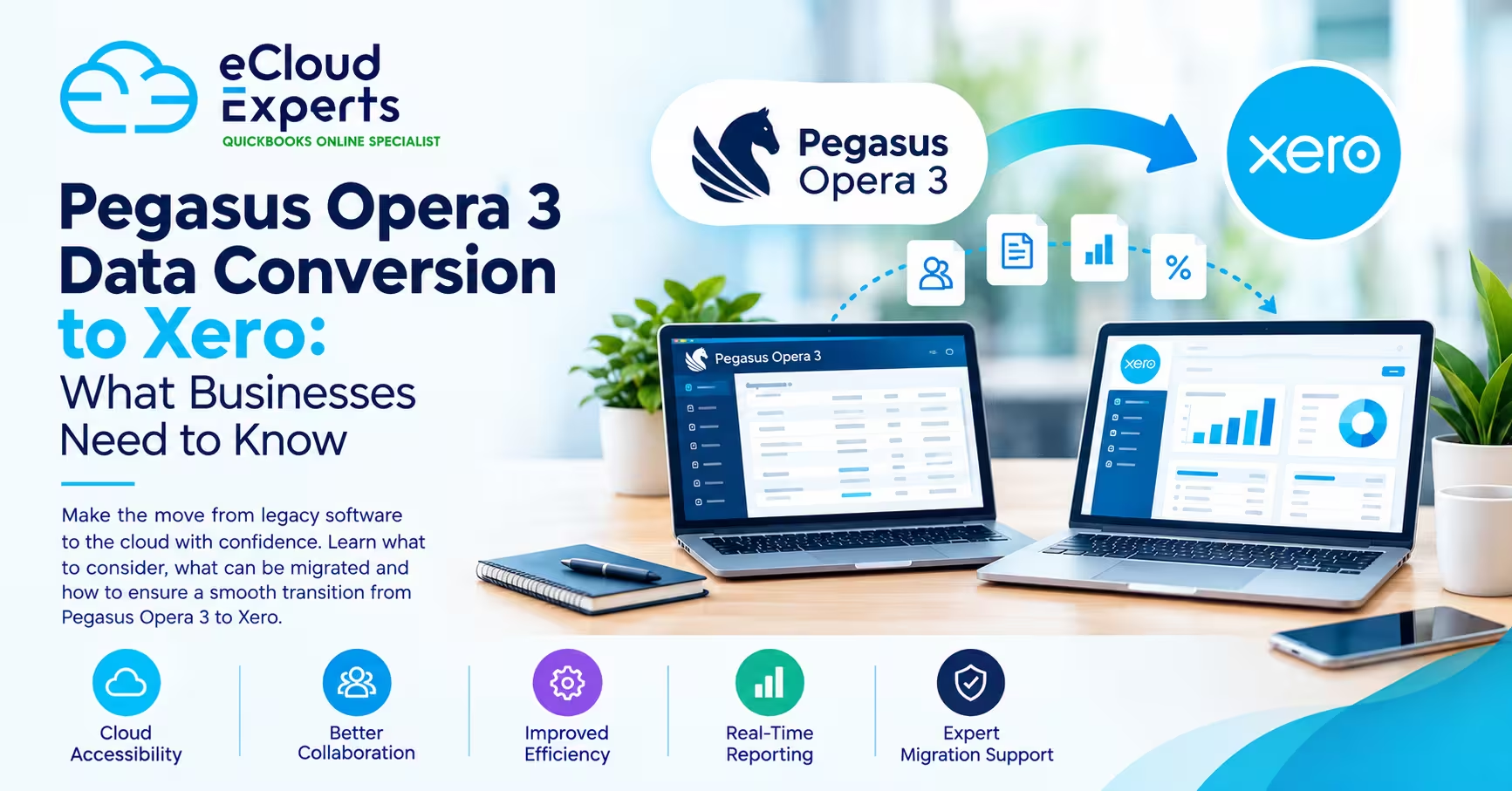
Moving from a long-established accounting system to a modern cloud platform can give your business greater flexibility, accessibility and efficiency. For businesses currently using Pegasus Opera 3, migrating to Xero can be an important step towards modernising their accounting processes.
However, Pegasus Opera 3 data conversion is not simply a matter of exporting information from one system and importing it into another. Opera 3 and Xero have different structures, features and ways of handling financial information. Without careful planning, businesses can encounter issues with account mapping, historical transactions, opening balances, VAT records and reconciliations.
A well-planned conversion can make the transition significantly smoother while helping you preserve the financial information your business needs.
In this guide, we explain what businesses should know before converting Pegasus Opera 3 data to Xero, what information may be migrated, the challenges to consider and how to prepare for a successful transition.
Why Are Businesses Moving From Pegasus Opera 3 to Xero?
Pegasus Opera 3 has been used by many businesses for accounting, payroll, stock and other business management processes. However, as businesses become more digitally connected, they may require greater flexibility than a traditional desktop accounting system provides.
Xero is a cloud-based accounting platform designed to make financial information accessible from virtually anywhere with an internet connection.
Businesses may consider moving from Opera 3 to Xero because they want:
- Easier remote access to financial information
- Better collaboration between business owners, accountants and bookkeepers
- Automated bank feeds
- Integration with other business applications
- Cloud-based accounting
- More convenient access to financial reports
- Reduced reliance on desktop infrastructure
- A more flexible accounting environment as the business grows
The right migration strategy depends on the business, its existing Opera 3 setup and the type of financial information that needs to be retained.
What Is Pegasus Opera 3 Data Conversion?
Pegasus Opera 3 data conversion is the process of taking relevant accounting information from Opera 3, preparing and transforming it where necessary, and moving it into a format and structure that can be used within Xero.
The process can involve several stages, including:
- Reviewing the existing Opera 3 data
- Identifying which information needs to be migrated
- Cleaning and preparing the data
- Mapping accounts and records
- Converting information into suitable formats
- Importing or reconstructing data in Xero
- Checking balances and reports
- Reconciling the new Xero accounts
It is important to understand that there may not be a direct one-to-one equivalent for every Opera 3 record in Xero.
This is why migration should be treated as a data conversion and accounting project, rather than simply a file transfer.
What Data Can Be Migrated From Pegasus Opera 3 to Xero?
The exact migration scope depends on the business’s requirements, the quality of the existing data and the way the information is structured.
Potentially relevant information can include:
| Data | Key Consideration |
| Chart of accounts | May need mapping to Xero’s account structure |
| Customer records | May require cleaning and formatting |
| Supplier records | Should be reviewed before migration |
| Invoices | Migration approach depends on historical requirements |
| Bills | May require preparation before conversion |
| Payments | Should be checked against outstanding balances |
| Bank transactions | May require separate treatment |
| Opening balances | Must be accurate for reliable reporting |
| VAT information | Requires careful validation |
| Historical transactions | Migration scope should be defined in advance |
Not every business needs to move every historical record.
For some companies, transferring years of detailed transactions into Xero may be unnecessary. Others may require more extensive historical information for reporting, operational or compliance reasons.
The first step should therefore be deciding what needs to be moved and why.
Understanding Account Mapping During an Opera 3 to Xero Migration
One of the most important parts of the conversion process is account mapping.
Your existing Opera 3 chart of accounts may use nominal codes, account names and structures that do not correspond exactly with your Xero setup.
For example, one Opera 3 account may need to be mapped to an appropriate Xero account, while several legacy accounts may need to be reviewed before deciding how they should appear in the new system.
Poor account mapping can affect:
- Profit and loss reports
- Balance sheet figures
- VAT reporting
- Management accounts
- Historical comparisons
- Budgeting and forecasting
The objective should not simply be to reproduce the old system exactly. Instead, the migration should create a clean and logical accounting structure in Xero while preserving the financial information the business actually needs.
How Much Historical Data Should You Move?
One of the biggest decisions during Pegasus Opera 3 data conversion is deciding how much historical data should be transferred.
There are generally two broad approaches.
Full or Extensive Historical Migration
The business transfers a substantial amount of historical accounting information into Xero.
This may be useful when the company needs detailed historical information readily available in the new system.
However, moving large volumes of historical data can increase the complexity of the project and may require additional preparation and validation.
Opening Balances With Historical Records Retained Separately
Another option is to establish accurate opening balances in Xero while retaining older records in the previous system or another appropriate archive.
This can be a practical approach when the business needs historical records for reference but does not need every old transaction inside Xero.
The best approach depends on factors such as reporting requirements, tax records, audit considerations and how the business uses historical financial information.
Why Data Cleaning Matters Before Conversion
Migrating inaccurate or unnecessary data can create problems in the new accounting system.
Before beginning the conversion, businesses should consider reviewing:
- Duplicate customers
- Duplicate suppliers
- Inactive accounts
- Incorrect account codes
- Incomplete contact information
- Old outstanding invoices
- Unusual balances
- Unreconciled transactions
- Incorrect VAT information
- Unnecessary historical records
Data cleaning can make the conversion more efficient and can help prevent old problems from being carried into Xero.
However, financial records should not simply be deleted because they appear old or unnecessary. Businesses should consider their accounting, tax, record-keeping and reporting requirements before making changes.
The Importance of Opening Balances
Opening balances are one of the most critical parts of an accounting system migration.
If your Xero opening balances are incorrect, the problem can affect your financial reporting from the first day of using the new system.
Important balances may include:
- Bank accounts
- Accounts receivable
- Accounts payable
- VAT liabilities or recoverable amounts
- Fixed assets
- Loans
- Stock
- Equity
- Retained earnings
After the conversion, the opening figures should be compared against the final figures from Opera 3 and supporting financial records.
A successful migration is not complete simply because the data appears inside Xero. The numbers need to make sense and reconcile.
What Happens to VAT Data?
VAT information requires particular attention when moving from one accounting system to another.
Businesses need to consider their VAT reporting requirements and determine which VAT information needs to be available in Xero.
The migration process should account for:
- VAT codes
- VAT transactions
- VAT balances
- Previous VAT returns
- Outstanding VAT liabilities or refunds
- The correct starting position in Xero
The exact treatment will depend on the business’s circumstances and the migration date.
Before relying on Xero for ongoing VAT reporting, it is important to verify that the relevant figures and tax treatment have been set up correctly.
Pegasus Opera 3 Data Conversion: Step-by-Step
A structured approach can reduce migration risks and make the transition easier to manage.
Step 1: Assess Your Opera 3 Data
Start by understanding what information currently exists in Opera 3.
Review your chart of accounts, customer and supplier records, transactions, balances, VAT information and other relevant records.
Step 2: Define the Migration Scope
Decide exactly what needs to be moved to Xero.
Do you need several years of transaction history, or would accurate opening balances and selected historical information be sufficient?
Defining the scope early helps prevent unnecessary work.
Step 3: Clean and Prepare the Data
Identify duplicates, outdated records, inconsistent information and other data-quality issues.
This is an opportunity to start your new Xero system with cleaner information.
Step 4: Map Opera 3 Accounts to Xero
Create a clear mapping between the existing Opera 3 accounts and the desired Xero structure.
This stage should be reviewed carefully because account mapping affects future reporting.
Step 5: Convert the Required Data
The selected information can then be transformed into suitable formats and prepared for the Xero environment.
Depending on the type of data, different conversion or import methods may be required.
Step 6: Set Up Xero
Configure the Xero organisation, chart of accounts, tax settings, contacts, bank accounts and other relevant settings.
The new system should be prepared before the final migration takes place.
Step 7: Import or Reconstruct the Data
The prepared information can then be brought into Xero according to the agreed migration plan.
Not all information necessarily follows the same process, so different data sets may need to be handled separately.
Step 8: Validate the Results
Compare the converted information against the original Opera 3 records.
Check:
- Opening balances
- Customer balances
- Supplier balances
- Bank balances
- VAT figures
- Profit and loss
- Balance sheet
- Outstanding invoices and bills
Step 9: Reconcile and Sign Off
Once the figures have been checked, reconcile the relevant accounts and confirm that the Xero environment is ready for ongoing use.
Only after validation should the business fully rely on the new system for day-to-day accounting.
Common Problems With Pegasus Opera 3 to Xero Migration
Businesses can encounter several challenges when moving from Opera 3 to Xero.
1. Different Data Structures
The two platforms do not necessarily organise financial information in the same way.
This can make direct migration difficult for certain types of data.
2. Incorrect Account Mapping
If accounts are mapped incorrectly, financial reports may not accurately represent the company’s finances.
3. Duplicate Records
Old or duplicate customer and supplier records can create confusion in the new system.
4. Incorrect Opening Balances
Even a small discrepancy in opening balances can lead to ongoing reconciliation problems.
5. Missing Historical Information
If the migration scope is not defined properly, businesses may discover later that important historical information was not transferred.
6. VAT Discrepancies
Differences in tax codes, balances or transaction treatment can cause problems if VAT information is not carefully checked.
7. Unreconciled Accounts
Moving data without reconciling it can make it difficult to determine whether the new system is genuinely accurate.
These issues do not mean that migration is unsafe. They highlight why proper preparation and validation are important.
How to Minimise Disruption During Migration
Businesses often worry about downtime when changing accounting systems.
The good news is that migration can be planned to minimise disruption.
A practical approach can include:
- Choosing a clear migration date
- Establishing a final data cut-off
- Taking appropriate backups
- Preparing the Xero organisation in advance
- Testing the conversion before the final migration
- Defining responsibilities between the business and migration team
- Checking opening balances
- Reconciling important accounts
- Keeping appropriate historical records accessible
Planning the transition around the company’s accounting calendar can also help reduce operational disruption.
Should You Convert Pegasus Opera 3 Data Yourself?
Some businesses may be able to handle parts of the migration internally, particularly where the data set is relatively simple.
However, complex accounting data can make migration considerably more challenging.
Professional support may be valuable when you have:
- Several years of historical data
- Large customer or supplier databases
- Complex account structures
- VAT considerations
- Multiple bank accounts
- Stock or fixed-asset records
- Significant transaction volumes
- Tight migration deadlines
- Limited internal accounting or technical resources
The key benefit of professional support is not simply moving data. It is helping ensure that the converted data is structured correctly, complete where required and reconciled against the original records.
How Ecloud Experts Can Help With Pegasus Opera 3 Data Conversion
Moving from Pegasus Opera 3 to Xero is more than a software change. It is a financial data transition that can affect how your business records, reports and manages its finances.
Ecloud Experts can support businesses through the migration process, from assessing the existing Opera 3 data through to preparing and validating the new Xero environment.
Our support can include:
- Migration planning
- Opera 3 data assessment
- Data preparation and cleaning
- Account mapping
- Data conversion
- Xero setup
- Historical data migration planning
- Opening balance checks
- Reconciliation
- Post-migration validation
- Xero migration guidance
The goal is to help you move to Xero with confidence while minimising unnecessary disruption to your business.
Frequently Asked Questions
Can Pegasus Opera 3 data be converted to Xero?
Yes, relevant Opera 3 information can be converted and migrated to Xero, but the exact process depends on the type, structure and volume of data involved. Some information may require transformation or separate handling rather than a direct import.
How much historical Opera 3 data should I move?
There is no single answer for every business. You should consider your reporting, tax, audit, operational and record-keeping requirements before deciding whether to migrate extensive transaction history or establish opening balances while retaining older records separately.
Can customer and supplier records be moved from Opera 3 to Xero?
Customer and supplier information can form part of the migration, although records may need to be cleaned, formatted and reviewed before being transferred.
Can invoices and bills be migrated?
Potentially, depending on the migration requirements and the structure of the data. Historical invoices and bills often require more careful planning than simple contact or account information.
Will my chart of accounts stay the same?
Not necessarily. Your Opera 3 chart of accounts may need to be mapped or redesigned for Xero. A migration can be an opportunity to create a cleaner and more efficient accounting structure.
How do I know if my Xero migration was successful?
The migrated data should be validated against the original records. This can include comparing opening balances, bank accounts, receivables, payables, VAT figures and financial reports, followed by appropriate reconciliation.
How long does Pegasus Opera 3 data conversion take?
The timeframe depends on factors such as the amount of data, migration scope, data quality, historical requirements and the complexity of the accounting setup. A proper assessment should be completed before a realistic timeframe is agreed.
Final Thoughts
Pegasus Opera 3 data conversion to Xero can be a valuable step for businesses looking to modernise their accounting processes and benefit from cloud-based financial management.
But successful migration is about more than getting data from one system into another.
The most important factors are planning, data quality, account mapping, accurate opening balances, appropriate historical data handling and thorough validation.
By defining what needs to be migrated and checking the results carefully, businesses can reduce the risk of financial discrepancies and make the transition to Xero much smoother.
If you’re considering moving from Pegasus Opera 3 to Xero, getting the migration strategy right before you start can save significant time and prevent avoidable problems later.
Ready to Move From Pegasus Opera 3 to Xero?
Ecloud Experts can help you plan and manage your accounting software migration.
From data assessment and conversion to Xero setup and post-migration validation, our team can help make your transition more organised, accurate and less disruptive.
Contact Ecloud Experts today to discuss your Pegasus Opera 3 to Xero migration.