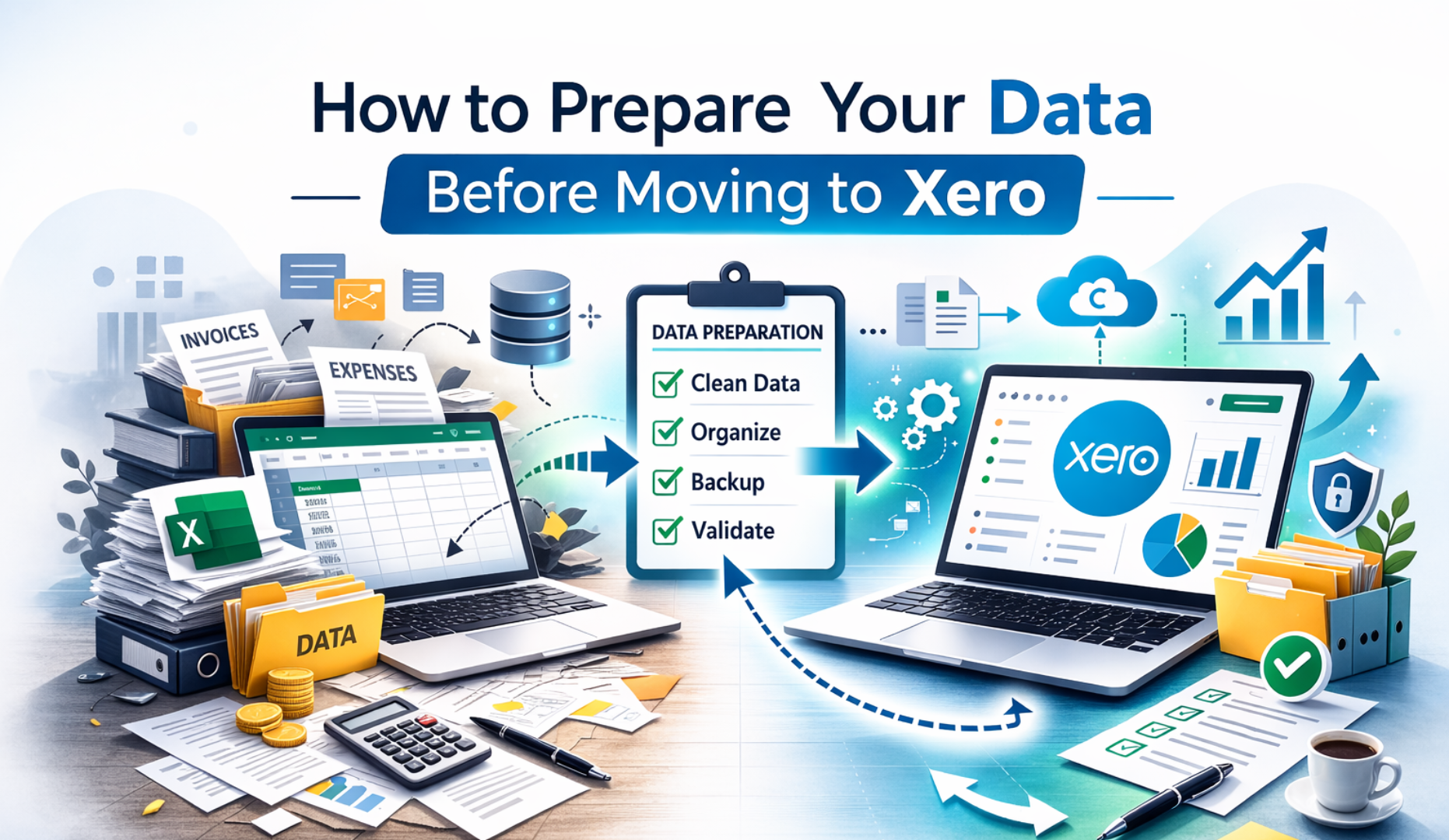
Moving to Xero is a smart step for any growing business. It gives you better visibility, real time reporting, and smoother financial management. You can access your numbers anytime, connect your bank feeds automatically, and generate clear financial reports within seconds. For many business owners, switching to Xero feels like upgrading from a basic tool to a powerful control center.
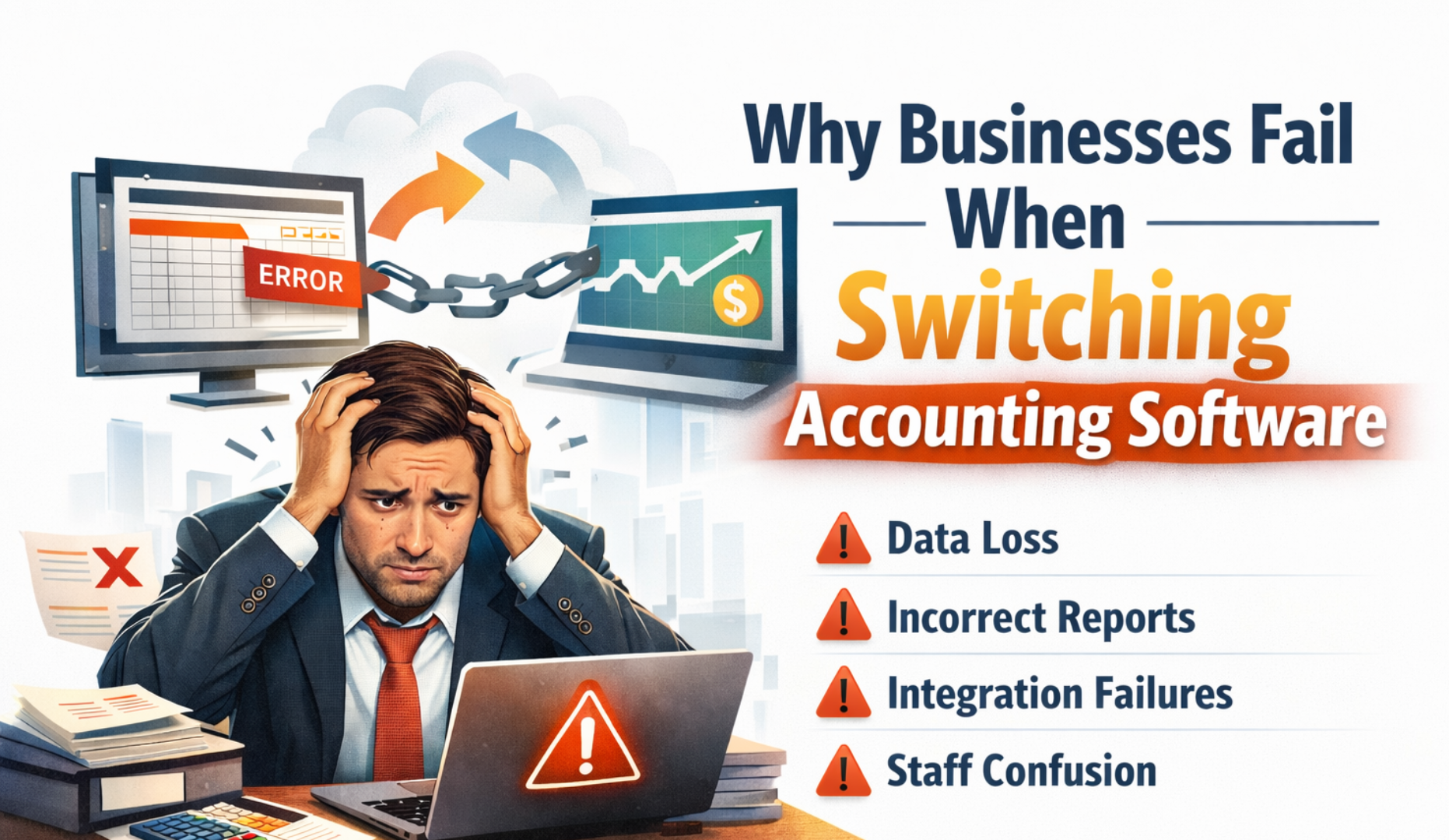
But here is the truth. Most migration problems do not happen because of Xero. They happen because the data was not properly prepared before the move. If your current accounting system contains errors, duplicate records, unreconciled bank accounts, or incorrect tax settings, those problems will not disappear during migration. They will simply move into Xero with you.
That is why preparation is not just an optional step. It is the foundation of a successful migration. When you prepare for Xero migration properly, you protect your financial accuracy, avoid reporting issues, and reduce the risk of compliance problems. Clean data ensures your balance sheet, profit and loss statement, VAT reports, and cash flow figures are reliable from day one.
Many businesses underestimate this stage. They focus on exporting files and importing balances, but ignore the deeper review required before migration. A rushed migration often leads to mismatched opening balances, incorrect customer and supplier totals, tax coding errors, and weeks of post migration adjustments. Fixing those issues later is always more expensive and time consuming than preparing correctly in advance.
Preparing your data also gives you an opportunity to reset your accounting structure. You can simplify your chart of accounts, remove old unused contacts, clear duplicate transactions, and clean historical errors. Instead of carrying clutter into a new system, you start fresh with organized and structured financial records.
If you want a clean setup and accurate reports from day one, you must prepare for Xero migration the right way. That means reviewing your financial health, reconciling accounts, validating balances, and planning your migration date carefully. It also means deciding how much historical data you truly need and ensuring your tax settings are fully correct before the move.
This guide will walk you through it step by step in simple language. By the end, you will understand exactly how to prepare for Xero migration properly and how to avoid the common mistakes that cause stress after switching systems.
Why Data Preparation Matters Before Xero Migration
Think of migration like moving to a new office. If you pack everything without sorting, you carry junk with you. Old files, broken equipment, and things you no longer use take up space in your new workplace. The move feels bigger than it needs to be, and the mess follows you.
The same applies to your accounting data. If your records are messy, incomplete, or incorrect, those problems will follow you into Xero. Migration does not clean your data. It transfers it. That means duplicate contacts, unreconciled bank accounts, incorrect VAT codes, and wrong opening balances will still exist after the switch.
Many businesses assume the new system will somehow fix past issues. It will not. Xero is powerful, but it works based on the information you provide. If that information is flawed, your reports, dashboards, and financial insights will also be flawed.
When you prepare for Xero migration properly, you reduce serious risks. You avoid reporting errors that can distort your profit figures. and prevent duplicate transactions that can inflate income or expenses. and save time during setup because your data is already structured and verified. You reduce migration costs since fewer corrections are needed after transfer. Most importantly, you start with clean financial records that you can trust.
Accurate preparation also protects compliance. Tax reporting depends on correct historical data. If VAT or sales tax settings are wrong before migration, your future filings may be affected. Cleaning and validating data beforehand ensures that your reporting remains consistent and defensible.
There is also a strategic benefit. Preparing your data gives you a chance to review how your accounts are structured. You can simplify categories, remove unused accounts, and improve clarity in your reporting. Instead of carrying years of clutter into Xero, you begin with a cleaner financial framework.
In short, preparation is not just a technical task. It is a financial reset. When you prepare for Xero migration carefully, you set your business up for stronger reporting, clearer insights, and better decision making from the very first day in the new system.
Now let us look at how to do it properly.
Step 1: Review Your Current Accounting System
Before anything else, understand what you are working with.
Ask yourself:
- What software are you currently using
- How many years of data do you have
- Are all accounts active and correct
- Are there unused or duplicate accounts
Run the main reports:
- Trial balance
- Balance sheet
- Profit and loss
- Accounts receivable ageing
- Accounts payable ageing
Check if the numbers make sense. If something looks wrong now, it will still be wrong after migration.
Fix issues before moving forward.
Step 2: Clean Up Your Chart of Accounts
Your chart of accounts is the backbone of your accounting system.
Many businesses have:
- Duplicate accounts
- Old unused accounts
- Poorly named accounts
- Too many expense categories
Before you prepare for Xero migration, simplify and clean this list.
Do this:
- Remove unused accounts
- Merge duplicate accounts
- Rename unclear accounts
- Group similar expenses properly
A clean chart of accounts means better reporting in Xero.
Keep it simple. If you have three accounts for office supplies, you probably only need one.
Step 3: Reconcile All Bank and Credit Card Accounts
This is critical.
All bank and credit card accounts must be fully reconciled up to your migration date.
Check:
- Bank balances match your accounting records
- No unreconciled transactions remain
- No duplicate entries exist
If your bank balance in the system does not match the real bank statement, fix it before moving.
Starting Xero with incorrect balances creates long term reporting problems.
Step 4: Review Accounts Receivable and Payable
Your customer and supplier balances must be accurate.
For customers:
- Remove old bad debts
- Confirm outstanding invoices are valid
- Check contact details are correct
For suppliers:
- Confirm outstanding bills are accurate
- Remove duplicate suppliers
- Update missing information
If you migrate incorrect balances, you will spend months trying to fix them later.
Clean data now saves stress later.
Step 5: Decide What Historical Data to Migrate
You do not always need to move everything.
Ask yourself:
- Do you need full transaction history
- Or only opening balances
- Or one year of detailed data
Many businesses choose to migrate:
- Opening balances only
- Current financial year transactions
- Outstanding invoices and bills
The more history you migrate, the more complex the process becomes.
If your old system has years of messy data, sometimes less is more.
Step 6: Fix Tax Settings and Codes
Incorrect tax setup is one of the biggest migration mistakes.
Before you prepare for Xero migration, review:
- Tax rates
- Tax codes
- Tax reporting categories
Make sure:
- All transactions use correct tax codes
- No outdated tax rates remain
- Sales and purchase tax are applied correctly
If tax is wrong in the old system, it will create compliance issues in Xero.
Better to correct it now.
Step 7: Remove Duplicate Contacts
Over time, most accounting systems collect duplicate contacts.
You might have:
- ABC Ltd
- ABC Limited
- ABC Ltd old
These should be merged before migration.
Clean contact data helps with:
- Better reporting
- Easier invoice tracking
- Cleaner customer management
Small detail. Big impact.
Step 8: Lock Closed Financial Periods
If you have completed previous financial years, lock them.
This prevents accidental changes during migration preparation.
Make sure:
- All year end adjustments are posted
- Accountant journals are entered
- Final reports are saved
Migration should reflect final approved figures, not draft numbers.
Step 9: Export and Back Up Everything
Before making any changes or starting migration, create a full backup.
Export:
- Trial balance
- General ledger
- Customer list
- Supplier list
- Fixed asset register
- Tax reports
Save them securely.
If something goes wrong, you have a reference point.
Never migrate without a backup. That is like skydiving without a parachute. Brave but not wise.
Step 10: Set a Clear Migration Date
Choose a clean cut off date.
Common choices:
- Start of a new financial year
- Start of a new quarter
- Start of a new month
The cleaner the date, the easier the transition.
Avoid migrating in the middle of heavy transaction periods if possible.
Planning reduces disruption.
Common Mistakes to Avoid During Xero Migration
Let us be direct. These mistakes happen often, and they cause most post migration problems.
One of the biggest errors is migrating messy data without cleaning it first. If your old system contains duplicate contacts, incorrect account balances, or years of unused accounts, transferring everything as it is will only move the confusion into Xero. Migration is not a clean up tool. It is a transfer process. If the source data is wrong, the result will be wrong.
Another common mistake is ignoring bank reconciliation before migration. Some businesses assume they can fix small differences later. That approach usually creates bigger problems. If bank balances do not match your real statements before the move, your opening balances in Xero will be incorrect. From there, every future reconciliation becomes harder.
Forgetting to review tax settings is also risky. Incorrect VAT codes, outdated tax rates, or misclassified transactions can create compliance issues. Once data is migrated, fixing tax errors across multiple transactions can be time consuming. A proper tax review before migration protects you from reporting complications later.
Migrating unnecessary historical data is another mistake many businesses make. More data does not always mean better results. If older records are messy or no longer required for reporting, transferring everything increases complexity and cost. Sometimes migrating clean opening balances and keeping the old system as an archive is the smarter choice.
Failing to validate balances after migration is perhaps the most dangerous mistake of all. Even if the migration process runs smoothly, you must confirm that every key figure matches your previous system. Assumptions can lead to long term reporting errors.
After migration, always compare the trial balance in your old system with the trial balance in Xero. They must match exactly on the migration date. If they do not match, investigate immediately. Do not continue processing new transactions until differences are identified and resolved.
Catching discrepancies early prevents small issues from becoming major financial reporting problems. Careful validation ensures that your effort to prepare for Xero migration delivers accurate and reliable results from day one.
Final Checklist to Prepare for Xero Migration
Before you make the final move, it helps to pause and review everything one more time. A structured checklist ensures nothing is missed and gives you confidence that your data is ready. When you prepare for Xero migration carefully, small details make a big difference.
Start by reviewing your current system reports. Your trial balance, balance sheet, profit and loss, and aged receivables and payables should all be accurate and up to date. These reports form the foundation of your opening balances in Xero, so they must reflect the true financial position of your business.
Next, clean your chart of accounts. Remove unused accounts, merge duplicates, and simplify where possible. A clear and organized account structure will make reporting inside Xero far easier and more meaningful.
Then reconcile all bank accounts fully up to your chosen migration date. Every bank balance, credit card account, and loan account must match the real world statements exactly. Reconciliation errors are one of the main causes of post migration confusion.
After that, clean your customer and supplier data. Confirm that outstanding invoices and bills are correct, remove duplicate contacts, and update missing information. Accurate receivables and payables ensure reliable reporting once you go live.
You should also decide your migration scope. Determine whether you are moving opening balances only, the current financial year, or full historical data. This decision affects the complexity and cost of the migration.
Review tax settings carefully. Confirm VAT or sales tax codes are correct and that previous returns align with your accounting records. This protects your business from compliance risks after migration.
Lock closed financial periods in your old system once everything is finalized. This prevents accidental changes before the transition and ensures your reports remain consistent.
Back up all key reports and data before migration begins. Keep copies of financial statements, general ledger details, and tax summaries. These serve as your reference point for validation.
Choose a clear migration date, ideally at the start of a month, quarter, or financial year. A clean cut off makes reconciliation and reporting easier.
Finally, validate all balances after migration. Compare your trial balance and key reports between the old system and Xero. Every figure must match exactly. If there is any difference, investigate immediately.
Follow this structured approach, and your move to Xero will not just be smooth. It will be accurate, controlled, and built on a solid financial foundation.
Ready to Move to Xero the Right Way
Preparing your data properly is the difference between a smooth migration and months of frustration. When you take the time to prepare for Xero migration carefully, you protect your reports, your compliance, and your decision making.
But let us be honest. Reviewing years of financial data, reconciling accounts, validating tax settings, and checking every balance can feel overwhelming. If your records are complex or your business has grown quickly, the risk of missing something is real.
That is where expert support makes a difference.
At Ecloud Experts, we help businesses prepare for Xero migration with accuracy and structure. We review your existing system, clean your data, reconcile balances, validate tax settings, and ensure your opening figures are correct before anything is transferred. After migration, we double check every key report to confirm everything matches perfectly.
If you are planning to move to Xero and want it done right the first time, speak with our migration specialists today.
Book a free consultation and let us help you prepare for Xero migration with confidence.