Running a small business means juggling sales, customers, cash flow, suppliers, and compliance at the same time. Every decision affects time and money. Accounting software should reduce pressure and bring clarity, not create more work. Yet many small business owners start with tools that feel right early on but slowly become a barrier as the business grows.
What once handled basic invoicing and expenses can start to feel limiting. Reports may not show the full picture. Cash flow becomes harder to track. Simple questions like how much profit you are making or who still owes you money take longer to answer. This is often the point where business owners begin to look for a better system.
Xero for small businesses often comes up during this search. Accountants recommend it because it supports accurate reporting and collaboration. Business owners hear about it from peers who want better control over their numbers. However, popularity alone does not make it the right choice for every business. Software that works well for one company may cause frustration for another if the fit is wrong.
This guide explains Xero for small businesses in plain language. It looks beyond marketing claims and focuses on real day to day use. You will learn what Xero does well, where it may not suit certain businesses, and what signs to look for when deciding if it fits how your business actually operates today.
Thinking about upgrading your accounting software. Let eCloud Experts help you decide if Xero is the right fit for your business today.
What Is Xero and Why Small Businesses Consider It
Xero is cloud based accounting software built for small and growing businesses that want better control over their finances. Because it runs entirely online, there is no software to install, update, or maintain. You log in through a browser and your financial data is always available, whether you are in the office or working remotely.
Small businesses consider Xero because it focuses on the core accounting tasks they deal with every day. It handles invoicing, bills, expenses, bank transactions, and financial reports in one place. This removes the need for spreadsheets or separate tools that do not talk to each other. For many owners, that alone reduces confusion and saves time.
Another key reason Xero for small businesses is widely adopted is collaboration. Xero allows business owners, accountants, and bookkeepers to work in the same system at the same time. There is no need to send files back and forth or worry about using outdated information. This leads to faster support, cleaner records, and better advice.
Visibility also plays a big role. Xero shows real time data, including cash balances, unpaid invoices, upcoming bills, and spending trends. Instead of waiting for month end reports, business owners can check their position whenever they need to. This helps with planning, budgeting, and avoiding cash flow surprises.
Xero also connects with many tools small businesses already rely on, such as payment gateways, ecommerce platforms, and payroll providers. These connections reduce manual data entry and help keep records accurate. When accounting software reflects how a business actually operates, it becomes a support system rather than a burden.
For many small businesses, Xero represents a step away from reactive bookkeeping and toward clearer financial control.
How Xero for Small Businesses Works Day to Day
Daily use is where accounting software either earns its place or becomes another source of frustration. Xero for small businesses is designed around the routine tasks that owners and small teams handle every week, not just year end reporting.
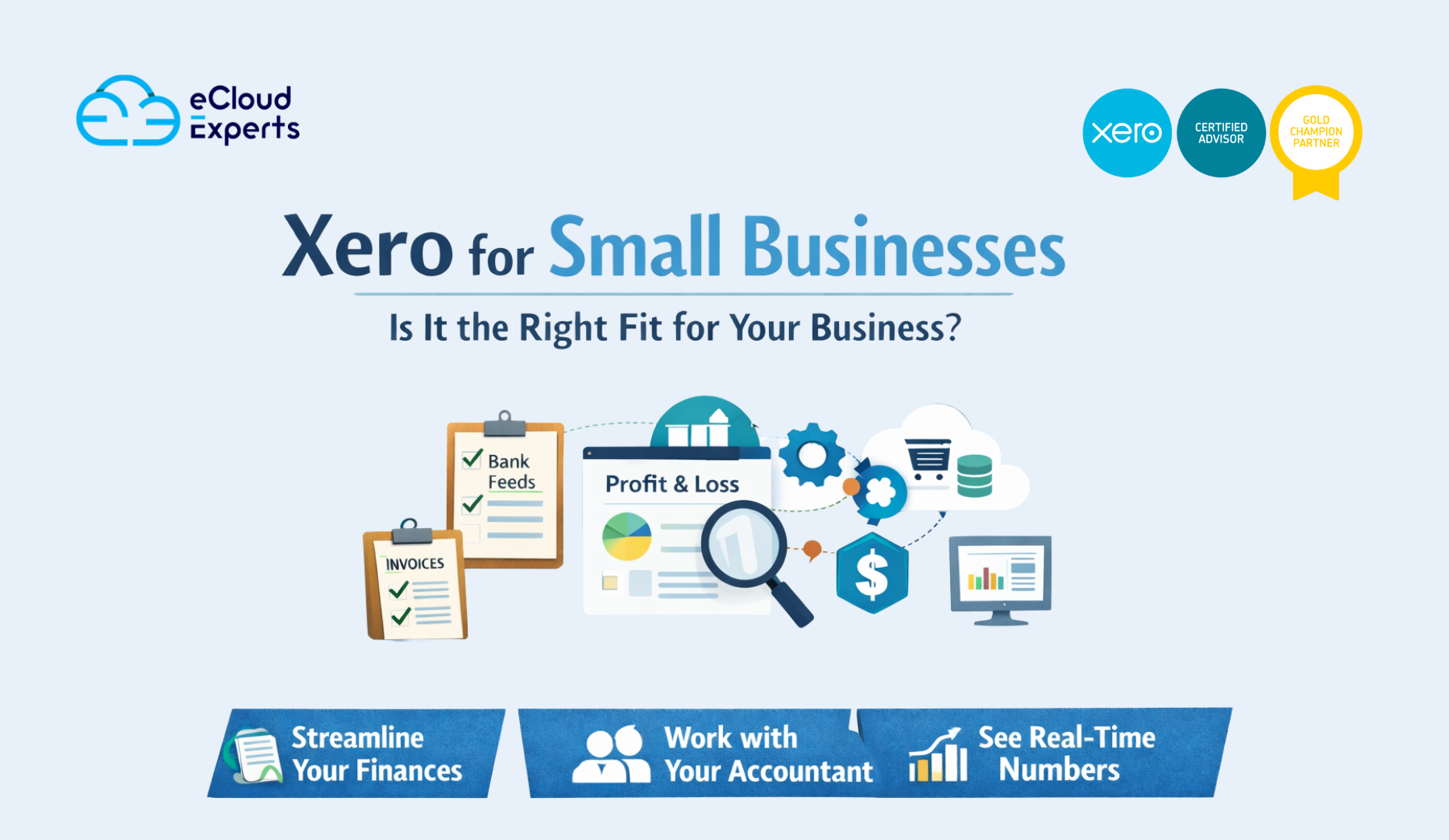
Invoicing is one of the most commonly used features. You can create professional invoices, send them directly to customers, and track their status. Xero shows when an invoice has been sent, viewed, and paid. This makes it easier to follow up on late payments and manage cash flow. Recurring invoices are especially useful for businesses that bill clients on a regular schedule, as they remove repetitive work.
Bank feeds play a major role in keeping records accurate. Xero connects securely to your bank and imports transactions automatically. Instead of entering figures manually, you simply match transactions to invoices, bills, or expenses. This keeps your accounts up to date and reduces the risk of errors caused by manual entry.
Expense tracking helps ensure business costs are not missed. Receipts can be uploaded and assigned to the correct accounts. This is useful for owners and team members who incur expenses during day to day operations. Keeping expenses organised also makes reporting and reviews much easier.
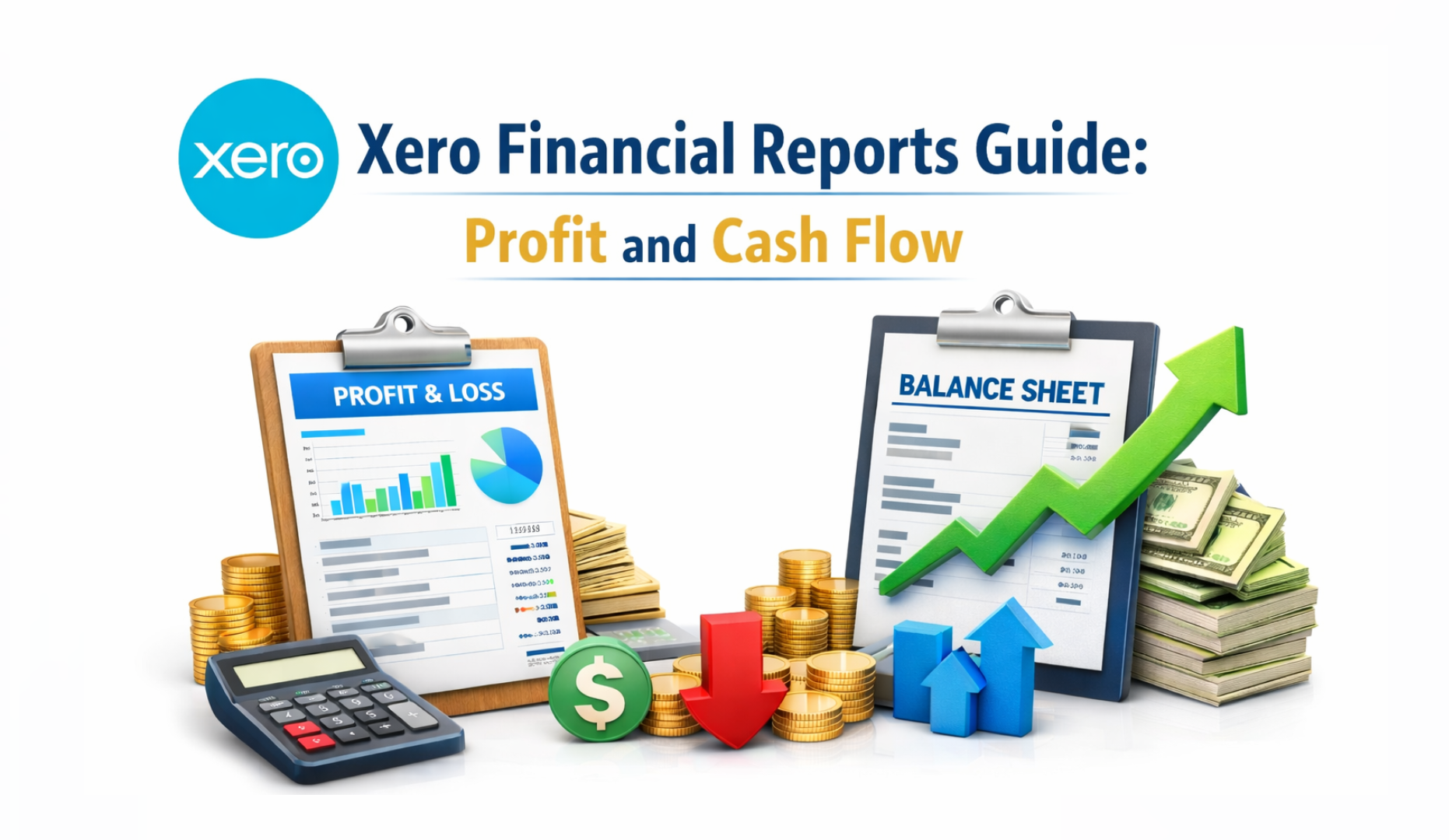
Reporting updates in real time. Profit and loss, balance sheet, and cash flow reports are always available based on the latest data. You do not need to wait until the end of the month to see how the business is performing. This allows small business owners to spot issues early and make informed decisions before problems grow.
When used properly, Xero becomes part of the daily workflow rather than a task that gets ignored until the last minute.
Key Benefits of Xero for Small Businesses
The biggest benefit of Xero for small businesses is clarity. You can see the financial position of your business at any time, not just when reports are prepared. Cash balances, unpaid invoices, and upcoming bills are visible in one place, which makes planning easier and reduces guesswork.
Collaboration is another major advantage. Xero allows your accountant or bookkeeper to work in the same system at the same time as you. There is no need to send files or wait for updates. This leads to quicker answers, better advice, and fewer mistakes caused by outdated information.
Automation saves time and reduces manual work. Bank feeds import transactions automatically, while rules can be set up to categorise regular expenses. Integrations with other business tools also reduce the need for duplicate data entry. As a result, small business owners spend less time on bookkeeping and more time focusing on growth.
Xero is also built to grow with your business. As transaction volumes increase or reporting needs become more detailed, the system can support this without forcing an early change to a new platform. This makes Xero a practical long term option for many small businesses.
Where Xero May Not Be the Best Fit
Xero is not the right choice for every business. Very small businesses with only a few transactions each month may find it more than they need, both in terms of features and cost.
Businesses with complex inventory, manufacturing processes, or industry specific requirements may also find Xero limiting without additional software. In these cases, another platform or a more specialised solution may be a better fit.
Another common issue is expectation. Some users assume Xero will work perfectly straight out of the box. In reality, proper setup matters. Without accurate opening balances, the right chart of accounts, and basic training, even well designed software can feel confusing and inefficient.
Understanding these limitations early helps small business owners choose the right tool and avoid unnecessary frustration later.
Xero Pricing Explained for Small Businesses
Xero uses a subscription pricing model, with plans based on features and usage limits. This allows small businesses to choose a level that matches their current needs rather than paying for unnecessary features. Most small businesses select a mid level plan because it supports invoicing, bills, bank reconciliation, and basic reporting without restrictive limits.
It is important to look beyond the base subscription. Additional services such as payroll, advanced reporting tools, or third party integrations can increase the total monthly cost. This does not mean Xero is expensive, but it does mean pricing should be reviewed carefully based on how the business operates.
The biggest cost risk does not come from the subscription itself. It comes from poor setup or migration mistakes. Incorrect opening balances, missing data, or poor account structure can lead to ongoing reporting issues. Fixing these problems later often takes more time and money than setting things up properly from the start.
Xero vs Other Small Business Accounting Software
When compared with other accounting platforms, Xero stands out in specific areas rather than trying to do everything.
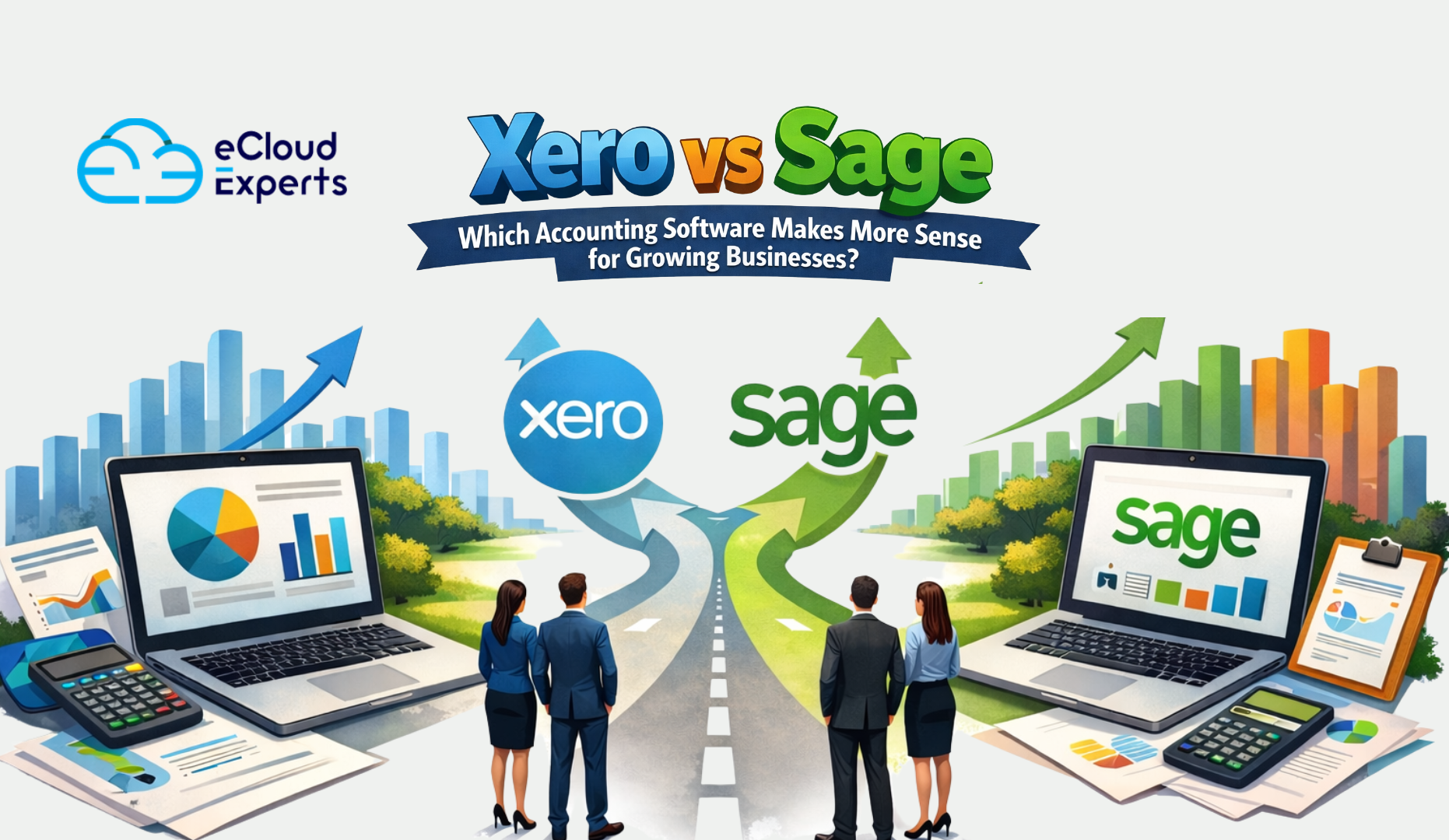
Compared to QuickBooks, Xero is often seen as cleaner and more consistent, especially when working with accountants. The interface is more structured, which helps reduce errors. QuickBooks may suit businesses that want more features built into one system, but it can feel cluttered for some users.
Compared to Zoho Books, Xero offers stronger reporting and wider adoption among accountants and bookkeepers. Zoho Books can be a good option for very small businesses with simple needs, but it may start to feel restrictive as transaction volumes and reporting requirements increase.
Xero for small businesses works best when clarity, reliable reporting, and long term growth are more important than having every possible feature built into one platform.
Signs Xero Is Right for Your Small Business
Xero is not meant to suit every business, but it works very well for certain types of small businesses. Understanding these signs helps you decide with confidence instead of guessing.
Xero may be a good fit if you send invoices regularly and need a clear way to track who has paid and who has not. Businesses that rely on steady invoicing benefit from better visibility and follow up tools.
It is also a strong option if you want real time visibility of cash flow. Being able to see bank balances, unpaid invoices, and upcoming bills in one place helps owners avoid surprises and plan ahead.
If you work with an accountant or bookkeeper, Xero becomes even more valuable. Shared access means faster answers, cleaner records, and fewer misunderstandings.
Xero for small businesses also makes sense if you expect growth. As transaction volume increases or reporting needs become more detailed, Xero can support that change without forcing an early switch to another system.
Finally, if you already use tools that integrate with Xero such as payment platforms or ecommerce systems, the system fits more naturally into your workflow.
If most of these points describe your business, Xero for small businesses is worth serious consideration.
Common Mistakes Small Businesses Make When Switching to Xero
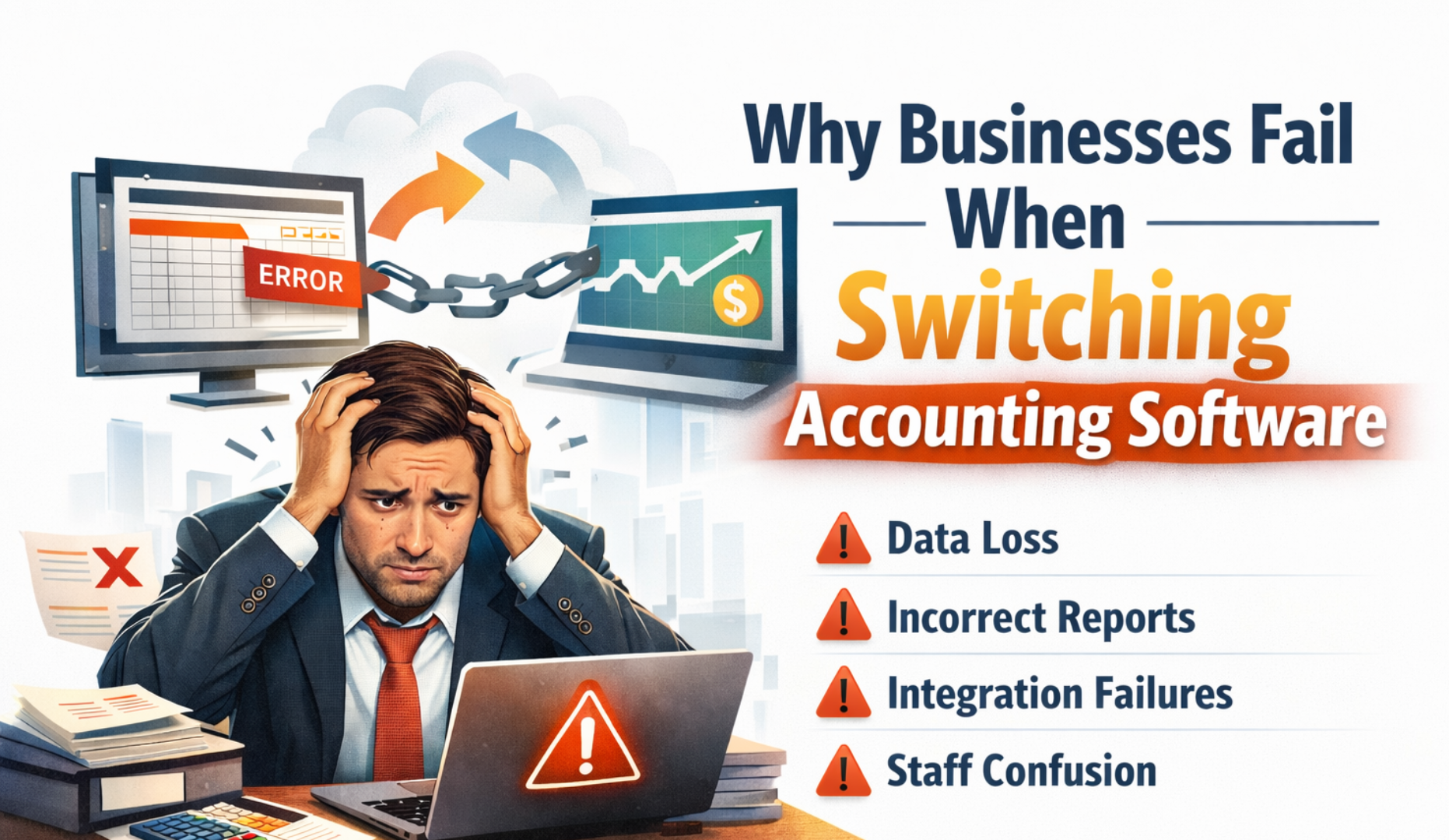
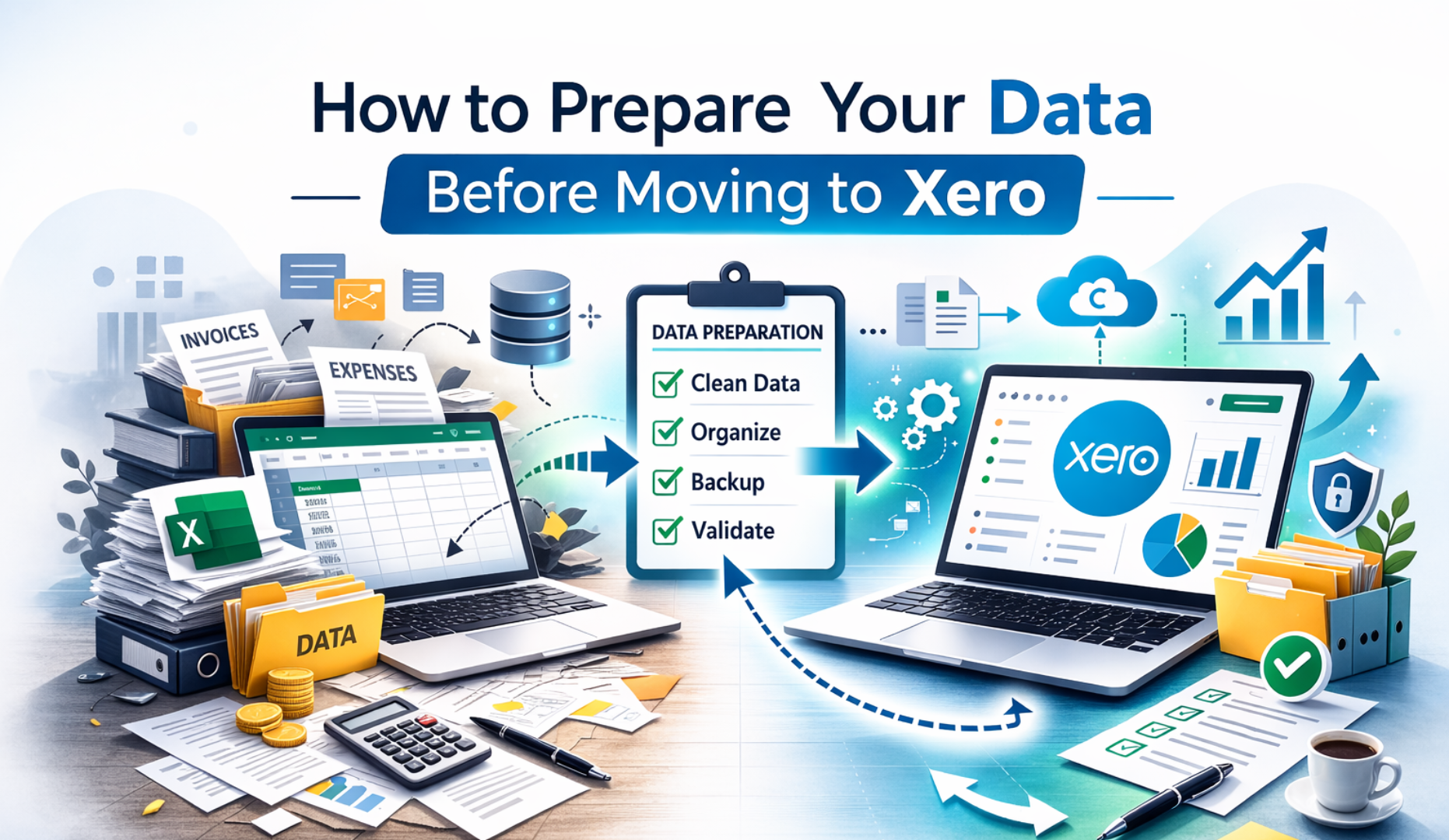
One of the most common mistakes is rushing the switch. Moving data without checking opening balances or historical accuracy leads to reporting issues that can affect decisions for years.
Another mistake is skipping training. Xero is user friendly, but it still requires basic understanding. Without guidance, users often code transactions incorrectly or rely on guesswork.
Many small businesses also underestimate the value of professional migration support. They assume mistakes can be fixed later. In reality, fixing problems after months of use usually costs more time and money than setting things up correctly from the beginning.
Avoiding these mistakes makes the difference between Xero feeling helpful or frustrating.
How eCloud Experts Support Small Businesses Using Xero
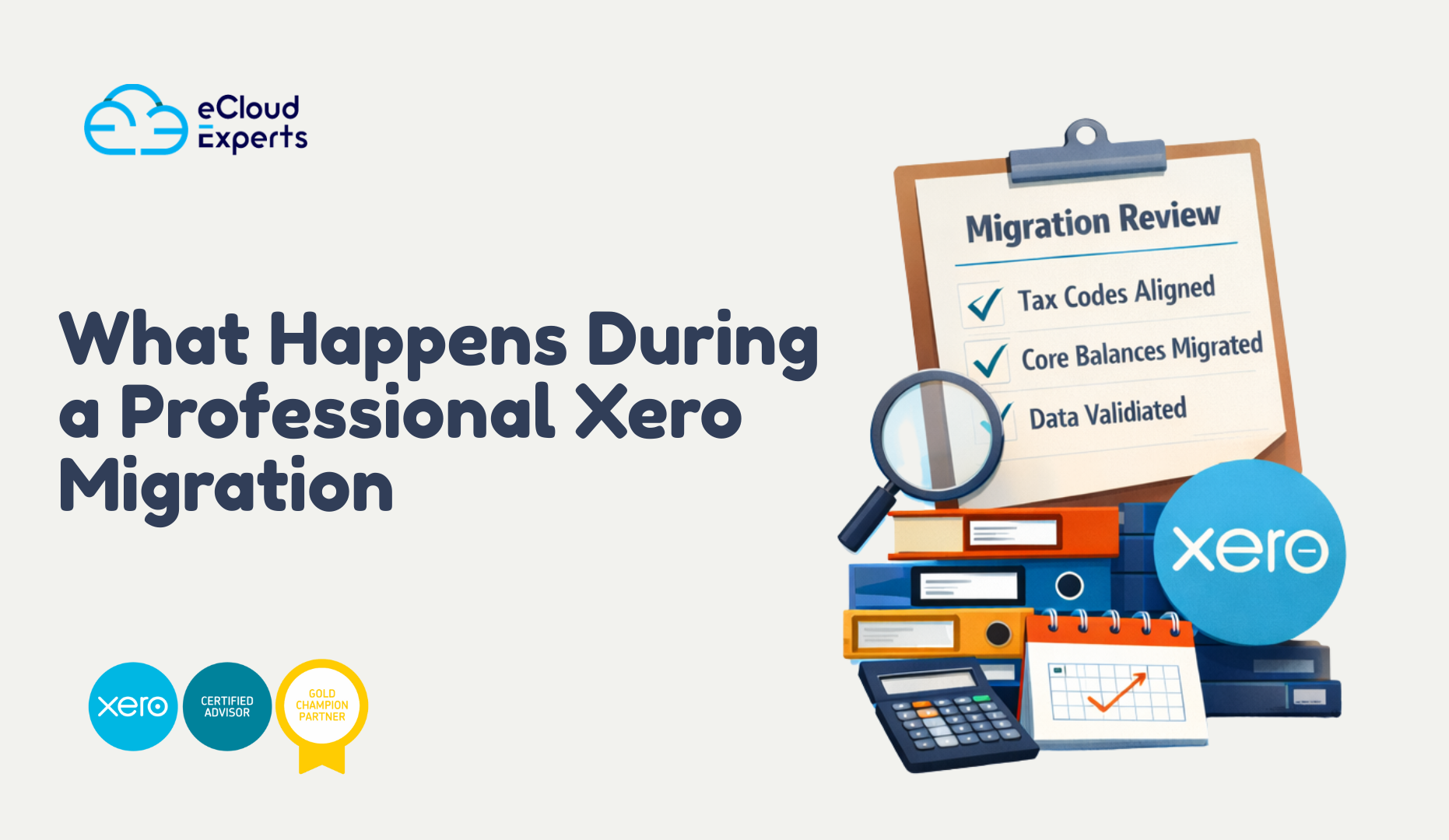
eCloud Experts help small businesses get real value from Xero, not just access to the software. Our support starts with proper setup and continues through accurate data migration and practical training.
We focus on structure and accuracy so reports reflect what is actually happening in the business. That means correct opening balances, a sensible chart of accounts, and workflows that match how you operate day to day.
Our goal is not just to move data from one system to another. It is to make sure Xero supports your business decisions and gives you confidence in your numbers.
Final Verdict Is Xero Right for Small Businesses
Xero for small businesses is a strong option for owners who want better visibility, control, and room to grow. It works best when expectations are realistic and setup is done properly.
It is not the cheapest option and it is not the right fit for every use case. However, for many small businesses, Xero provides a reliable foundation that supports clearer reporting, better planning, and smarter financial decisions over time.
If used correctly, Xero becomes a tool that supports growth rather than something you struggle to keep up with.
Call to Action
If you are considering Xero for small businesses and want to avoid costly setup mistakes, speak with eCloud Experts before making the switch. Choosing the right accounting software is only part of the decision. How it is set up matters just as much.
eCloud Experts help small businesses assess whether Xero is the right fit, migrate data accurately, and set the system up in a way that supports real day to day operations. We also provide practical guidance so you can use Xero with confidence from the very first day.
A short conversation now can save months of confusion later. Talk to eCloud Experts and make sure your move to Xero is done the right way.