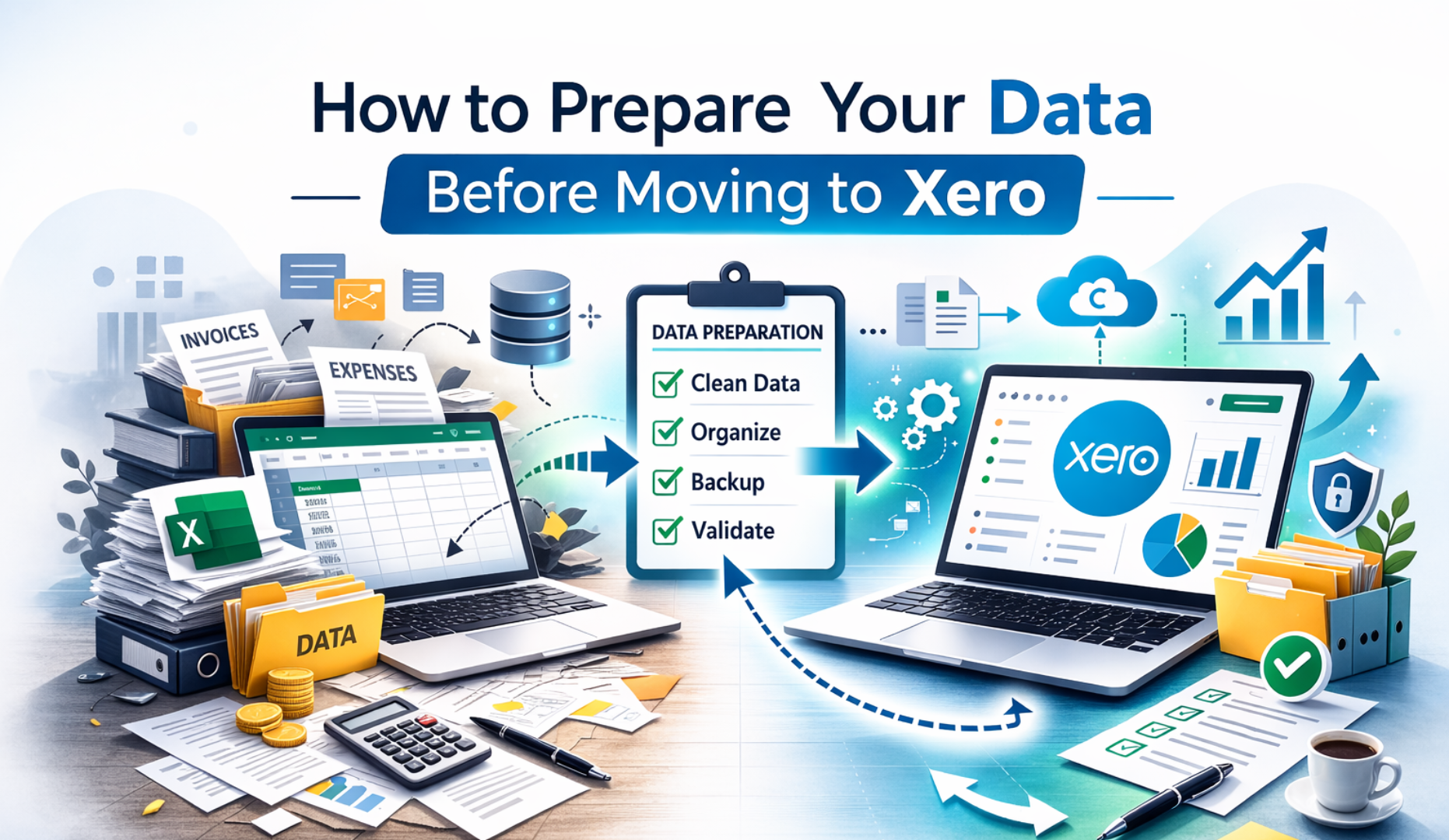
Modern businesses want clear numbers, quick reports, and easy collaboration. This is why interest in Xero practical accounting training has grown so fast. People want to learn Xero in a way that feels simple, hands on, and useful in real work situations. They want training that shows them how to run daily tasks, manage accounts, fix mistakes, and prepare proper reports with confidence.
If you are planning to use Xero for your job, your business, or your own career development, this guide will walk you through every skill that matters. You will learn how real accountants and bookkeepers use the system every day. You will see the full picture from setup to reporting so that you can feel in control rather than overwhelmed.
This full guide is designed for beginners and for people who want a stronger grip on the software. The knowledge you gain here will help you keep clean records, improve accuracy, and feel ready for professional work.
Why Xero is Becoming the First Choice for Modern Accounting Work
You might have noticed that more offices and firms are moving to cloud based systems. This shift is not random. People want tools that let them work from anywhere. They want numbers that update instantly without manual file transfers. They want fewer errors and fewer technical problems.
Xero gives businesses all of these advantages. It allows automatic bank feeds, simple data entry, quick reporting, and smooth connections with other apps such as inventory tools, ecommerce platforms, and point of sale systems. The layout is clean, the learning curve is reasonable, and the entire system feels built for the real world.
This is why Xero practical accounting training is now one of the most requested skills for jobs in finance, bookkeeping, and business support. Your knowledge of Xero can make you stand out, especially when many companies are upgrading from older systems.
What You Will Learn Through Xero Practical Training
A good training program gives you all the tools you need to succeed. You should not walk away with only theory. You should feel ready to use Xero on your own.
The strongest Xero practical accounting training includes real examples such as:
• Setting up a new organisation
• Creating a chart of accounts
• Adding users and setting permission levels
• Importing or entering opening balances
• Connecting bank accounts
• Running bank reconciliation
• Creating sales invoices
• Recording bills
• Managing contacts
• Adjusting errors
• Reviewing financial statements
• Sending reports to managers or clients
This is the foundation of practical accounting in a modern cloud system. Once you master these tasks, you can confidently handle daily work and support your team or business.
Getting Started Inside the Xero System
The journey begins with creating your organisation. You enter your business name, industry type, financial year, and tax settings. These details matter because they affect your reports later.
You then move to your chart of accounts. This is the structure of your financial records. The chart of accounts shows where money should be recorded whether it is sales, expenses, assets, liabilities, or equity. Many beginners feel nervous about this part, but Xero makes it easy. You can use a preset chart or customise it based on your needs.
A strong Xero practical accounting training program teaches you how to select the right account types, why naming matters, and how to avoid future confusion. When your chart of accounts is clean, your reports become far easier to read and trust.
Adding Users and Managing Permissions
Most businesses involve more than one person. Someone handles invoices. Someone else checks reports. Another person might approve payments.
Xero lets you control who can access what. You can allow full access or very limited access based on the role. You can allow someone to work on sales only. and can allow someone to review accounts but not approve payments.
This is important for security and accuracy. Any responsible Xero practical accounting training program will show you how to assign these permissions correctly so that you protect your data while keeping the work running smoothly.
Importing Opening Balances and Past Data
When companies move from older software, they often bring historic balances and codes with them. Sometimes they bring years of past data. Sometimes they only bring starting balances and open invoices.
You should know how to review past numbers, import what you need, and check for accuracy. You should know how to compare trial balances and correct mismatches.
This skill is valuable because many businesses switch to Xero during their financial year. A good Xero practical accounting training program will walk you through this process step by step so you can handle these migrations with confidence.
Connecting Bank Accounts and Activating Bank Feeds
The moment you connect bank accounts to Xero, your work becomes easier. Transactions flow in automatically. You do not need to enter them manually. You only need to review and match them.
This is the heart of daily Xero work. Your reconciliation screen shows money in and money out. You choose the right accounts for each transaction. and attach receipts. You create rules that let Xero match items automatically.
With strong skills in reconciliation, you prevent errors, reduce stress, and save time for higher value work. This is a key part of Xero practical accounting training, and many learners consider it the most satisfying feature once they get used to it.
Creating and Sending Sales Invoices
Every business needs clear invoices. Xero lets you design professional templates with your logo and business details. You can add items, descriptions, tax codes, due dates, and payment services.
You can also track unpaid invoices, send reminders, and record payments as they arrive through the bank feed.
During Xero practical accounting training, you learn how to:
• Create one time invoices
• Set up recurring invoices
• Add inventory or service items
• Send reminders
• Record deposits
• Split payments
• Apply credit notes
These tasks help you keep control of your cash flow and avoid delays.
Recording and Approving Bills
Handling supplier bills is just as important as managing sales. Xero allows you to enter bills, attach documents, select expense accounts, track due dates, and manage approvals.
Good training shows you how to set up proper coding so that expenses are recorded in the right category. You also learn how to automate data entry using tools like Hubdoc.
A complete Xero practical accounting training plan teaches you how to handle:
• Purchase orders
• Supplier credits
• Part payments
• Repeating bills
• Payment batches
These features help you stay organised and avoid missed payments.
Managing Contacts and Keeping Them Clean
Your contact list can grow very fast. Clients, suppliers, contractors, and partners all appear in your records. If the list becomes messy, you face duplicates and confusion.
Training teaches you how to merge contacts, update details, group them, and keep them accurate. You want your reports to show clean and correct contact information. You want to avoid errors that cause invoices or bills to go to the wrong accounts.
This is a small area, but good Xero practical accounting training always covers it because it saves you a lot of time later.
Fixing Mistakes and Making Adjustments
Even experienced bookkeepers make mistakes. What matters is how quickly you can fix them.
Training helps you understand:
• How to edit transactions
• How to find mismatches
• How to correct coding
• How to reverse wrong payments
• How to clean bank feeds
• How to review transactions for accuracy
These skills help you stay calm and solve issues without confusion. Errors will happen. The goal is to handle them with confidence.
Creating Useful Reports for Management and Clients
Reports are the real proof of good accounting work. You can prepare profit and loss statements, balance sheets, cash flow reports, aged payables, aged receivables, and custom summaries.
A complete Xero practical accounting training program teaches you how to customise columns, filter results, create tracking categories, and export polished reports for presentations.
You also learn how to explain these reports in simple terms. Many managers do not understand accounting language. Your job is to help them see what matters such as cash flow trends, profit changes, and spending patterns.
Working with Tracking Categories
Tracking categories allow you to break down your numbers into smaller groups. For example, you can track sales by location, department, or project. You can track expenses for each branch or team.
This is extremely useful when a business wants more detailed insights. A strong Xero practical accounting training plan teaches you how to set up tracking, apply it to transactions, and report on it clearly.
Preparing for Period End Work
End of month and end of year work is a major part of real accounting. You need to reconcile accounts, check balances, review creditor and debtor lists, and ensure nothing is missing.
You also prepare journals to record depreciation, accruals, prepayments, and adjustments.
With proper training, you learn how to follow a clean checklist so that every period is closed correctly. This gives you a strong foundation for audit and tax work.
Using Apps and Add Ons to Extend Xero
Xero is powerful on its own, but the app ecosystem makes it even stronger. You can connect:
• Inventory systems
• Ecommerce platforms
• Payment gateways
• Payroll apps
• Receipt capture tools
• Forecasting tools
A clear Xero practical accounting training program shows you when and why to use these apps. You learn how data syncs, how to avoid duplication, and how to troubleshoot syncing issues.
Why Practical Training Gives You a Career Advantage
Employers want people who can do real work, not people who only know theory. When you complete hands-on training, you can show employers that you understand the daily flow of accounting inside Xero.
You will feel confident handling tasks on your own. and know how to solve problems without waiting for someone else. You will understand modern bookkeeping and financial management in a simple and clear way.
This makes you more employable and more valuable to any business.
Final Thoughts: Start Your Journey with Full Confidence
Many people feel worried before they start learning new software. But once you go through proper Xero practical accounting training, the fear disappears. You will see that the system is clean, logical, and friendly. You will learn how each piece fits into the bigger picture of accounting work.
Whether you are building your career, managing your own business, or supporting a team, Xero gives you the confidence to handle numbers with clarity.
If you want full hands on training with real examples, real guidance, and real support, you can begin right now. Once you complete the training, you will be ready for daily tasks, complex situations, and accurate reporting.