Starting with accounting software can feel intimidating. Screens full of numbers. New terms you have never used before. A quiet fear that one wrong click could mess everything up. If that sounds familiar you are exactly who this guide is for.
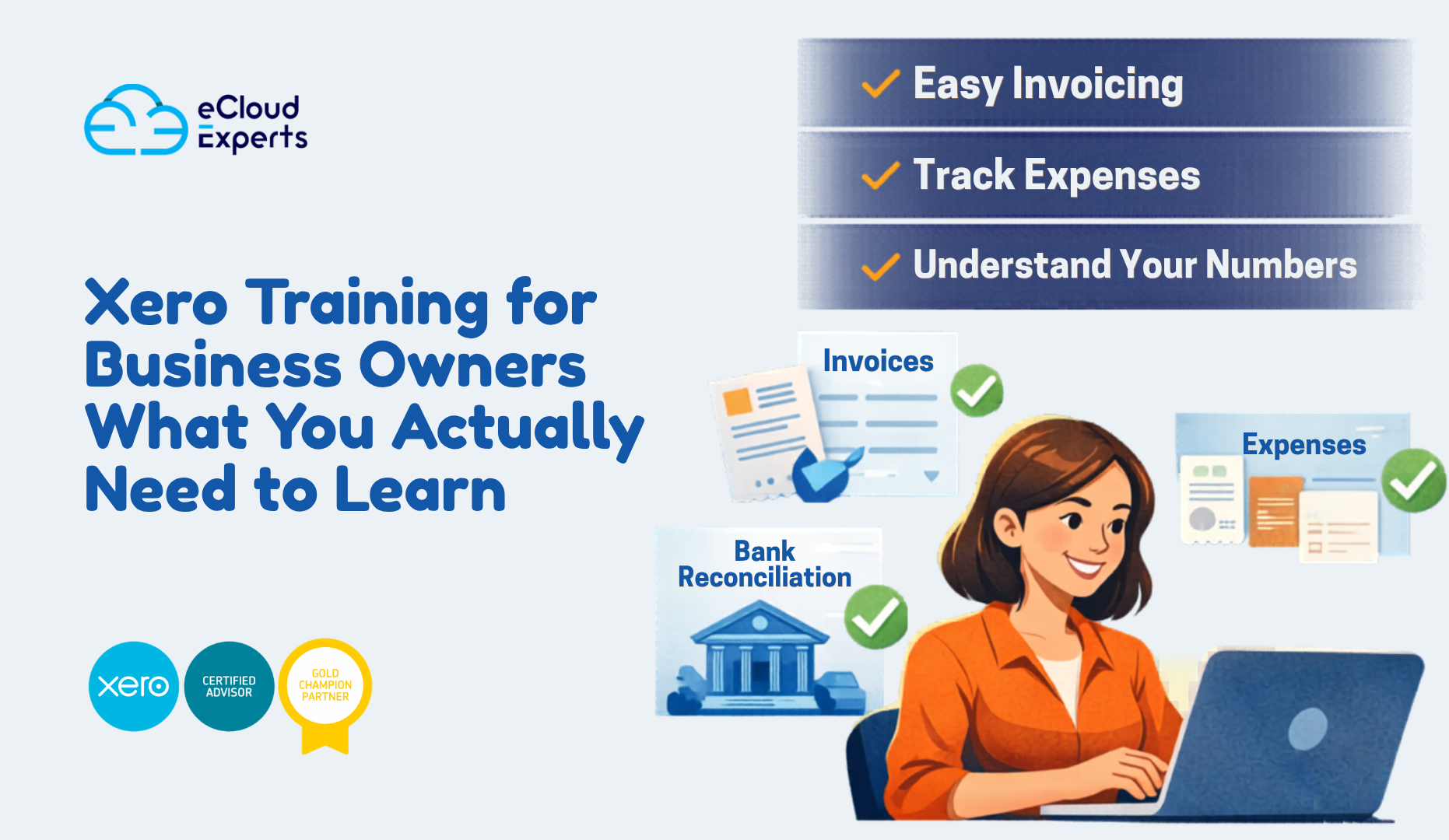
Xero training for beginners is not about turning you into an accountant. It is about helping you understand what is happening in your business without stress or confusion. When you learn Xero the right way the software becomes a support system rather than a source of anxiety.
This in depth guide shows how beginners can learn the core parts of Xero in one focused day. It follows a simple flow from setup to daily tasks to reports. No background knowledge required. No complex language. Just clear explanations that make sense.
By the end you will understand how Xero works, how to use it daily and how to avoid mistakes that cause problems later.
Why Xero Is Ideal for Beginners
Xero was designed for people who are not accounting professionals. That design choice is the reason it has become so popular with small businesses worldwide.
Here is why beginners usually find Xero easier than other systems.
The layout is clean and visual
Tasks follow a logical order
Most actions are guided
Help prompts are built in
It works well with banks and apps
That said, software alone does not guarantee success. Without proper Xero training for beginners many users still feel lost. The difference comes from learning things in the right order.
What Xero Training for Beginners Focuses On
Beginners do not need to know everything. Trying to learn all features at once leads to frustration.
Effective Xero training for beginners focuses on what matters most first.
Understanding the dashboard
Setting up the business correctly
Handling money coming in
Handling money going out
Keeping bank data accurate
Reading basic reports
Once these are clear everything else becomes easier to learn later.
Can You Really Learn Xero in One Day
Yes you can if the training is focused and practical.
A single day is enough to understand the foundations. You will not master advanced reporting or automation but you will know how to run your books day to day.
One day of Xero training for beginners usually includes.
Account setup and checks
Hands on invoicing practice
Real examples of expenses
Live bank reconciliation
Report walkthroughs
That is enough to give you confidence and control.
Morning Session Getting Set Up the Right Way
Understanding the Xero Dashboard
The dashboard is the first screen you see when you log in. Think of it as your financial snapshot.
It shows.
Bank balances
Invoices owed to you
Bills you need to pay
Cash position
Beginners often skip over the dashboard without understanding it. That is a missed opportunity.
Xero training for beginners starts here because this screen answers daily questions like.
Do I have enough cash
Who owes me money
What needs attention today
Once you understand the dashboard you stop feeling blind.
Business Settings That Must Be Correct
Before entering any transactions you must check your settings. This step is often rushed and causes problems later.
Key areas include.
Business name and address
Financial year start and end
Base currency
Tax settings
If these are wrong your reports will be wrong. Fixing them later is possible but time consuming.
Proper Xero training for beginners always covers this early so you start clean.
Understanding the Chart of Accounts in Simple Terms
The chart of accounts is a list of categories where money is recorded. Many beginners panic when they hear this term. There is no need to.
Think of it as labeled boxes for money.
Sales income goes in one box
Office costs go in another
Rent goes in another
Xero provides a default list that works well for most businesses. Training helps you understand what each category means and when to use it.
You do not need to customize everything on day one.
Mid Morning Session Money Coming In
Creating Customers in Xero
Before you send invoices you need customers in the system.
You will learn how to.
Add customer details
Set payment terms
Save contact information
Good Xero training for beginners also explains why clean customer data matters. It helps with follow up reporting and tracking unpaid invoices.
Creating and Sending Sales Invoices
Invoicing is one of the most important daily tasks.
In Xero you can.
Create invoices quickly
Reuse items and prices
Apply tax automatically
Send invoices by email
You will also learn the difference between draft approved and paid invoices.
This part of Xero training for beginners directly affects cash flow. Clear invoices get paid faster.
Tracking Payments From Customers
Once invoices are sent you need to track payments.
You will learn how to.
Mark invoices as paid
Match payments from the bank
Spot overdue invoices
Understanding this avoids the common beginner mistake of thinking you are earning money when it has not been paid yet.
Midday Session Money Going Out
Recording Bills You Need to Pay
Bills are different from expenses. Bills are money you owe but have not paid yet.
Xero lets you.
Enter supplier bills
Set due dates
Track unpaid bills
Xero training for beginners explains why recording bills early gives a clearer picture of future cash needs.
Managing Everyday Expenses
Expenses include things like.
Office supplies
Travel costs
Subscriptions
Utilities
You will learn how to record these correctly and assign them to the right categories.
Training also explains why mixing personal and business spending causes confusion and should be avoided.
Uploading Receipts and Documents
Xero allows you to attach files to transactions.
You can upload.
Receipts
Supplier invoices
Statements
This helps keep records organized and supports your accountant later.
Beginners love this feature once they learn how simple it is.
Afternoon Session Bank Feeds and Reconciliation
Connecting Your Bank to Xero
One of Xero’s biggest strengths is bank feeds.
When connected Xero pulls transactions from your bank automatically.
This saves time and reduces errors.
Xero training for beginners shows how to connect feeds securely and what to do if a feed stops working.
Understanding Bank Reconciliation Step by Step
Bank reconciliation is often misunderstood. In reality it is a matching process.
Xero shows a bank transaction
You confirm what it relates to
You match or create the record
You confirm
That is all.
Training uses real examples so beginners see how everyday transactions are handled.
Once you understand reconciliation, confidence grows quickly.
Why Regular Reconciliation Matters
If you do not reconcile regularly problems build up.
Transactions pile up
Mistakes go unnoticed
Reports become unreliable
Xero training for beginners teaches simple habits that keep data clean with minimal effort.
Late Afternoon Session Reports Without Fear
Why Reports Are Not Just for Accountants
Many beginners avoid reports because they seem complex. That avoidance limits growth.
Reports answer questions like.
Am I making money
Where is cash going
Can I afford to hire
Can I invest
Xero training for beginners removes the fear by explaining reports in everyday language.
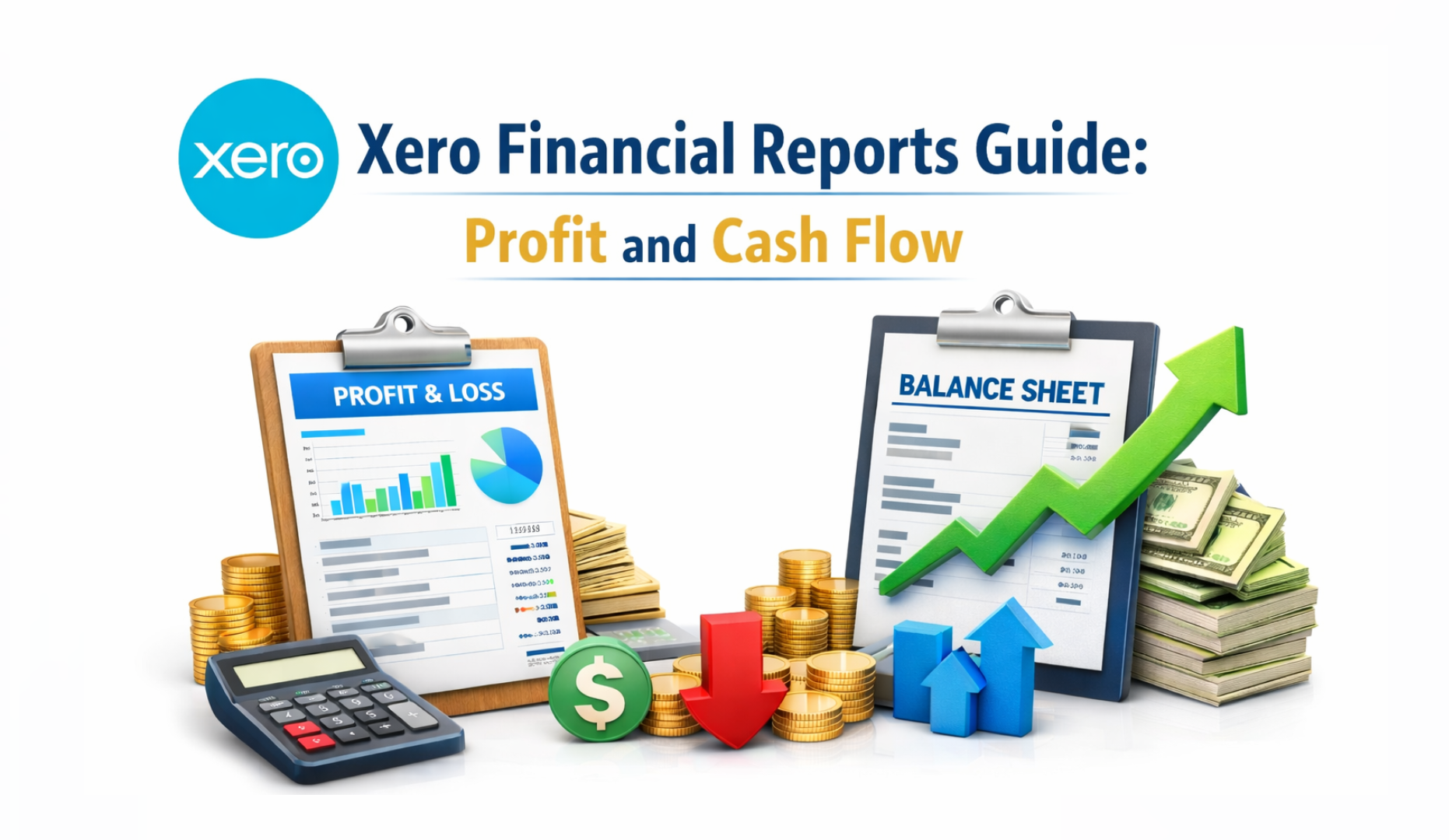
The Profit and Loss Report Explained Simply
This report shows income minus expenses over a period.
It answers one key question.
Did the business make or lose money
Training explains how to read it line by line and what numbers matter most.
The Balance Sheet Made Understandable
The balance sheet shows what the business owns and owes.
It includes.
Bank balances
Unpaid invoices
Loans
Equity
Beginners often ignore this report but training shows why it matters for long term decisions.
Cash Flow Report for Real World Planning
Cash flow is different from profit.
This report shows when money moves, not just when it is earned.
Xero training for beginners helps users understand why cash flow issues can happen even when profits look healthy.
End of Day Review Putting It All Together
At the end of one day beginners should feel.
Comfortable navigating Xero
Confident entering transactions
Clear about daily tasks
Able to read basic reports
This foundation makes future learning easier and less stressful.
Common Beginner Mistakes and How Training Prevents Them
Many issues seen by accountants come from early mistakes.
Incorrect setup
Skipping reconciliation
Guessing categories
Ignoring reports
Structured Xero training for beginners prevents these by teaching correct habits from day one.
Who Benefits Most From Xero Training for Beginners
This training is ideal for.
Small business owners
Startup founders
Freelancers and consultants
Office managers
New bookkeepers
Anyone responsible for business finances benefits from understanding Xero properly.
Self Learning vs Guided Xero Training
You can learn Xero alone but it often takes longer.
Self learning involves trial and error
Mistakes take time to fix
Confidence builds slowly
Guided Xero training for beginners accelerates learning and reduces frustration.
One day of guidance can save weeks of confusion.
Why Choose eCloud Experts for Xero Training
At eCloud Experts we focus on clarity and confidence.
We teach.
Why actions matter
How data flows
What mistakes to avoid
How to use Xero daily
Our Xero training for beginners is practical, supportive and designed for real business needs.
If you want to learn Xero properly without stress we are ready to help. Book a one day Xero training for beginners session with eCloud Experts. or Contact eCloud Experts today and start using Xero with clarity.