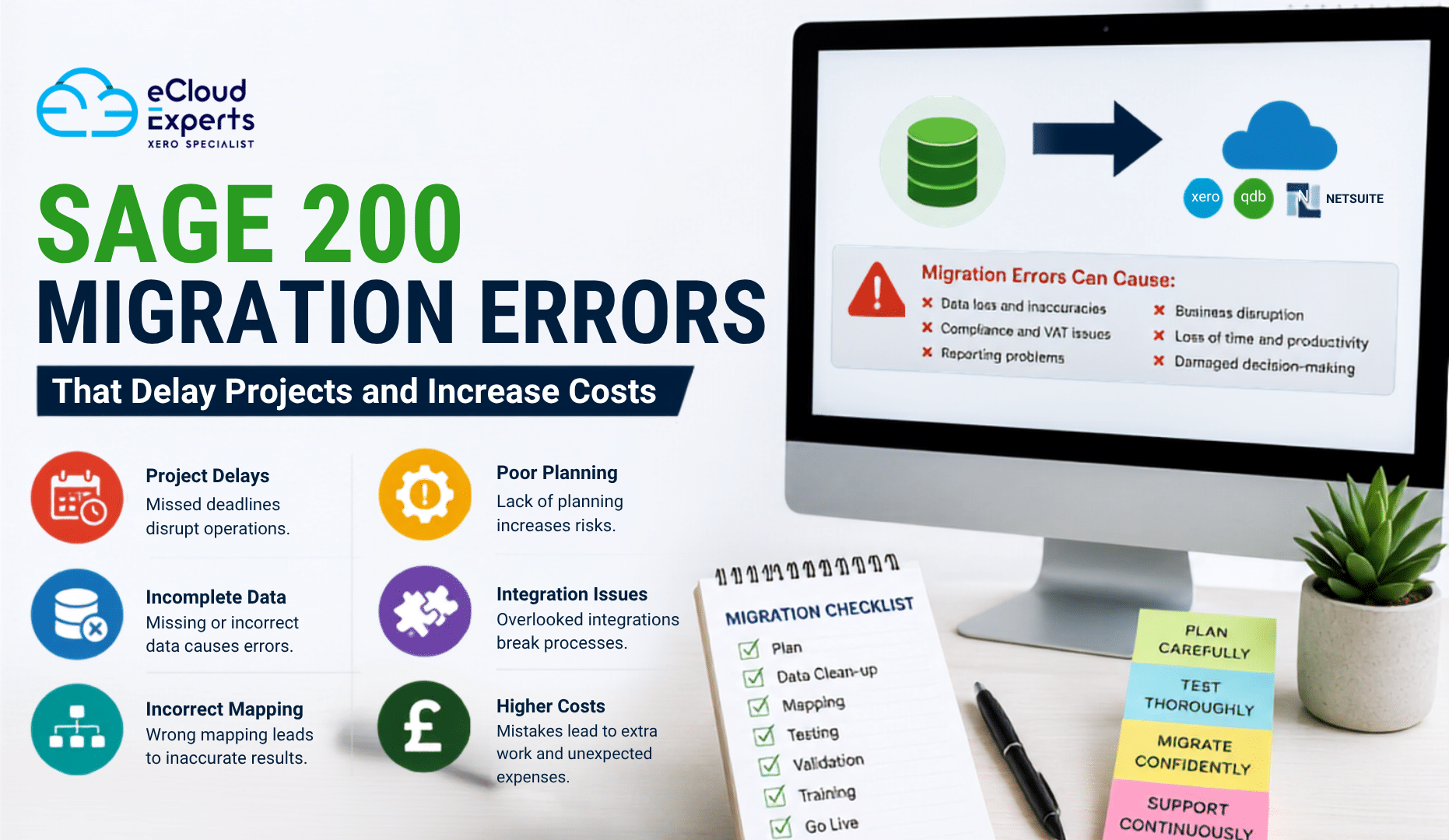
Migrating from Sage 200 to a modern cloud accounting platform is a major step for any business. Whether you are moving to Xero, QuickBooks Online, NetSuite, or another cloud solution, a successful migration can improve reporting, automate everyday tasks, strengthen collaboration, and provide better visibility into your finances.
However, many businesses underestimate the complexity of a migration project. They often assume it is simply a matter of exporting data from Sage 200 and importing it into a new system. In reality, a migration involves planning, data preparation, validation, testing, user training, and ongoing support.
Making mistakes during any of these stages can delay your project, increase costs, and create accounting issues that take weeks or even months to resolve.
The good news is that most Sage 200 migration errors are completely avoidable. With the right preparation and guidance, businesses can complete their migration smoothly while protecting the accuracy of their financial data.
In this guide, we explain the most common Sage 200 migration mistakes, why they happen, and how to avoid them.
Why Sage 200 Migration Projects Fail
A migration project affects much more than your accounting software. It impacts your finance team, management, reporting, sales processes, purchasing, inventory, payroll, and business operations.
When projects are rushed or poorly planned, small issues can quickly become expensive problems.
Some common consequences include:
- Delayed project completion
- Increased consultancy costs
- Incorrect financial reports
- Missing historical transactions
- Duplicate customer records
- VAT reporting issues
- Poor user adoption
- Business disruption
- Extra manual work
- Reduced confidence in financial data
Understanding these risks before your migration begins can save both time and money.
1. Starting Without a Proper Migration Strategy
One of the biggest Sage 200 migration errors is beginning the project without a detailed migration plan.
Many businesses focus on choosing new software but spend very little time planning how the migration will actually happen.
A migration strategy should include:
- Project timeline
- Responsibilities
- Data scope
- Testing stages
- User training
- Go live plan
- Risk management
- Backup procedures
Without clear planning, teams often experience confusion, duplicated work, and unexpected delays.
How to avoid this mistake
Create a detailed migration roadmap before any data is transferred. Define milestones, assign responsibilities, and allow enough time for testing and user training.
2. Migrating Poor Quality Data
Cloud accounting software is only as good as the data inside it.
Many businesses migrate years of duplicate customers, inactive suppliers, incorrect account codes, and outdated records simply because they never cleaned the database.
This creates unnecessary problems in the new system, including:
- Duplicate contacts
- Incorrect balances
- Confusing reports
- Poor dashboard accuracy
- Slower system performance
Migrating poor quality data simply transfers old problems into a new environment.
How to avoid this mistake
Review your Sage 200 database before migration. Archive unused records, remove duplicates, correct errors, and ensure your chart of accounts is organised.
3. Choosing the Wrong Migration Date
Timing plays a major role in every migration project.
Many businesses schedule migrations during their busiest financial periods, creating unnecessary pressure on employees.
Avoid migrating during:
- Financial year end
- Month end
- VAT submission periods
- Payroll processing
- Audit preparation
- Peak trading seasons
Trying to manage both daily operations and a migration at the same time often leads to mistakes.
How to avoid this mistake
Choose a quieter period whenever possible. Many organisations migrate over weekends or during holiday periods to minimise disruption.
4. Not Defining the Migration Scope
Another common Sage 200 migration error is failing to define exactly what information should be migrated.
Some businesses migrate far more data than they actually need.
Others migrate too little and later realise important information is missing.
Typical migration data includes:
- Chart of accounts
- Customers
- Suppliers
- Sales invoices
- Purchase invoices
- Credit notes
- Bank transactions
- Opening balances
- VAT records
- Fixed assets
- Inventory
- Projects
- Historical transactions
How to avoid this mistake
Agree on the migration scope before the project begins. Your migration partner should explain exactly what will and will not be transferred.
5. Ignoring Data Mapping
Every accounting system stores information differently.
One of the most overlooked Sage 200 migration errors is incorrect data mapping.
Examples include:
- Wrong account codes
- Incorrect VAT codes
- Missing departments
- Invalid tracking categories
- Incorrect customer references
Poor mapping often results in inaccurate reports after migration.
How to avoid this mistake
Carefully review mapping documents before migration begins and verify that every important field has been matched correctly.
6. Forgetting About Integrations
Many businesses use Sage 200 alongside other business software.
Examples include:
- CRM systems
- Ecommerce platforms
- Warehouse software
- Payroll software
- Payment gateways
- Reporting tools
- Expense management software
Ignoring these integrations can interrupt everyday operations after migration.
How to avoid this mistake
Create a complete list of connected applications and check whether each integration is compatible with your new accounting software.
7. Overlooking Custom Reports and Workflows
Many Sage 200 systems have been customized over several years.
Your business may rely on:
- Custom reports
- Automated workflows
- Bespoke dashboards
- Approval processes
- Industry specific configurations
These features may not exist in your new software without additional setup.
How to avoid this mistake
Review every custom process before migration and identify suitable alternatives where necessary.
8. Skipping Data Validation
Some businesses believe the migration is complete once the data has been imported.
In reality, validation is one of the most important parts of the project.
Every migration should compare:
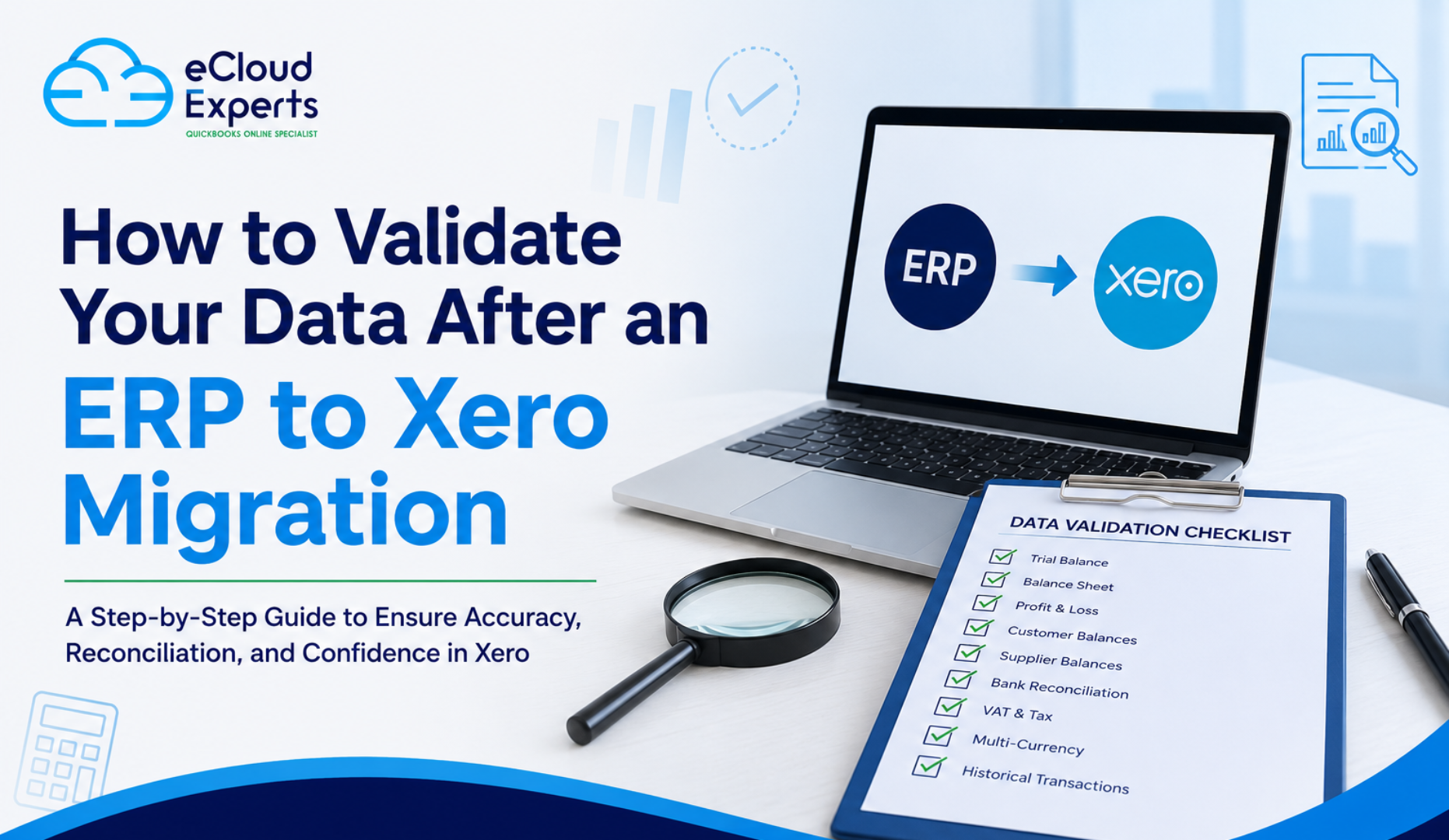
- Trial balance
- Balance sheet
- Profit and loss
- VAT reports
- Customer balances
- Supplier balances
- Bank balances
Without proper validation, errors may remain hidden until much later.
How to avoid this mistake
Carry out detailed reconciliation between Sage 200 and the new system before going live.
9. Not Testing Before Go Live
Testing allows businesses to identify issues before employees begin using the new software.
Skipping this stage can result in:
- Missing invoices
- Incorrect balances
- Reporting errors
- Broken integrations
- VAT problems
- User permission issues
Testing reduces risk and improves confidence.
How to avoid this mistake
Complete User Acceptance Testing (UAT) using real business scenarios before final migration.
10. Failing to Back Up Sage 200
Although professional migrations are carefully managed, unexpected issues can occur.
Without a secure backup, recovering lost information becomes much more difficult.
How to avoid this mistake
Create multiple secure backups before any migration work begins and store them safely until the project is complete.
11. Poor Communication Throughout the Project
Migration projects involve finance teams, managers, business owners, and external partners.
When communication is poor, misunderstandings become common.
Employees may not know:
- When migration will happen
- What will change
- How their work will be affected
- Who to contact for support
This creates confusion and slows adoption.
How to avoid this mistake
Provide regular updates throughout the project and involve key stakeholders from the beginning.
12. Skipping Staff Training
A successful migration does not end when data has been transferred.
Employees need confidence using the new software.
Without training, businesses often experience:
- Incorrect data entry
- Slower processing
- Reporting mistakes
- Increased support requests
- Reduced productivity
How to avoid this mistake
Deliver role specific training before and after go live to help users adapt quickly.
13. Underestimating Historical Data Requirements
Many businesses only realise after migration that they still need access to historical transactions for reporting, audits, or compliance.
This can result in additional work and unexpected costs.
How to avoid this mistake
Decide early how much historical information should be migrated and what can remain archived.
14. Choosing a Provider Based Only on Price
Migration is a specialist service.
Choosing the cheapest provider can sometimes cost much more in the long run.
An experienced migration specialist understands:
- Data mapping
- Financial reconciliation
- VAT compliance
- Multi currency transactions
- Inventory migration
- Historical data
- Project management
Expert guidance helps avoid expensive mistakes.
How to avoid this mistake
Choose a migration partner with proven Sage 200 migration experience and a structured migration methodology.
How Sage 200 Migration Errors Increase Costs
Many businesses budget only for the migration fee itself.
Unfortunately, mistakes often create additional hidden costs that exceed the original project budget.
| Migration Error | Business Impact |
| Poor planning | Longer implementation time |
| Dirty data | Extra cleanup work |
| Incorrect mapping | Financial corrections |
| No testing | Unexpected post migration fixes |
| Missing integrations | Operational disruption |
| Lack of training | Lower staff productivity |
| Reporting errors | Extra consultancy fees |
| VAT mistakes | Compliance risks |
| Project delays | Increased internal costs |
Investing in proper planning is almost always more cost effective than fixing migration mistakes later.
Best Practices for a Successful Sage 200 Migration
Following proven best practices greatly improves the chances of a successful migration.
Successful projects typically include:
- Detailed project planning
- Complete data assessment
- Data cleansing
- Defined migration scope
- Accurate data mapping
- Secure backups
- Pilot migration
- User acceptance testing
- Financial validation
- Staff training
- Post migration support
These steps help reduce risk while improving accuracy and user confidence.
Why Businesses Choose eCloud Experts
At eCloud Experts, we have helped businesses migrate from Sage 200 and many other accounting systems to leading cloud accounting platforms.
Our migration specialists understand that every organisation has different reporting requirements, historical data needs, and operational processes.
Our structured migration approach includes:
- Discovery and planning
- Data assessment
- Data preparation
- Secure migration
- Financial reconciliation
- Report validation
- Integration review
- User testing
- Staff training
- Post migration support
Whether you are migrating to Xero, QuickBooks Online, NetSuite, or another cloud accounting platform, our team works to minimise disruption while protecting the accuracy of your financial data.
Frequently Asked Questions
1. What are the most common Sage 200 migration errors?
The most common Sage 200 migration errors include poor planning, migrating outdated or inaccurate data, incorrect data mapping, skipping testing, overlooking integrations, and failing to train users. These issues can delay the project and increase overall migration costs.
2. How can I avoid delays during a Sage 200 migration?
The best way to avoid delays is to create a detailed migration plan, clean your data before migration, define the project scope, test the new system thoroughly, and work with an experienced migration specialist who follows a structured migration process.
3. Can historical data be migrated from Sage 200?
Yes. Historical transactions, customer records, supplier data, invoices, bank transactions, and other financial information can often be migrated. The amount of historical data transferred depends on your business requirements and the destination accounting software.
4. Why is data validation important after a Sage 200 migration?
Data validation ensures that financial information has been transferred correctly. Important reports such as the trial balance, balance sheet, profit and loss, VAT reports, and customer and supplier balances should all be checked before the new system goes live.
5. Should I clean my Sage 200 data before migration?
Yes. Cleaning your data before migration helps remove duplicate records, inactive customers and suppliers, incorrect account codes, and outdated information. This improves data accuracy and makes your new accounting system more reliable.
Conclusion
Most Sage 200 migration errors are not caused by software. They happen because of poor planning, inaccurate data, skipped testing, or lack of experience.
By preparing your data, defining a clear migration strategy, validating every stage of the project, and working with an experienced migration specialist, your business can avoid unnecessary delays and unexpected costs.
A successful migration is more than moving data. It is about creating a reliable financial system that supports better reporting, improved efficiency, and future business growth.
Taking the time to plan your migration properly today can save significant time, money, and frustration in the future.
Ready to Migrate from Sage 200 with Confidence?
A Sage 200 migration does not have to be stressful or risky. With the right planning and experienced guidance, you can move to a modern cloud accounting system while protecting your financial data and keeping your business running smoothly.
At eCloud Experts, we specialise in secure Sage 200 migration services for businesses of all sizes. Our team manages every stage of the project, from planning and data preparation to validation, testing, training, and post migration support.
Whether you are moving to Xero, QuickBooks Online, NetSuite, Zoho Books, FreshBooks, or another cloud accounting platform, we are here to help you achieve a smooth and successful migration.
Get in touch with eCloud Experts today to discuss your migration requirements, request a free consultation, and discover how we can help you complete your Sage 200 migration accurately, efficiently, and with confidence.